




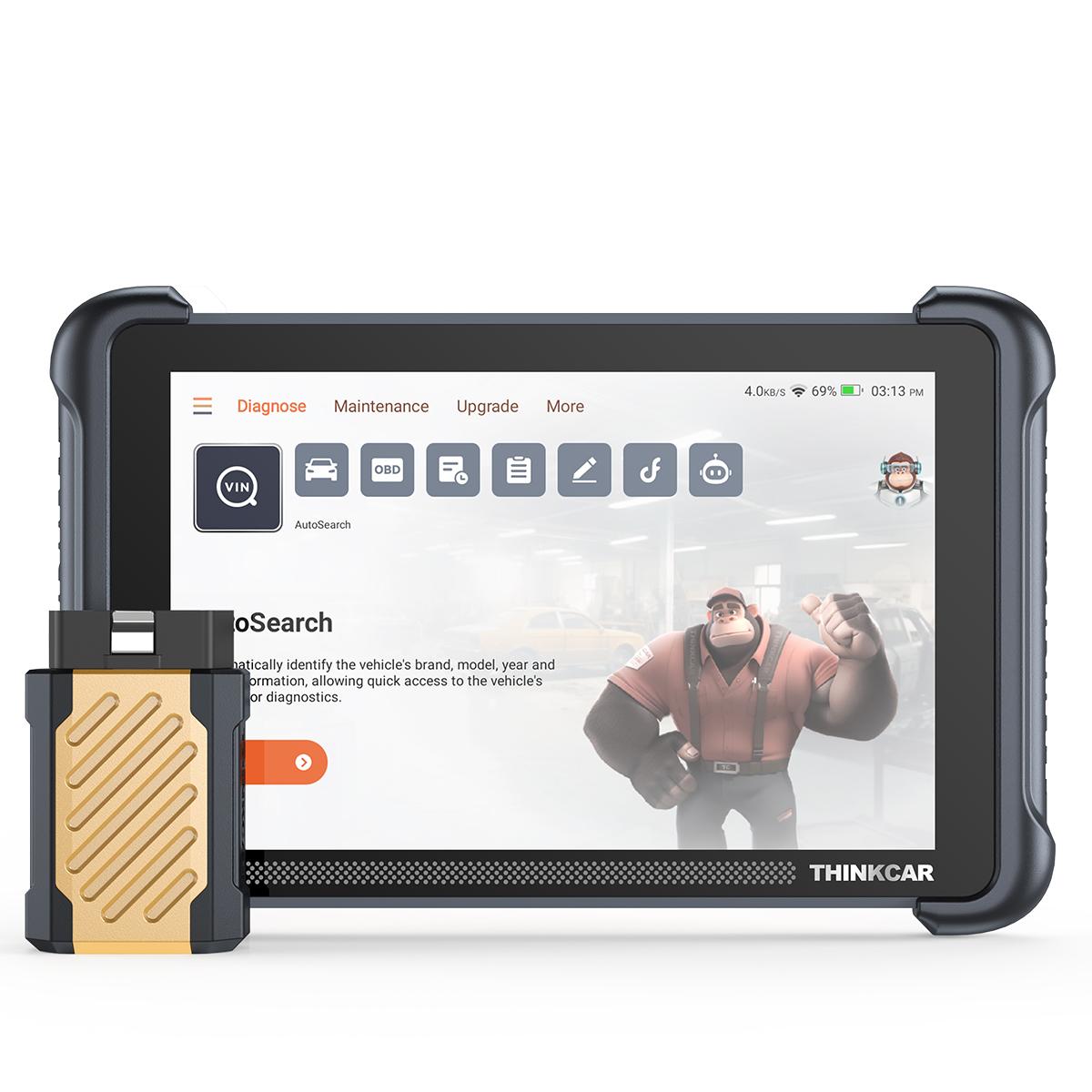
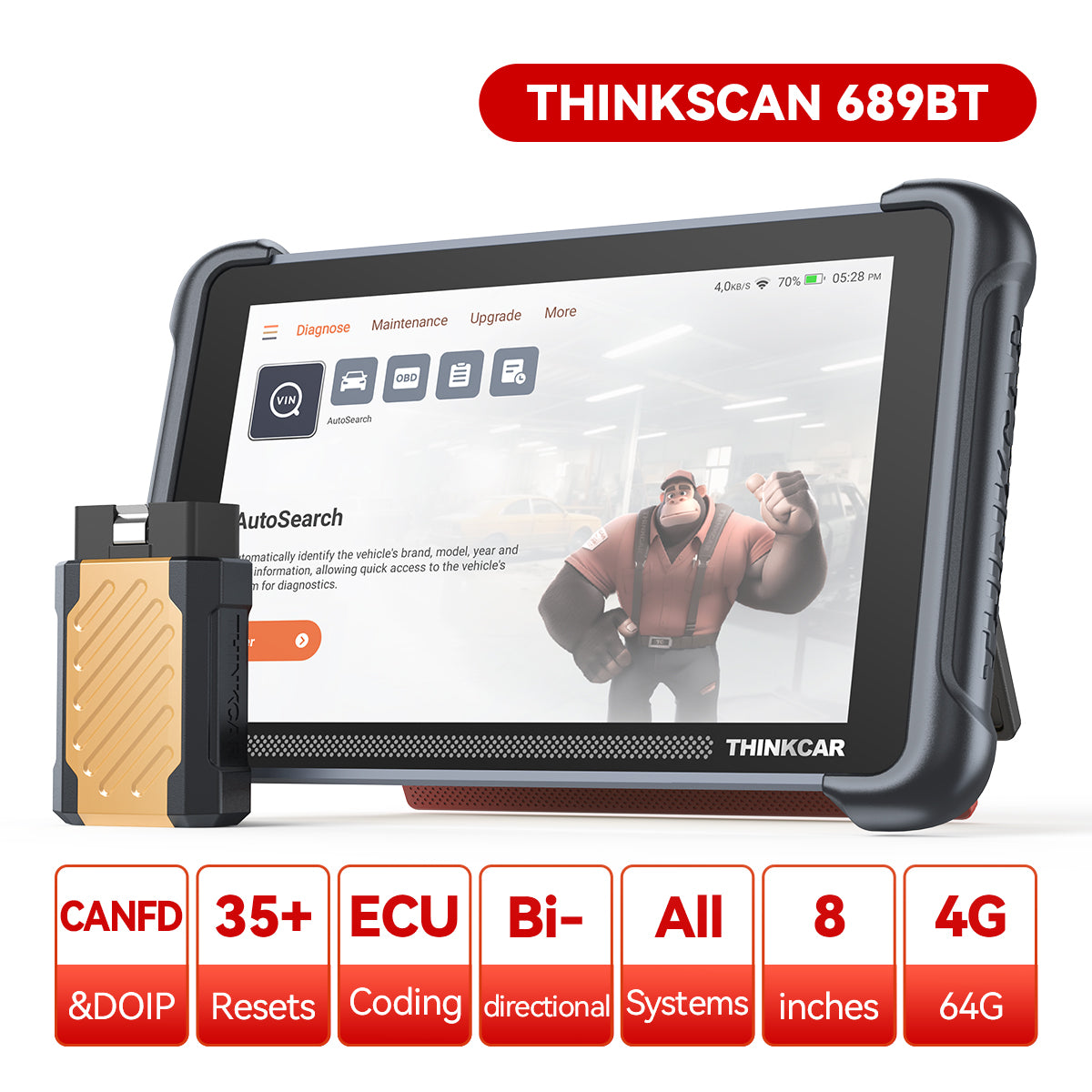

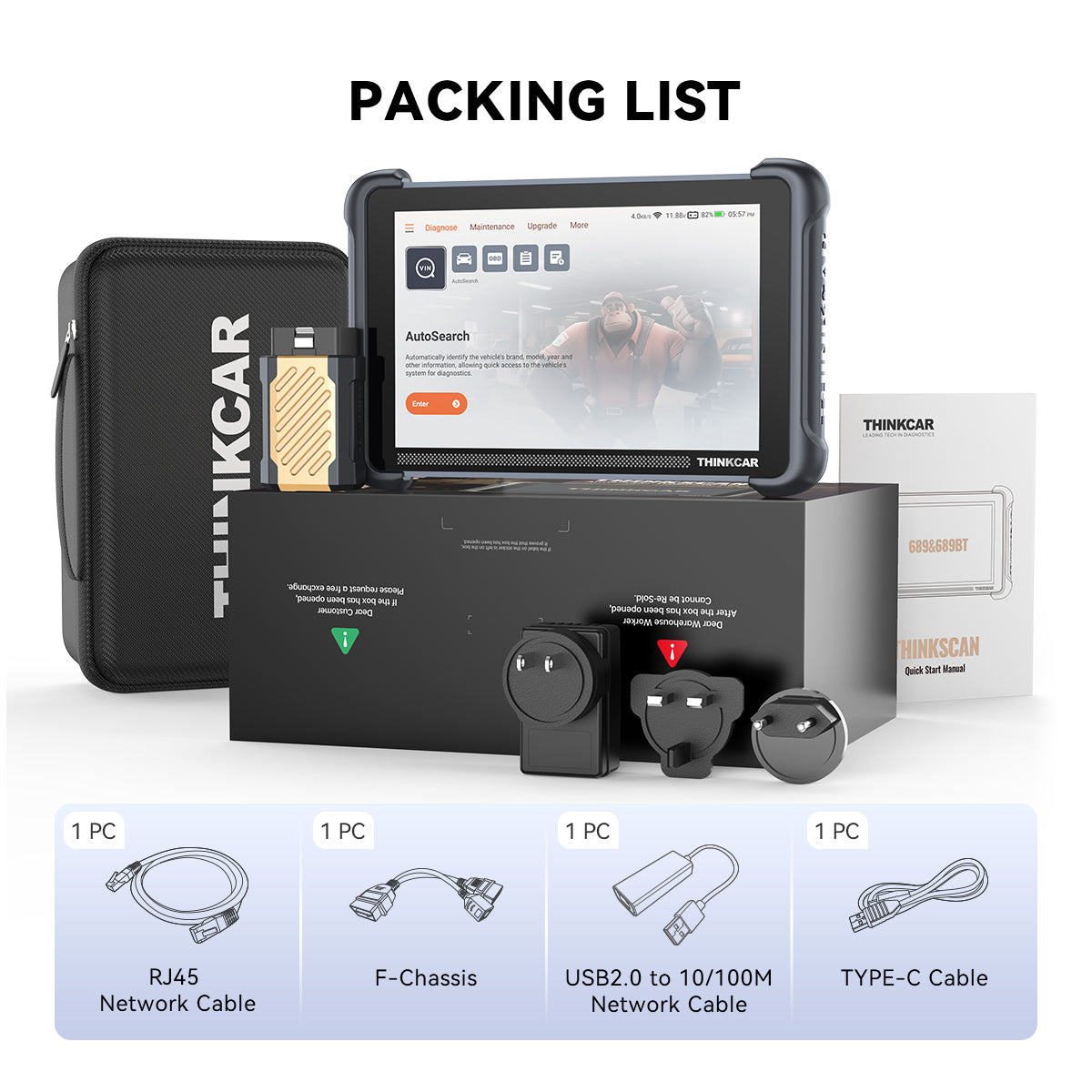
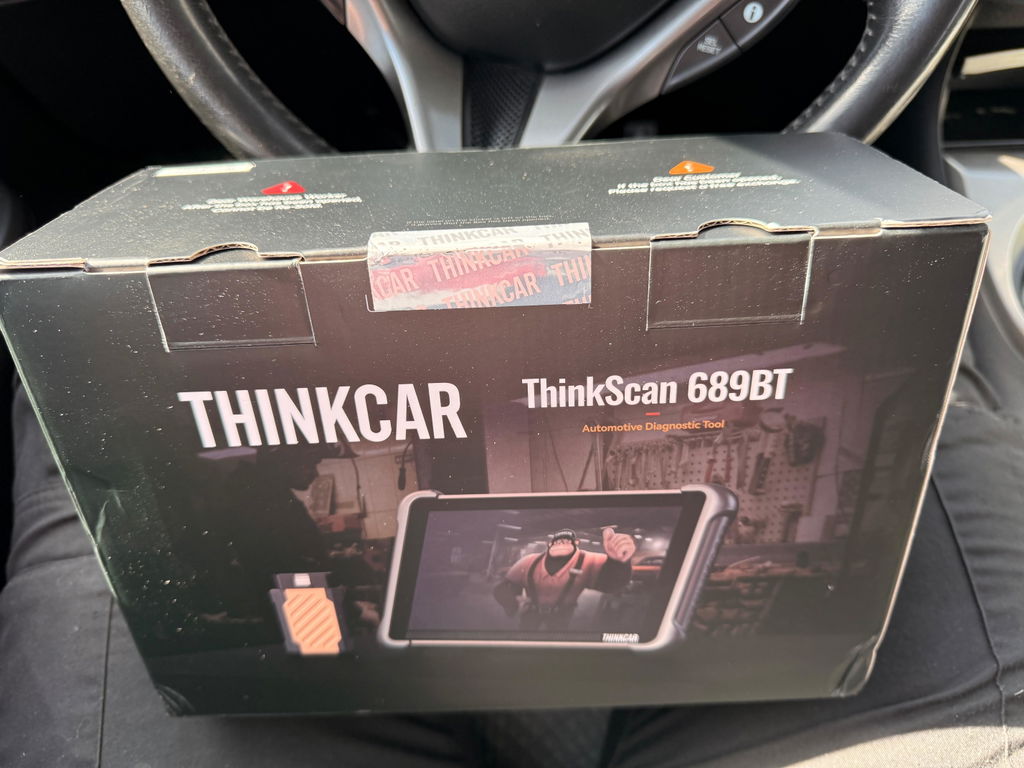
THINKSCAN 689BT
Sale price$499.94Regular price
$639.94Save $140.00
Save
$25
Product Features:
In Stock — Ships Fast From Local Warehouse
Your THINKCAR device ships directly from our US warehouse.
- Usually ships within 1 business day
- Fast domestic delivery
- Tracking details emailed after shipment
Shipping Partners
30-Day Returns | 1-Year Warranty | Lifetime Support
Payment Methods
THINKSCAN 689BT
Sale price$499.94Regular price
$639.94
THINKSCAN 689BT

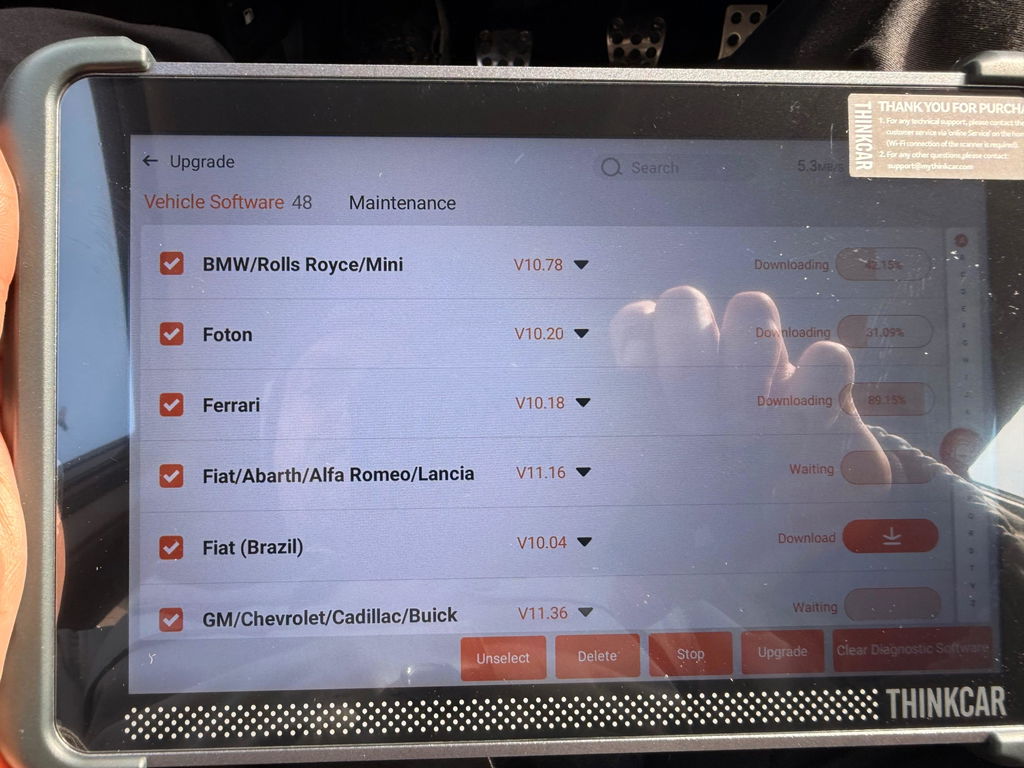
Ongoing Software & Coverage Updates

ECU Coding

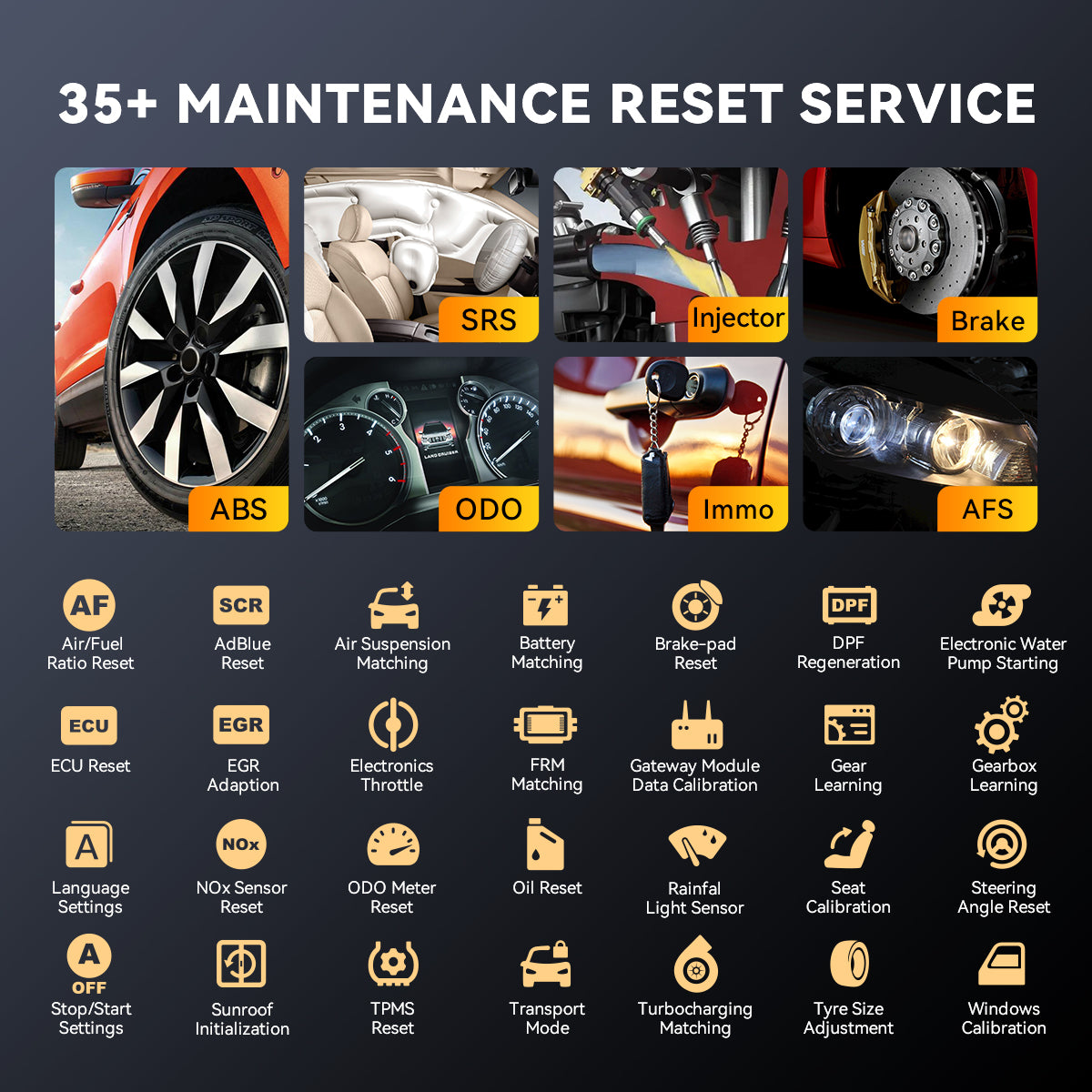
Service Functions

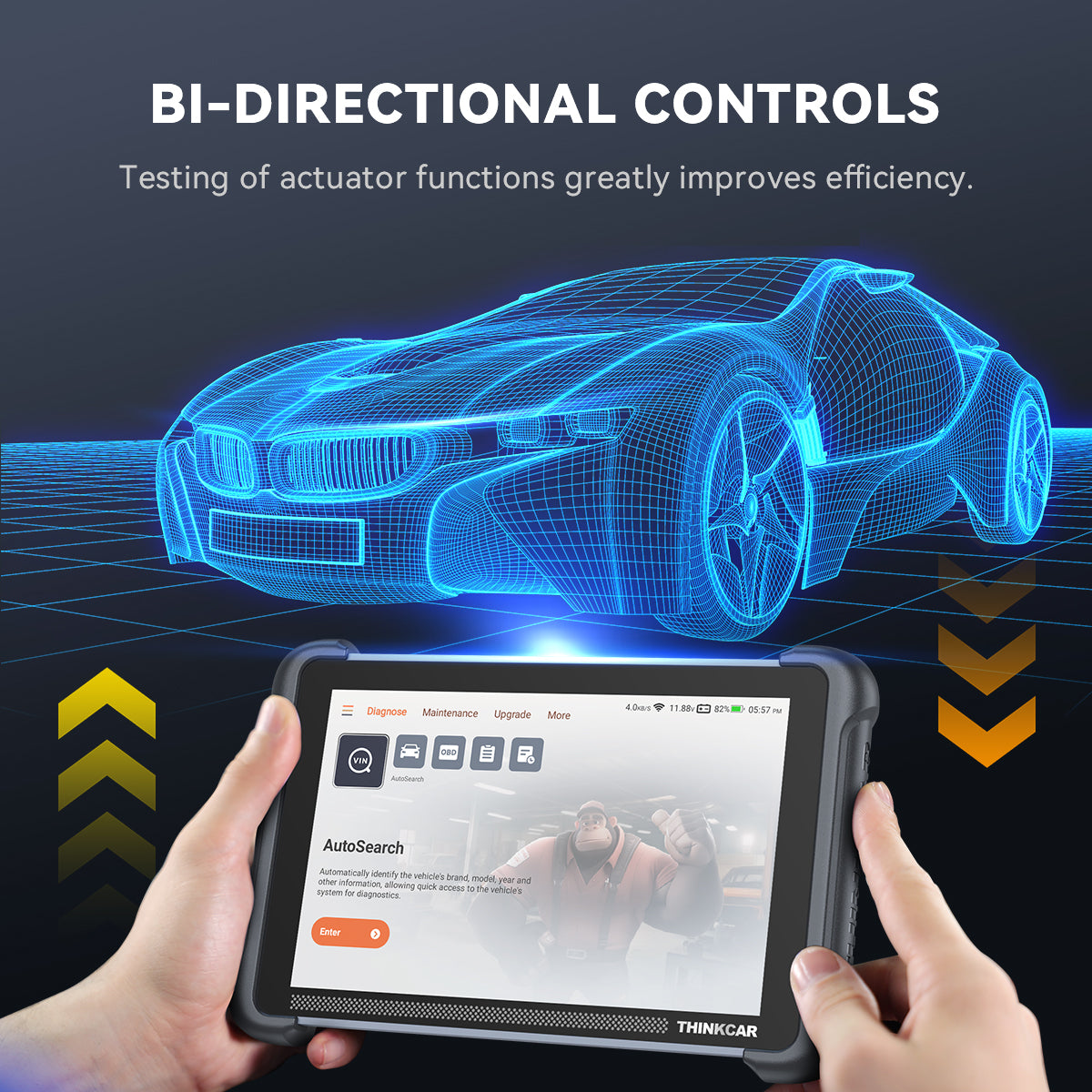
Bi-directional Control

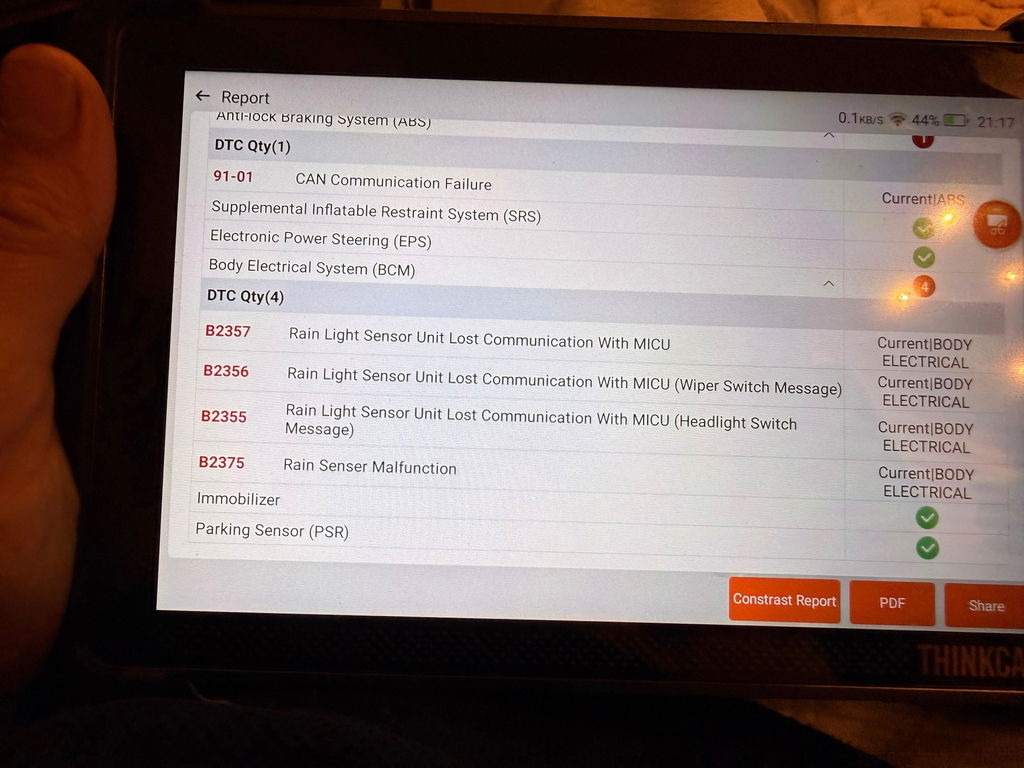
AI-assisted Diagnostics

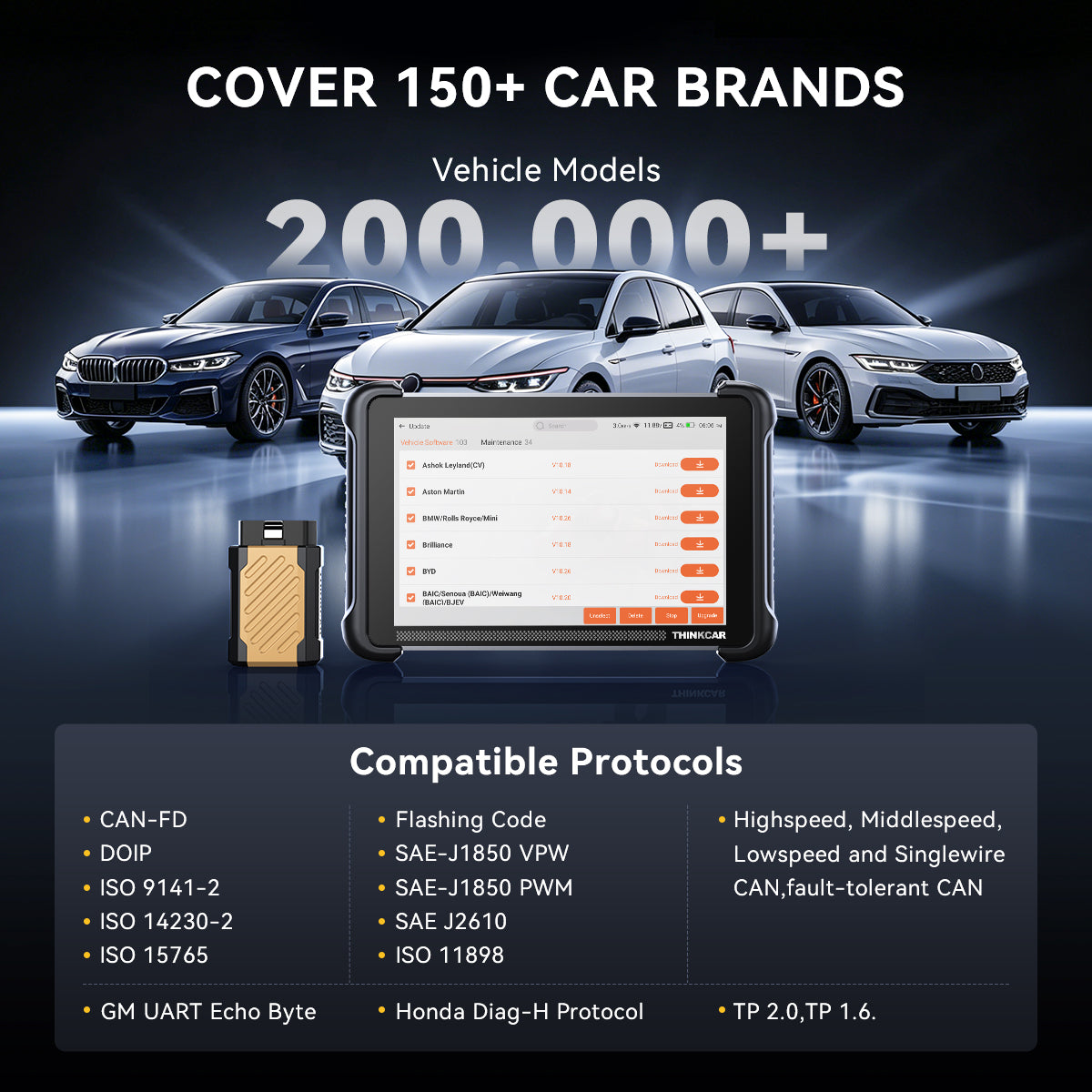
120+ Vehicle Brands
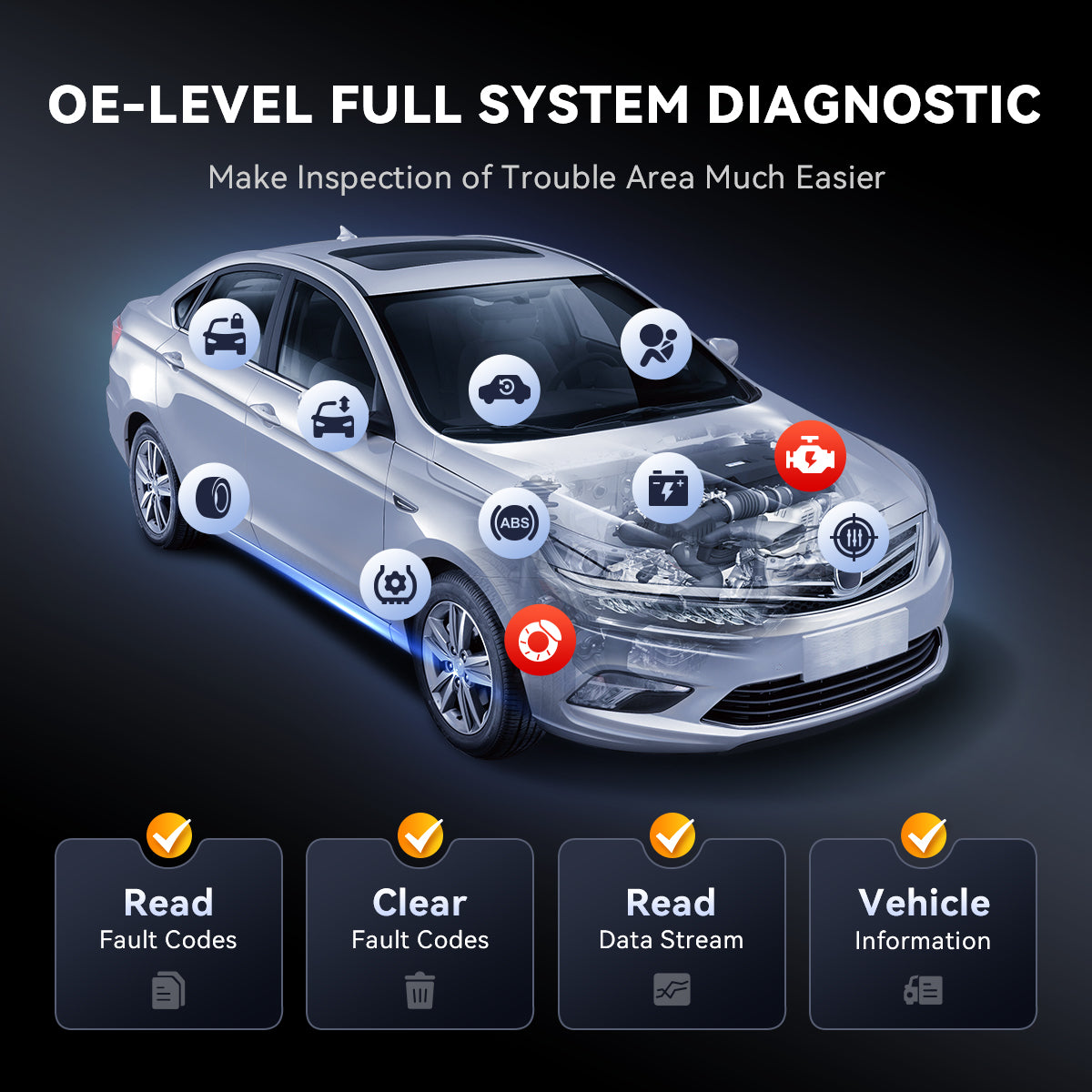
Full-System Diagnostics on Supported Vehicles

CAN-FD & DoIP
FCA AutoAuth Support*
See the Whole Vehicle
Diagnose with Confidence
Advanced diagnostics built to help you find, understand, test, and service vehicle problems with confidence.

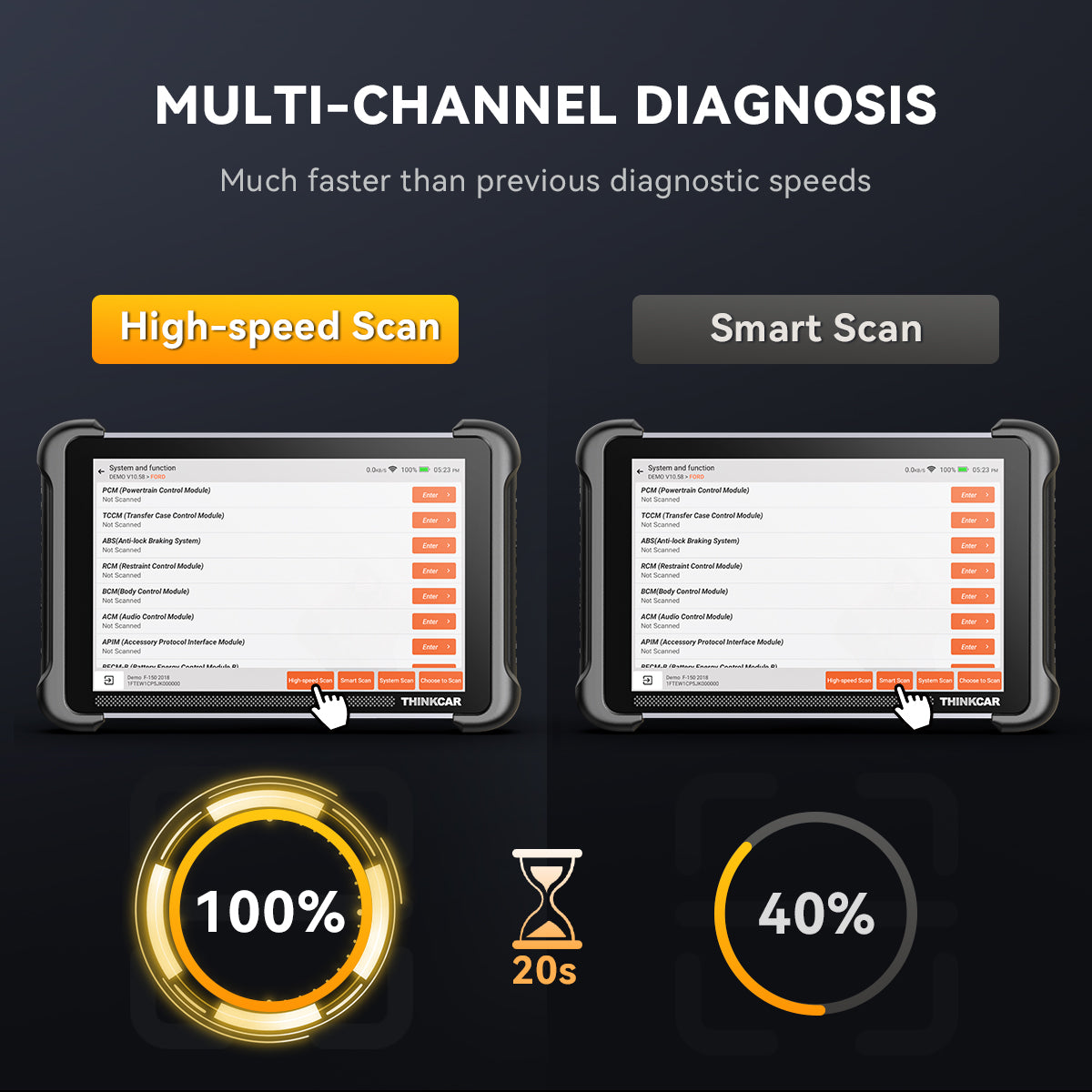
Faster Scans. Smoother Diagnostics
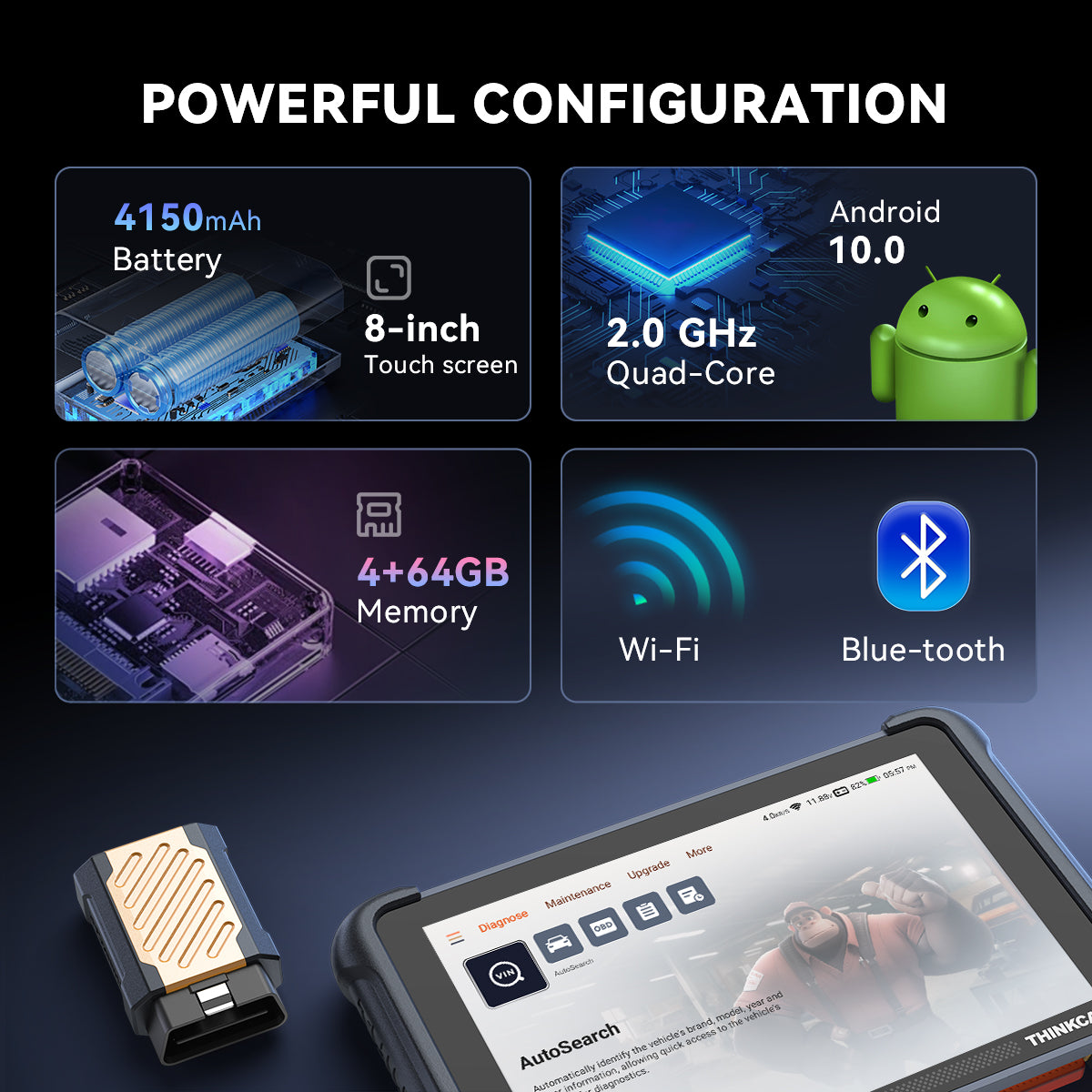
Powered by a quad-core processor and upgraded runtime memory, THINKSCAN 689BT delivers faster system scans, smoother navigation, and more responsive everyday diagnostics.

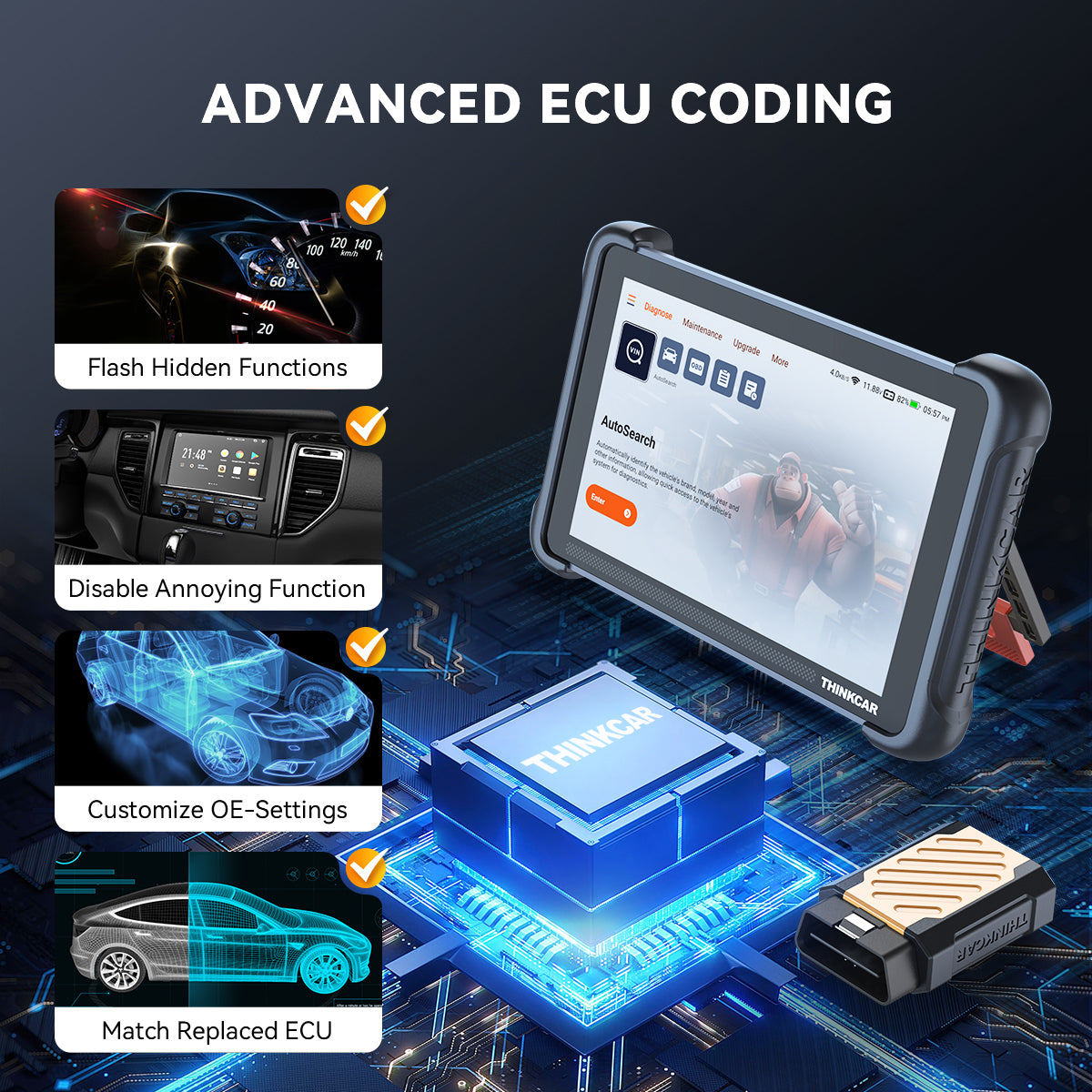
Go Deeper with Supported ECU Coding
Use supported ECU coding to handle more advanced vehicle configuration, matching, and personalization tasks. Key applications include:
- Module Replacement & Matching: Code and match supported replacement modules after installation.
- Vehicle Personalization: Customize supported vehicle settings to match driver preferences.
- Retrofit & Configuration: Configure supported added or upgraded components after installation.

35+ Reset Functions. More Jobs Covered
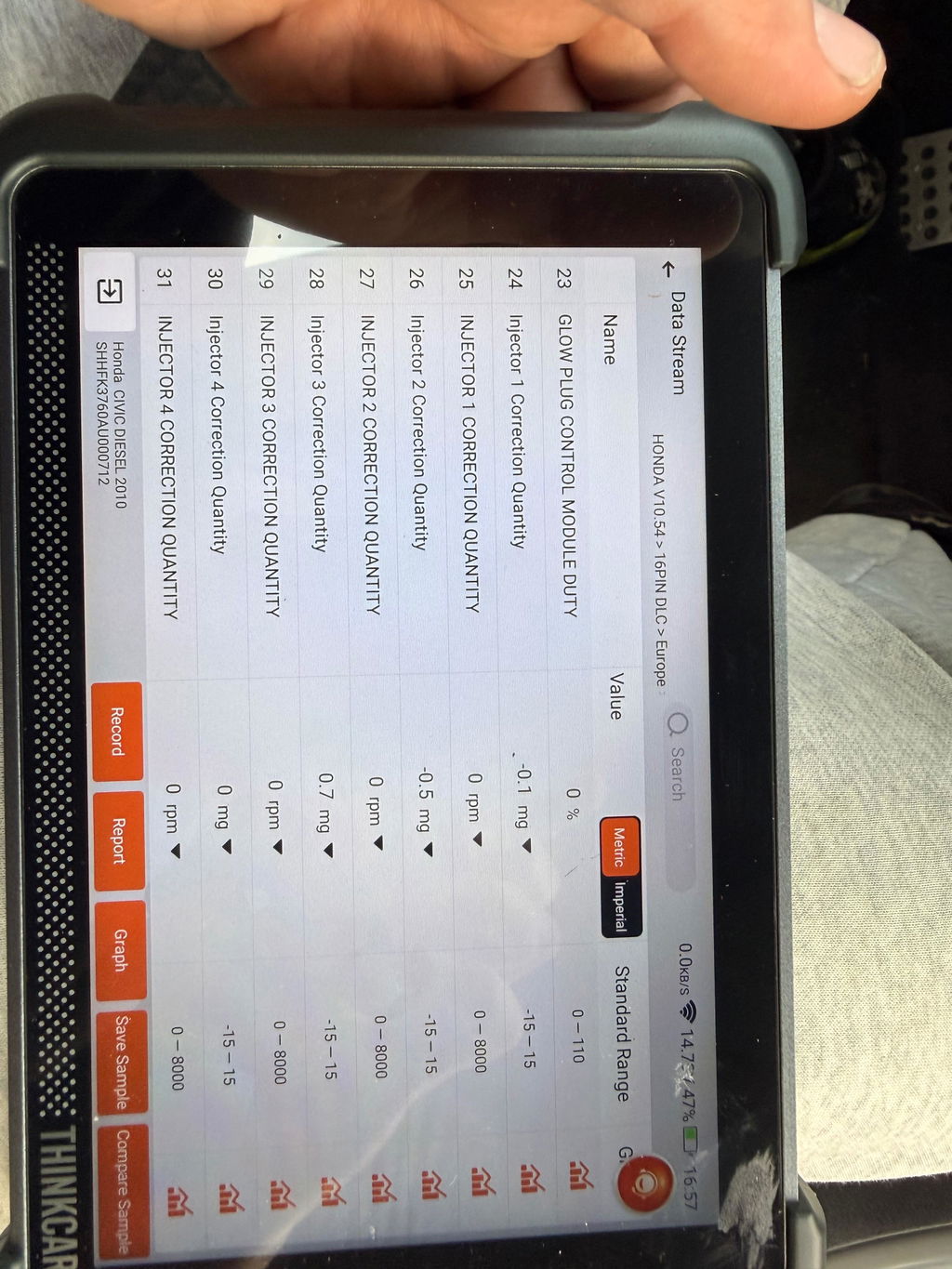
Handle 35+ commonly used reset and service functions with THINKSCAN 689BT, covering most everyday maintenance needs. From Oil Reset, EPB, BMS, SAS Calibration, and ABS Bleeding to Injector Coding, Gearbox Match, Suspension, Crankshaft Relearn, Clutch, Turbo Reset, and more—all from one diagnostic tool.


Specifications
Touchscreen
8-inch
Resolution
1280*800
Battery Capacity
4150mAh/3.8V
CPU
2.0GHz Quad-Core
RAM
4GB
Storage
64GB
Operating System
Android 10
Bluetooth
Bluetooth 5.0
Working Environment
0–50°C (32–122°F)
Storage Environment
-20–60°C (-4–140°F)
Working voltage
9–18V
Working current
≤1.2A
See ThinkScan 689BT in Action
FAQs
What languages does the THINKSCAN 689BT support?
The THINKSCAN 689BT supports 30 languages, including English, German, Spanish, French, Italian, Portuguese, Japanese, Russian, Polish, Turkish, Dutch, Hungarian, Traditional Chinese, Korean, Greek, Slovak, Romanian, Arabic, Croatian, Slovenian, Finnish, Czech, Swedish, Danish, Persian, Serbian, Vietnamese, Bulgarian, Ukrainian, and Indonesian.
What does AI Repair Guidance actually do?
It helps interpret fault information, identify possible causes, and suggest the next diagnostic steps so you can approach repairs with clearer direction.
Can I upgrade the THINKSCAN 689BT to THINKSCAN 689BT PRO later?
No. The THINKSCAN 689BT and THINKSCAN 689BT PRO are separate product configurations.
THINKSCAN 689BT PRO adds Vehicle Topology Mapping and J2534 Pass-Thru hardware capability, so the standard 689BT cannot be converted into the PRO model through a software update, paid activation, or VCI replacement.
If you expect to need advanced network diagnostics or OEM programming workflows, consider the THINKSCAN 689BT PRO from the start.
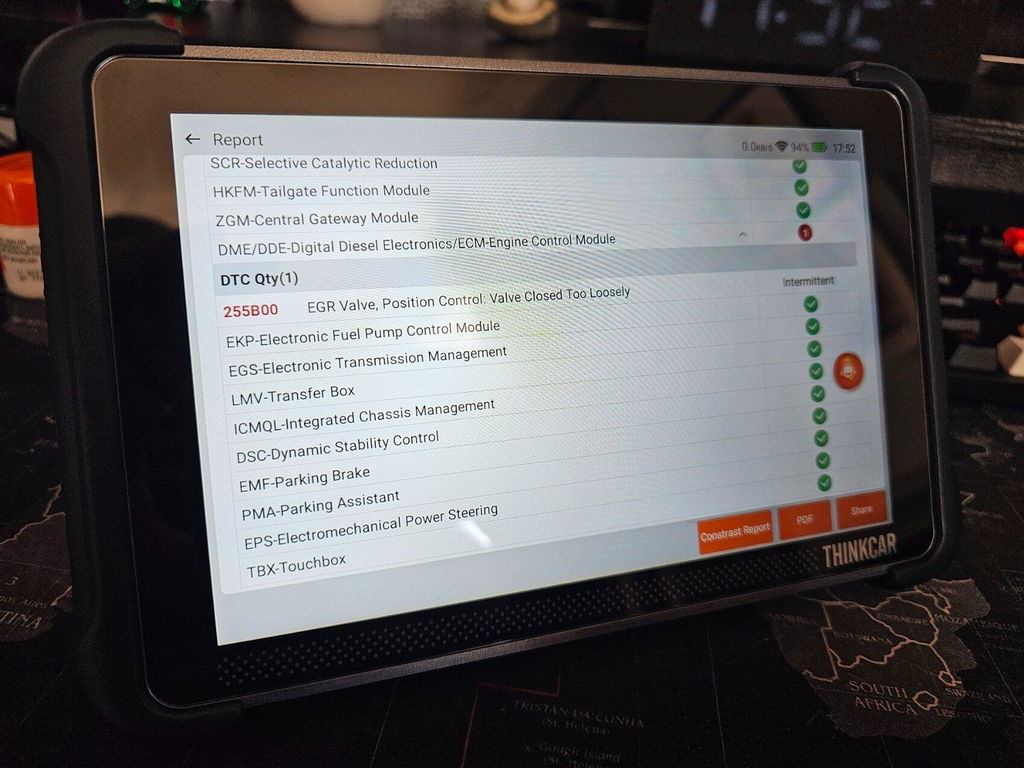
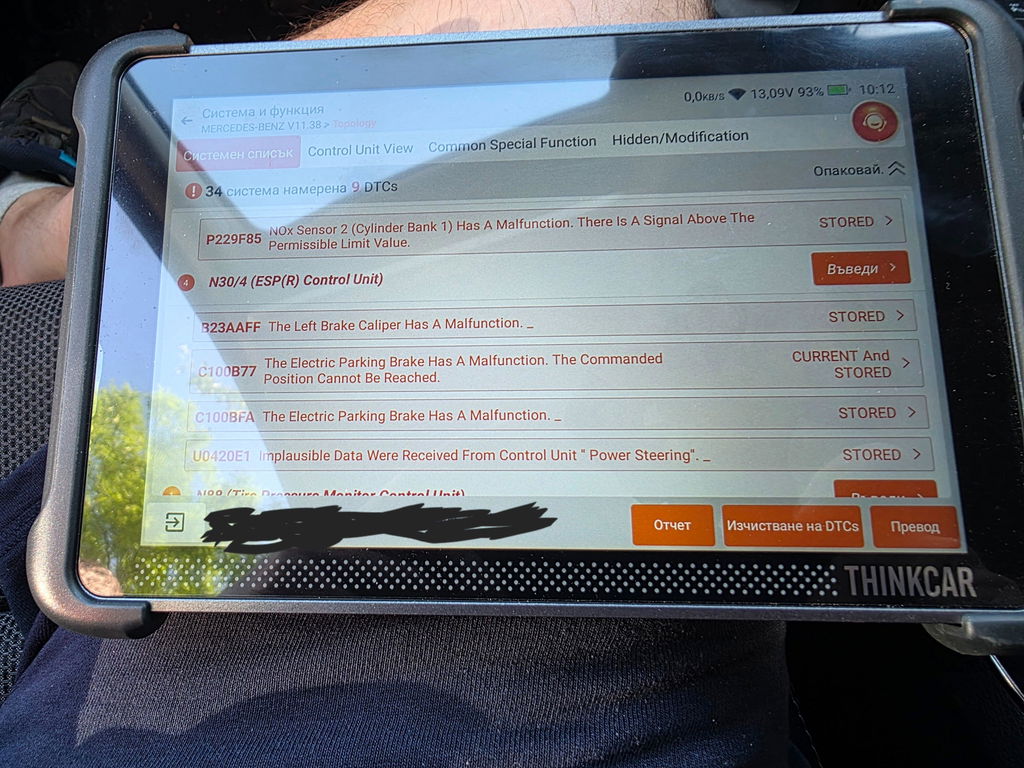
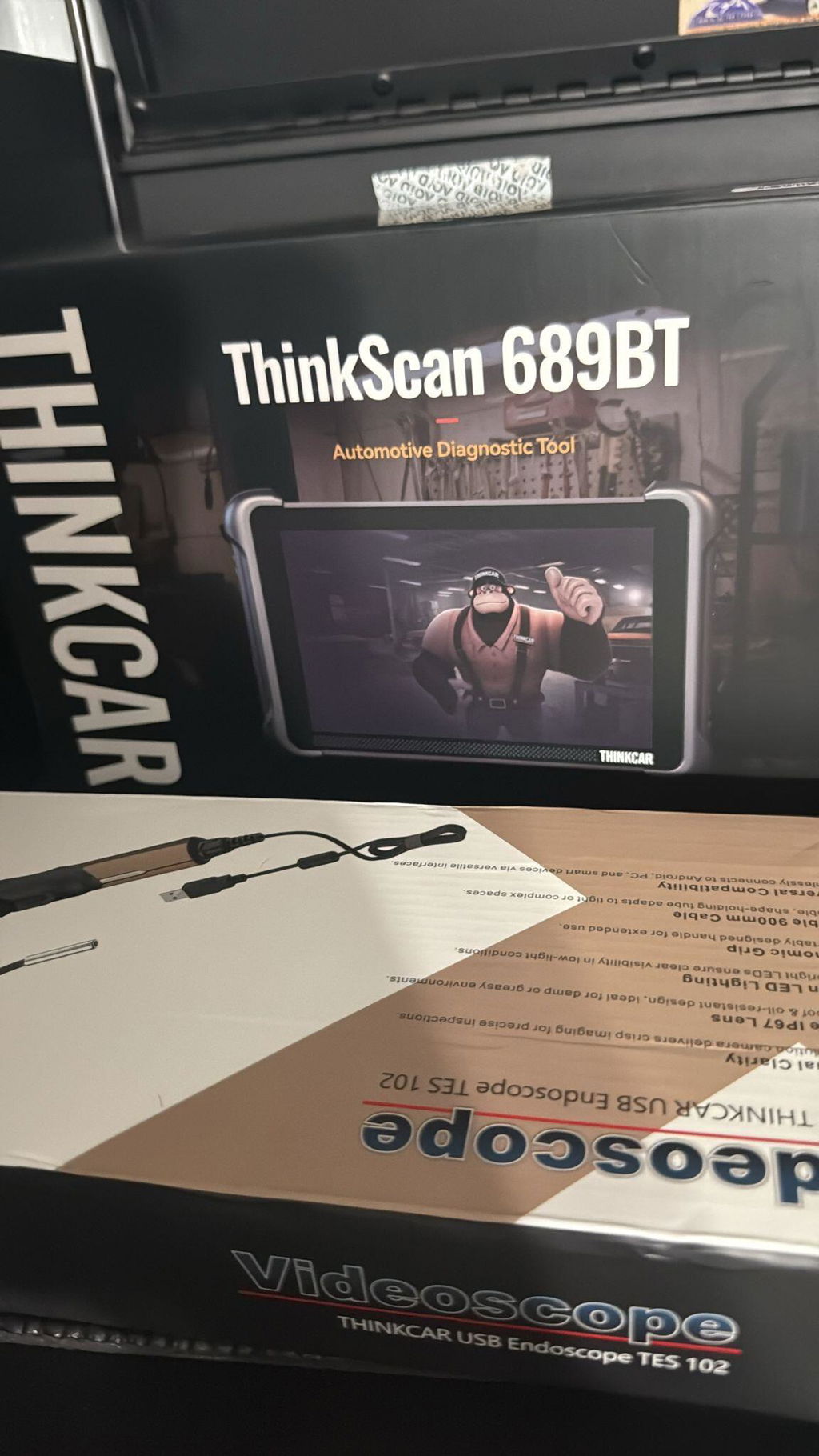
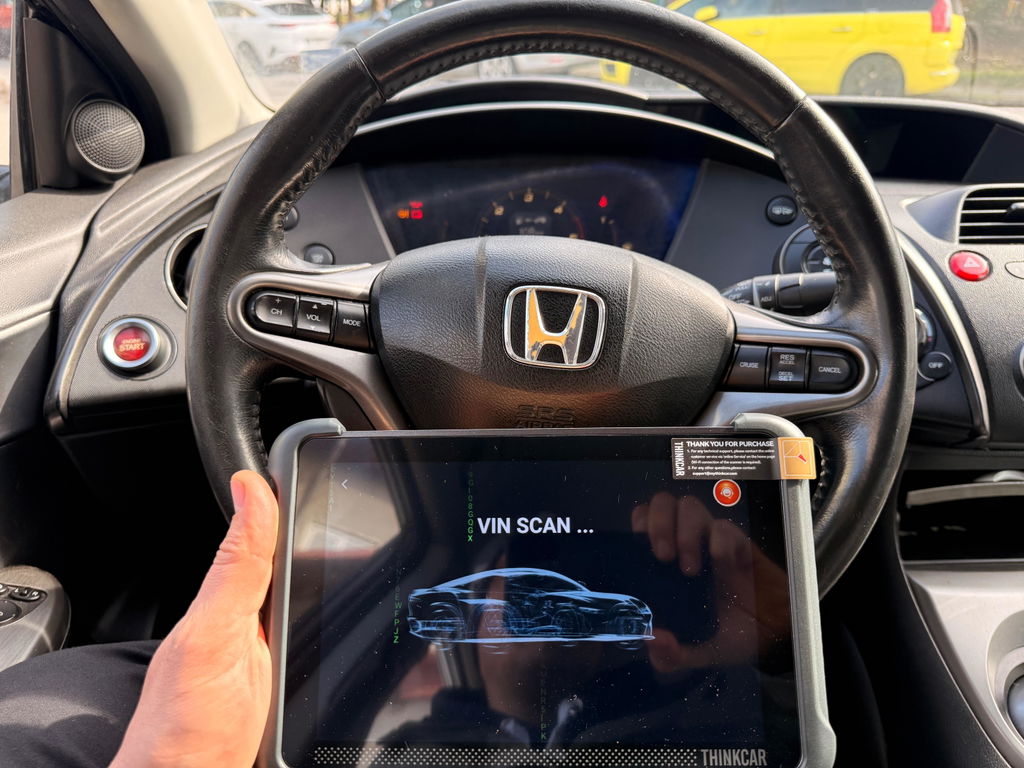
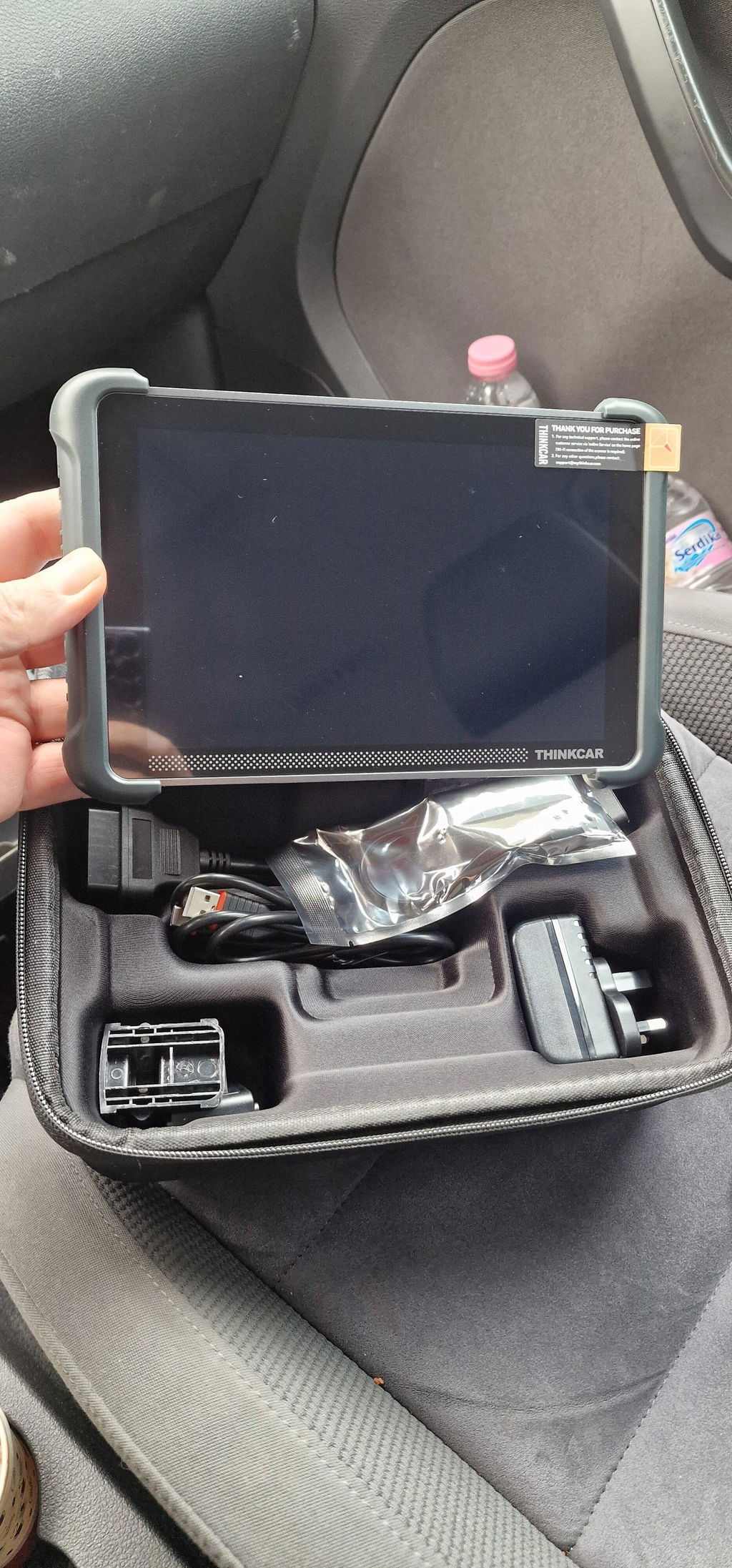
Selected 5-star store reviews
Real experiences.
Helpful support.
A few words about shopping with Mythinkcar. Feedback about our store and service, not THINKSCAN 689BT product ratings.
4.8/ 5
TrustScore · 833 store reviews
- Store feedback
“Great quick service very professional”
- Store feedback
“Great service and to the point. All questions answered.”
- Store feedback
“Fast delivery, quick response,...”
Swipe for more selected reviews →
Selected 5-star excerpts, not all reviews. Overall TrustScore and review count include all star ratings.
