



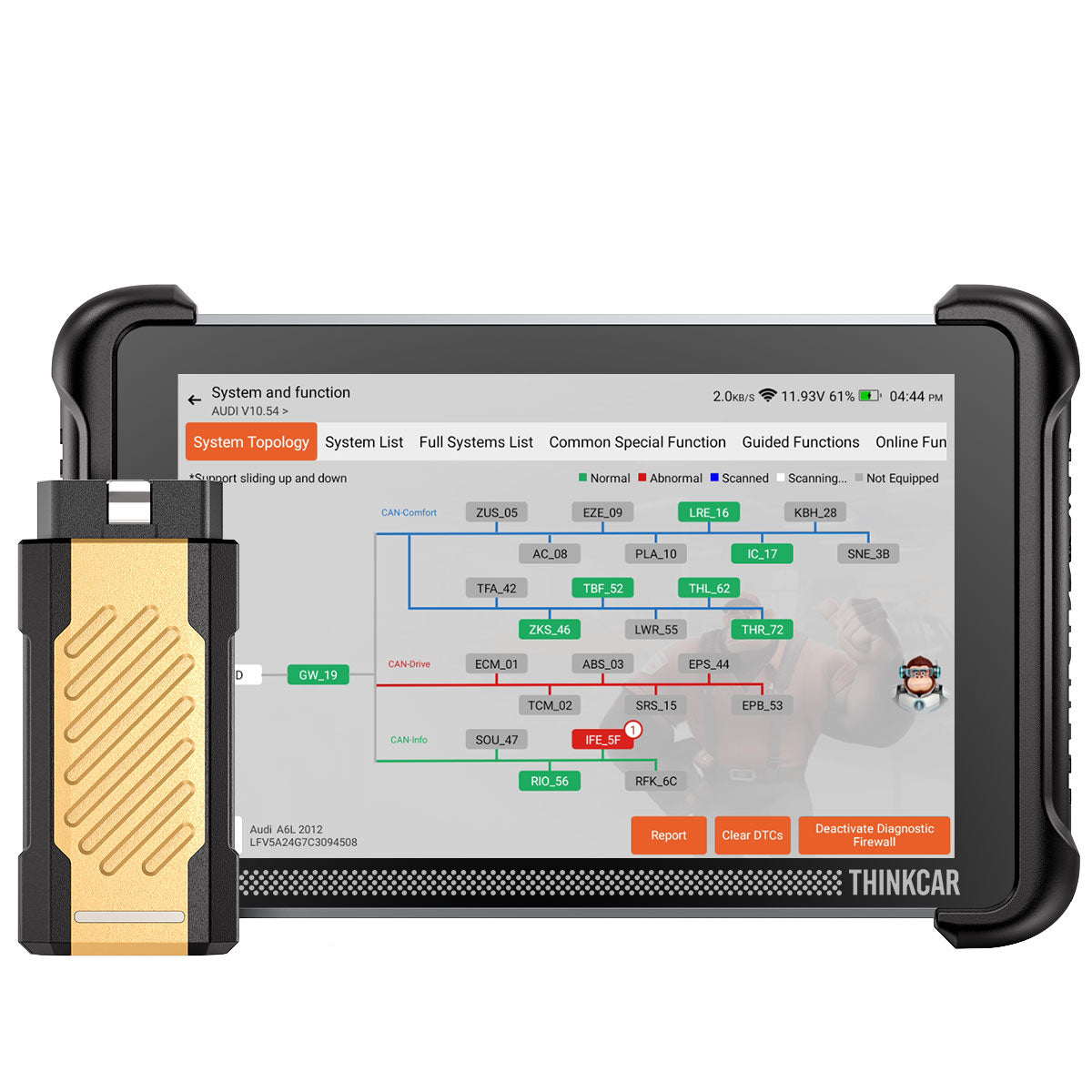


THINKSCAN 689BT PRO
Sale price$799.00Regular price
$969.00Save $170.00
Save
$119
Product Features:
In Stock — Ships Fast From Local Warehouse
Your THINKCAR device ships directly from our US warehouse.
- Usually ships within 1 business day
- Fast domestic delivery
- Tracking details emailed after shipment
Shipping Partners
30-Day Returns | 1-Year Warranty | Lifetime Support
Flexible Payment Options
THINKSCAN 689BT PRO
Sale price$799.00Regular price
$969.00
If you have any questions, you are always welcome to contact us. We'll get back to you as soon as possible, within 24 hours on weekdays.
-
Shipping Information
Use this text to answer questions in as much detail as possible for your customers.
-
Customer Support
Use this text to answer questions in as much detail as possible for your customers.
-
FAQ閳ユ獨
Use this text to answer questions in as much detail as possible for your customers.
-
Contact Us
Use this text to answer questions in as much detail as possible for your customers.
THINKSCAN 689BT PRO
Go Beyond the Scan
Take On More Repair Jobs
Trace faults faster, access OEM software, and move from diagnosis to repair with greater confidence.
Get the highlights.


ONE WORKFLOW. THREE PRO UPGRADES.
See it. Understand it. Repair it.
From fault location to repair decisions, 689BT PRO helps you diagnose deeper and handle more complex jobs.

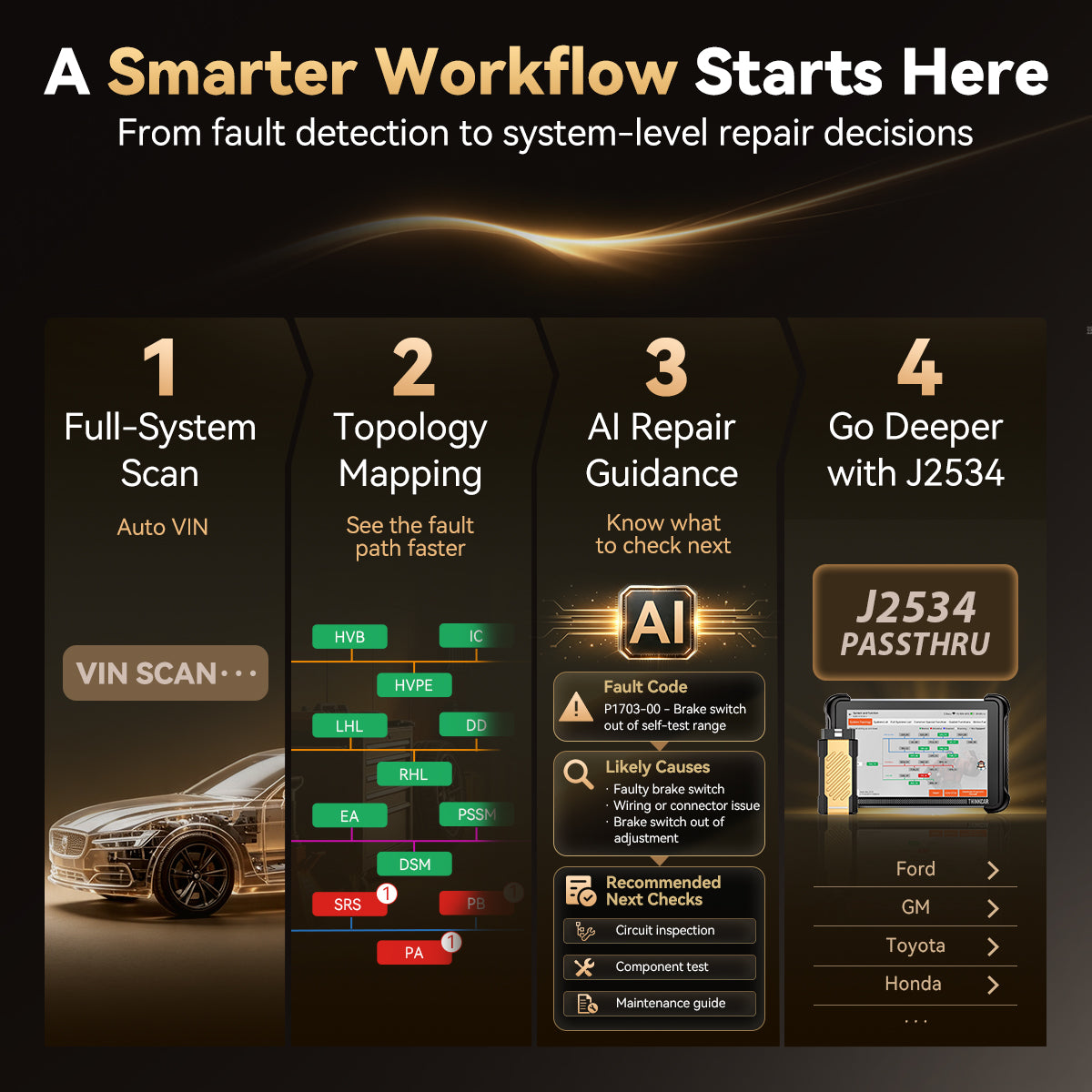
01 · FIND
Find the fault faster with a clear system view.
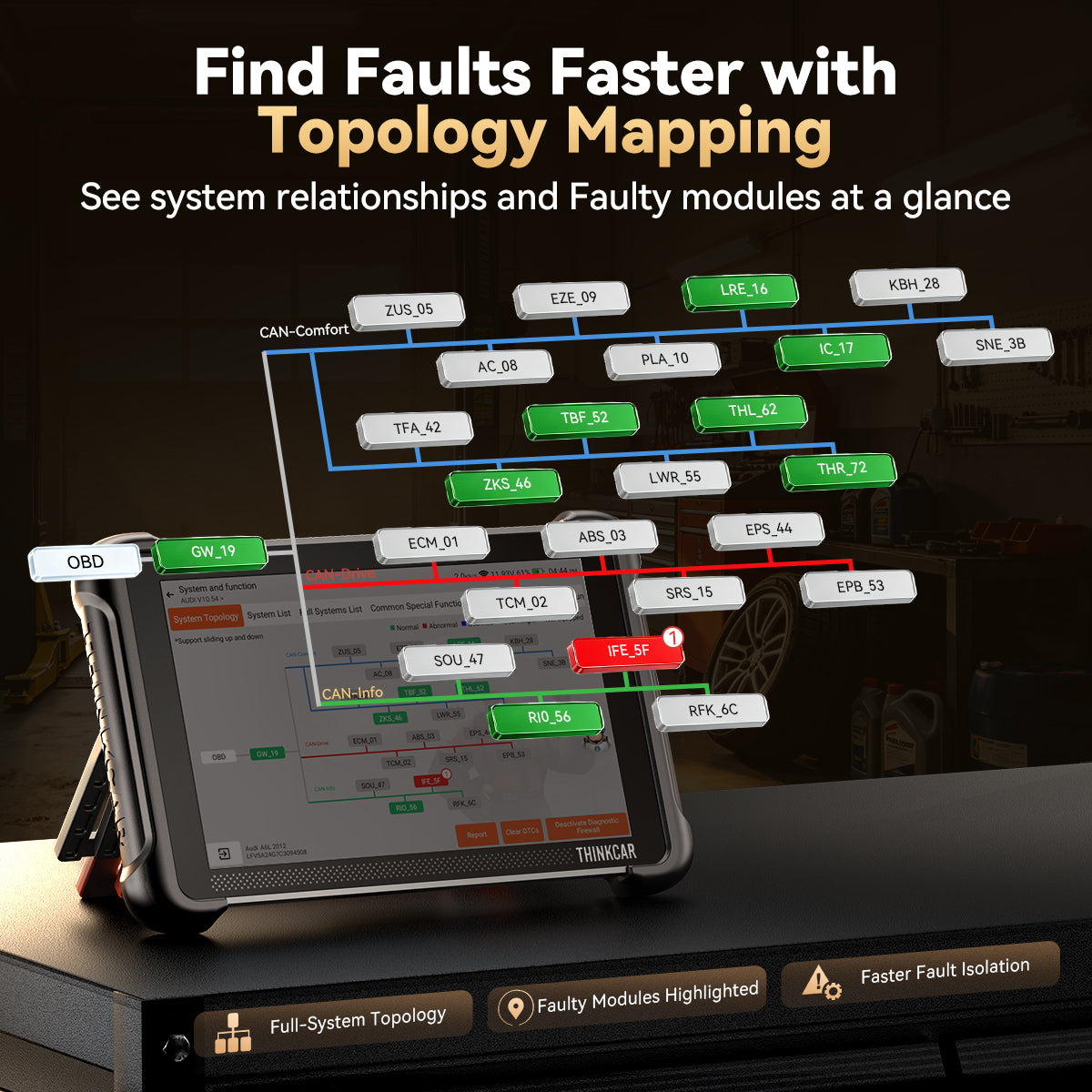
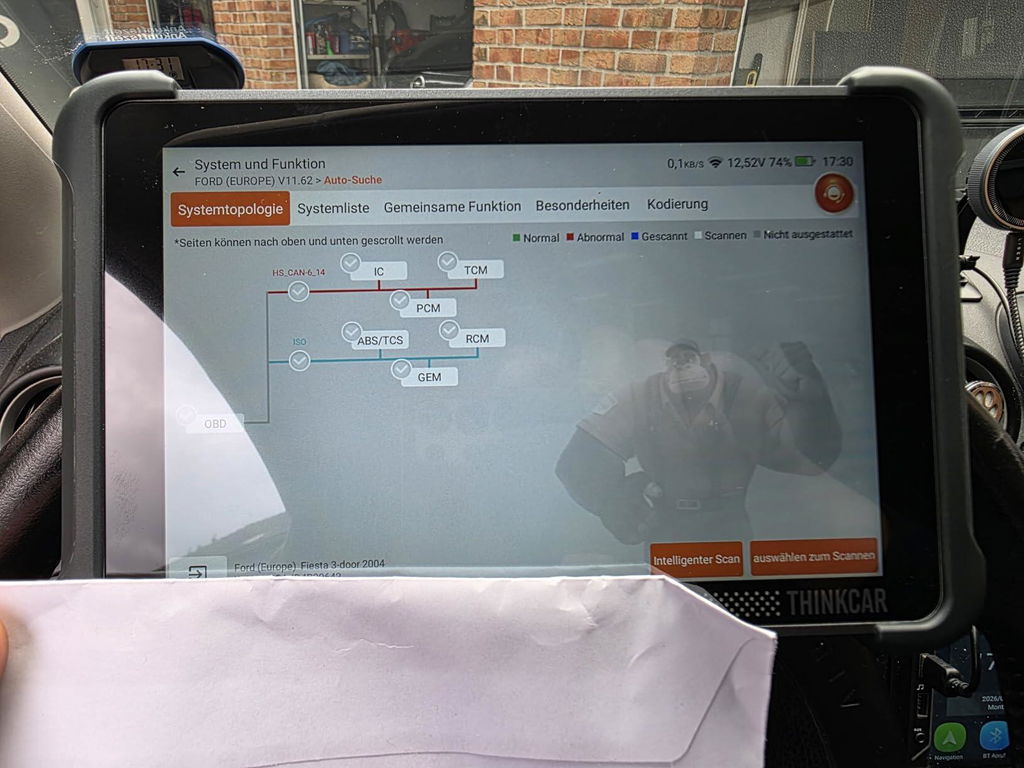
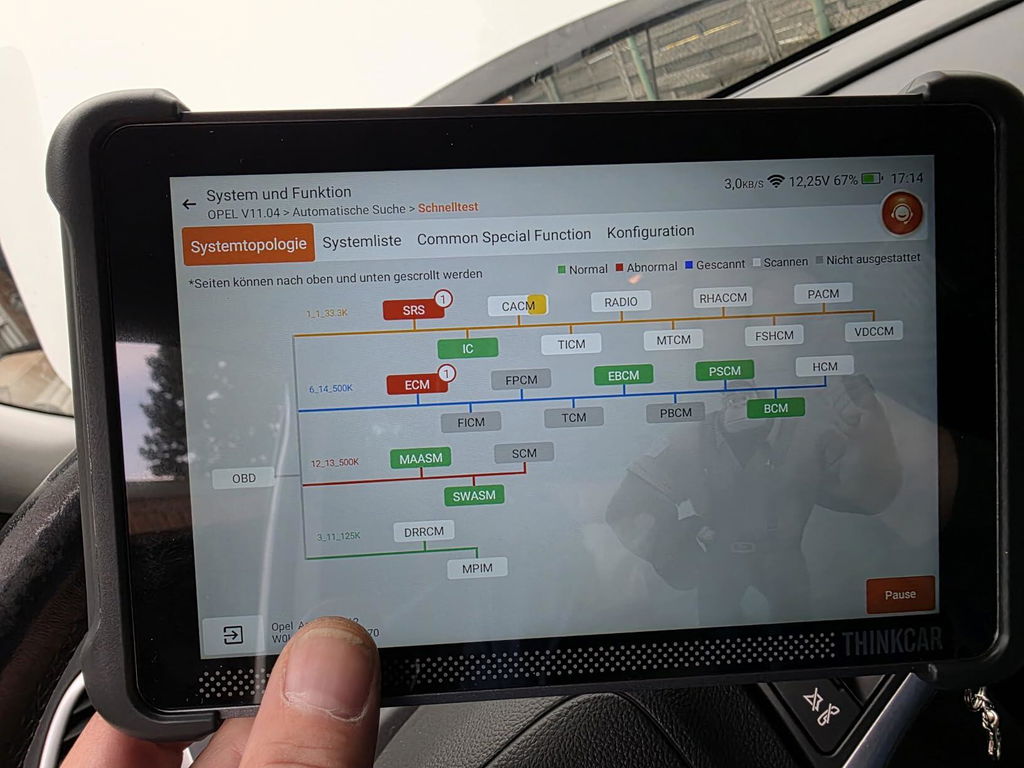
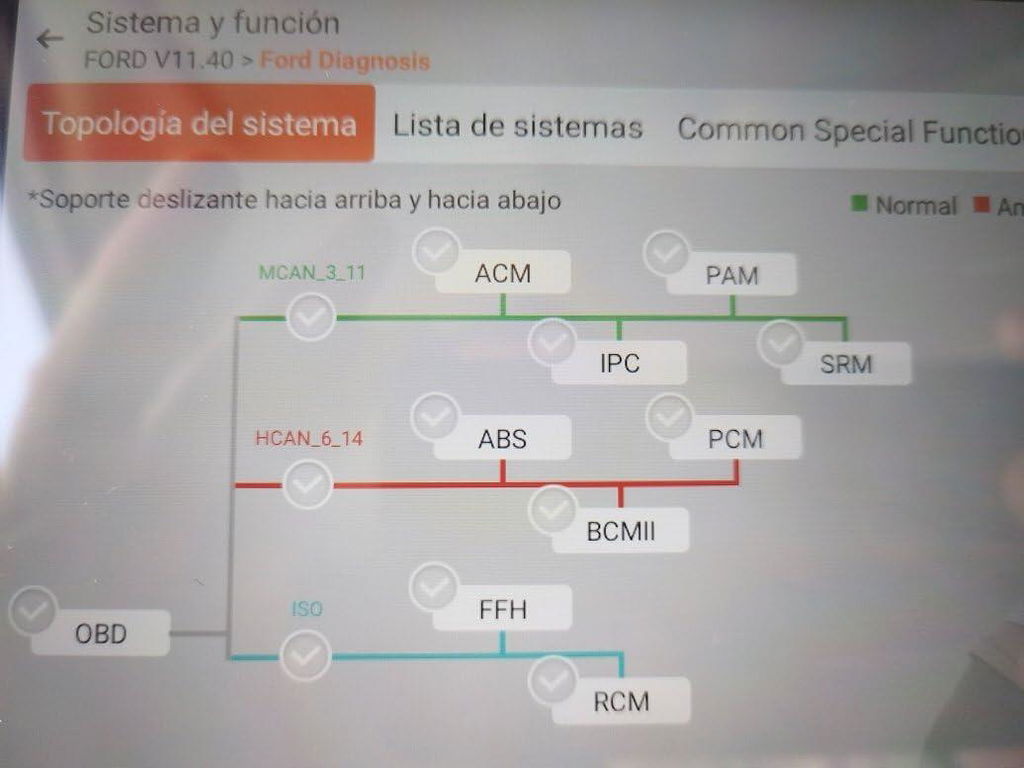
Topology Mapping visualizes vehicle systems, helping you identify affected modules and focus on the right area first.

02 · ANALYZE
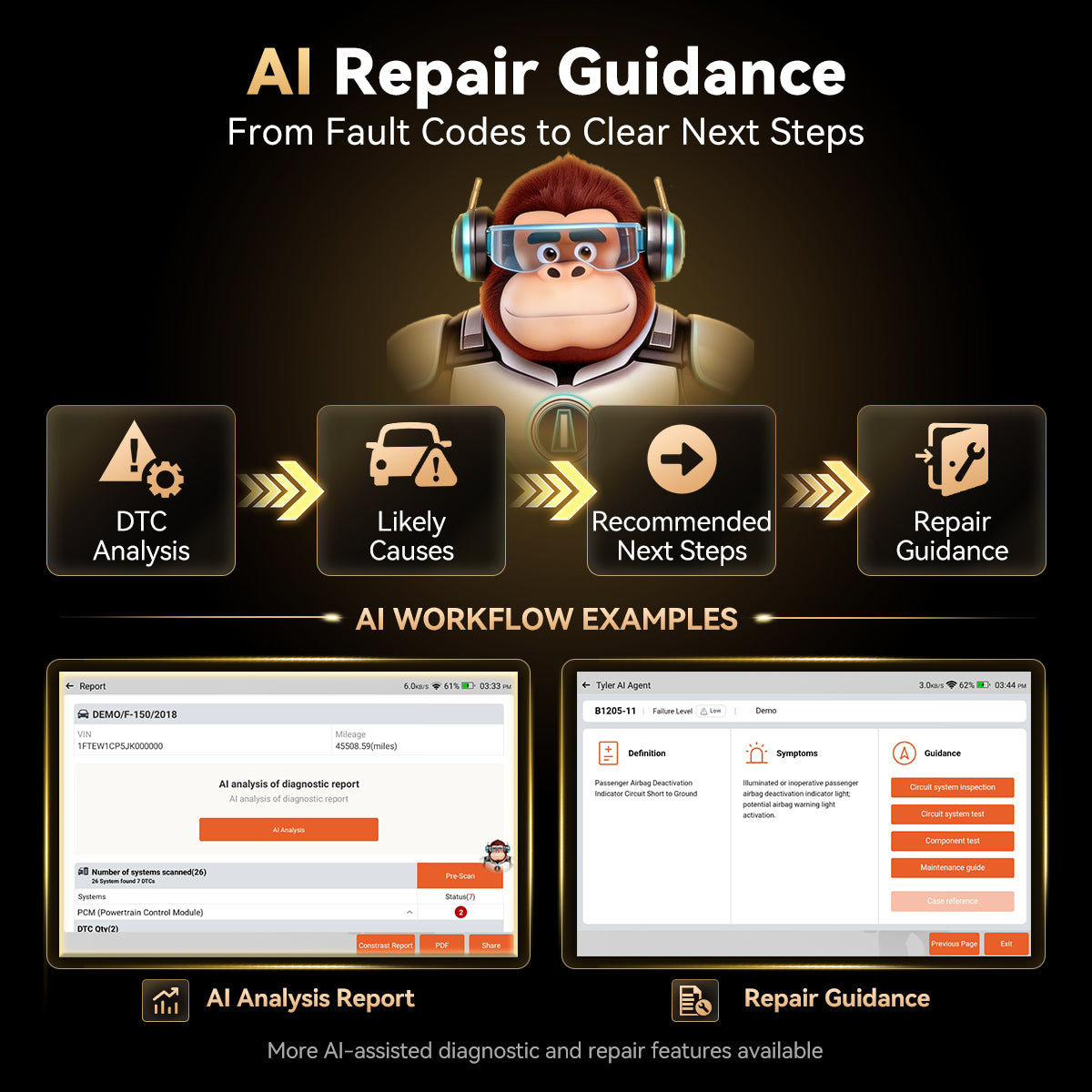
Go beyond fault codes with smarter repair guidance.
AI Repair Guidance helps you understand possible causes and choose the next diagnostic step with confidence.

03 · CONTINUE
Continue with OEM-level repair workflows.
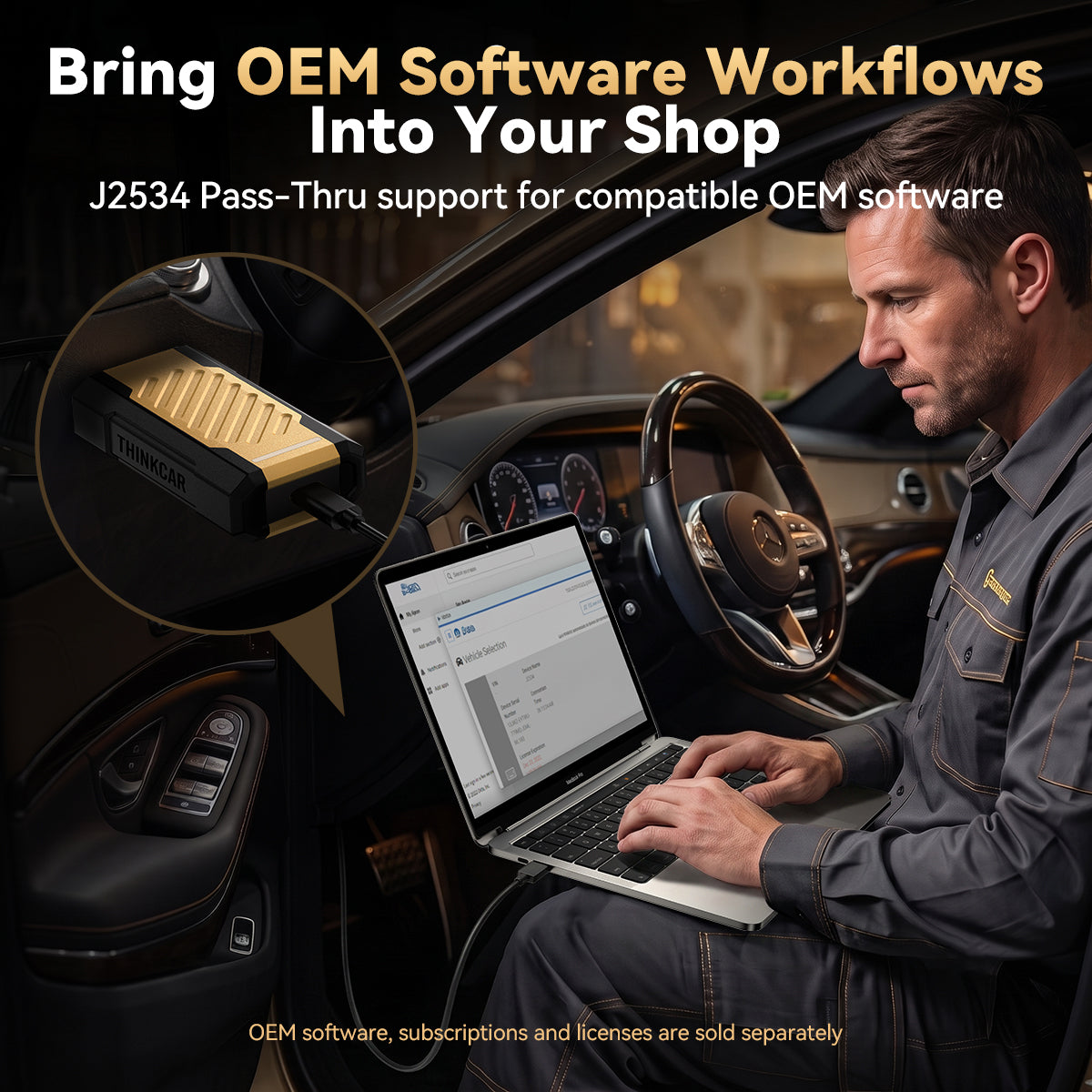
J2534 Pass-Thru connects with supported OEM software for advanced procedures when deeper access is needed.
OEM software, accounts, licenses, or subscriptions are obtained separately when required.
PRO REPAIR CAPABILITIES
Handle More Jobs With Confidence.
From advanced diagnostics to everyday service tasks, 689BT PRO helps you solve more vehicle issues with fewer tools.

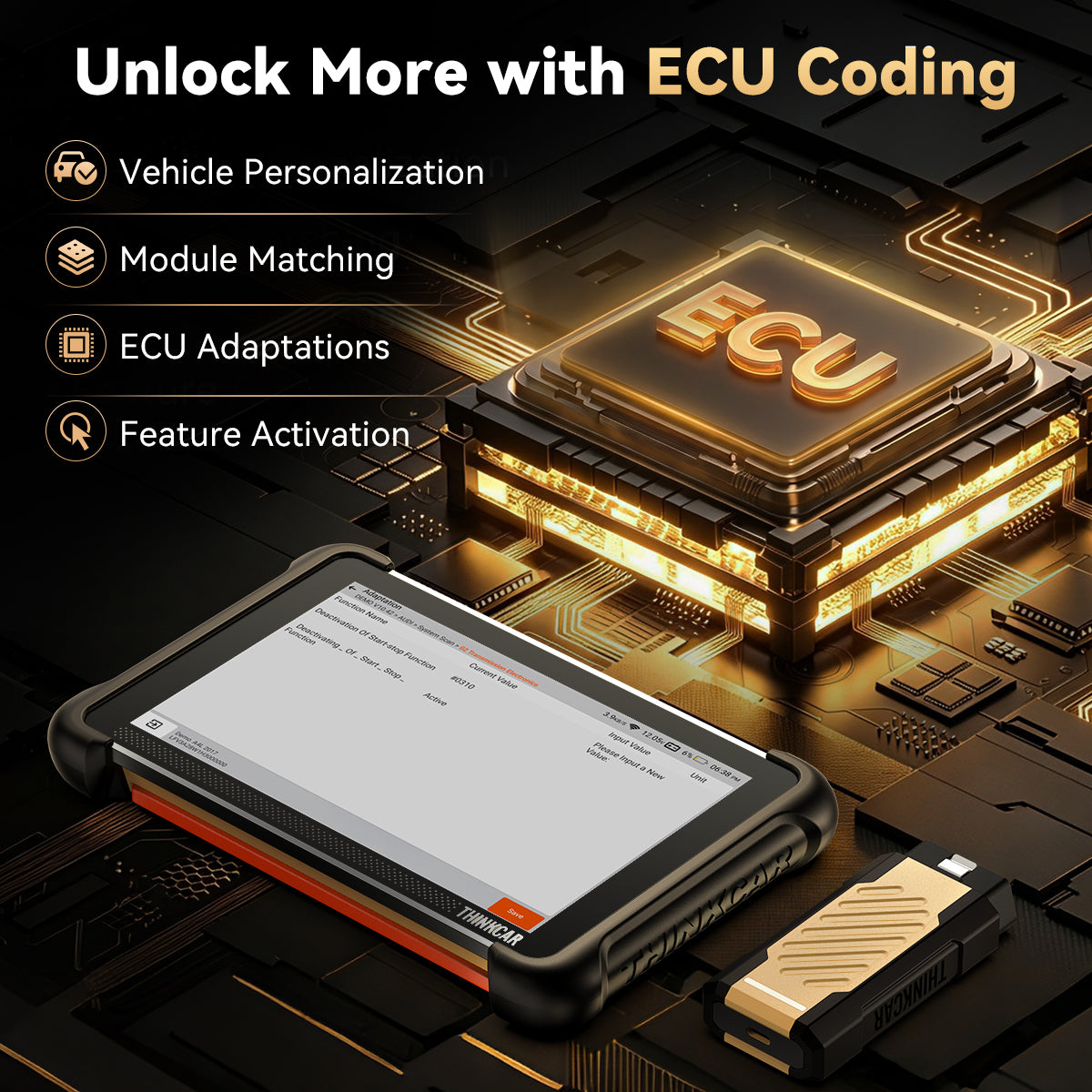
ECU CODING
Configure More Vehicle Functions.
Personalize vehicle settings, match modules, perform ECU adaptations, and activate supported features—all from one diagnostic platform.

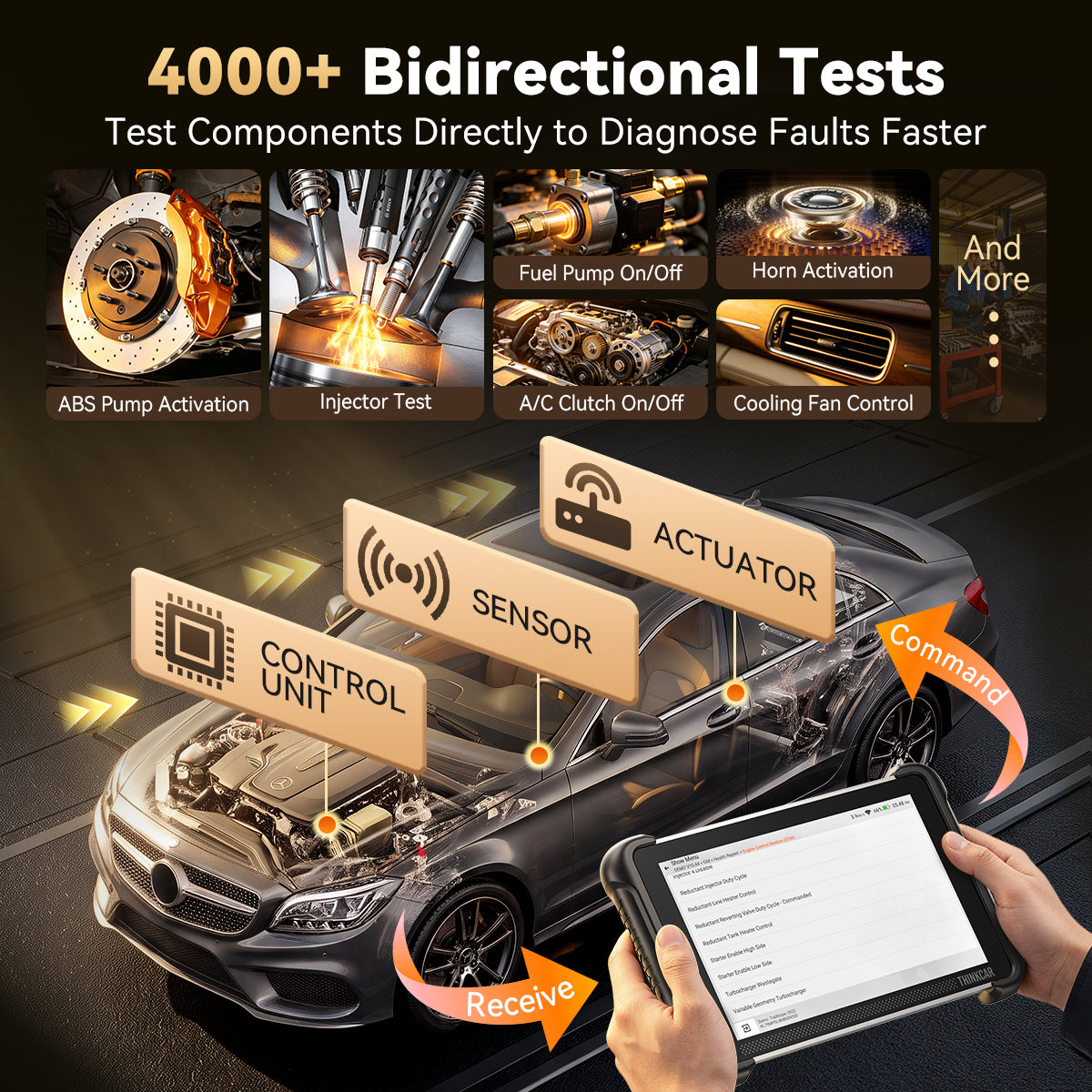
ACTIVE TESTS
Test Before You Replace.
Activate components and verify system operation to diagnose with greater confidence.

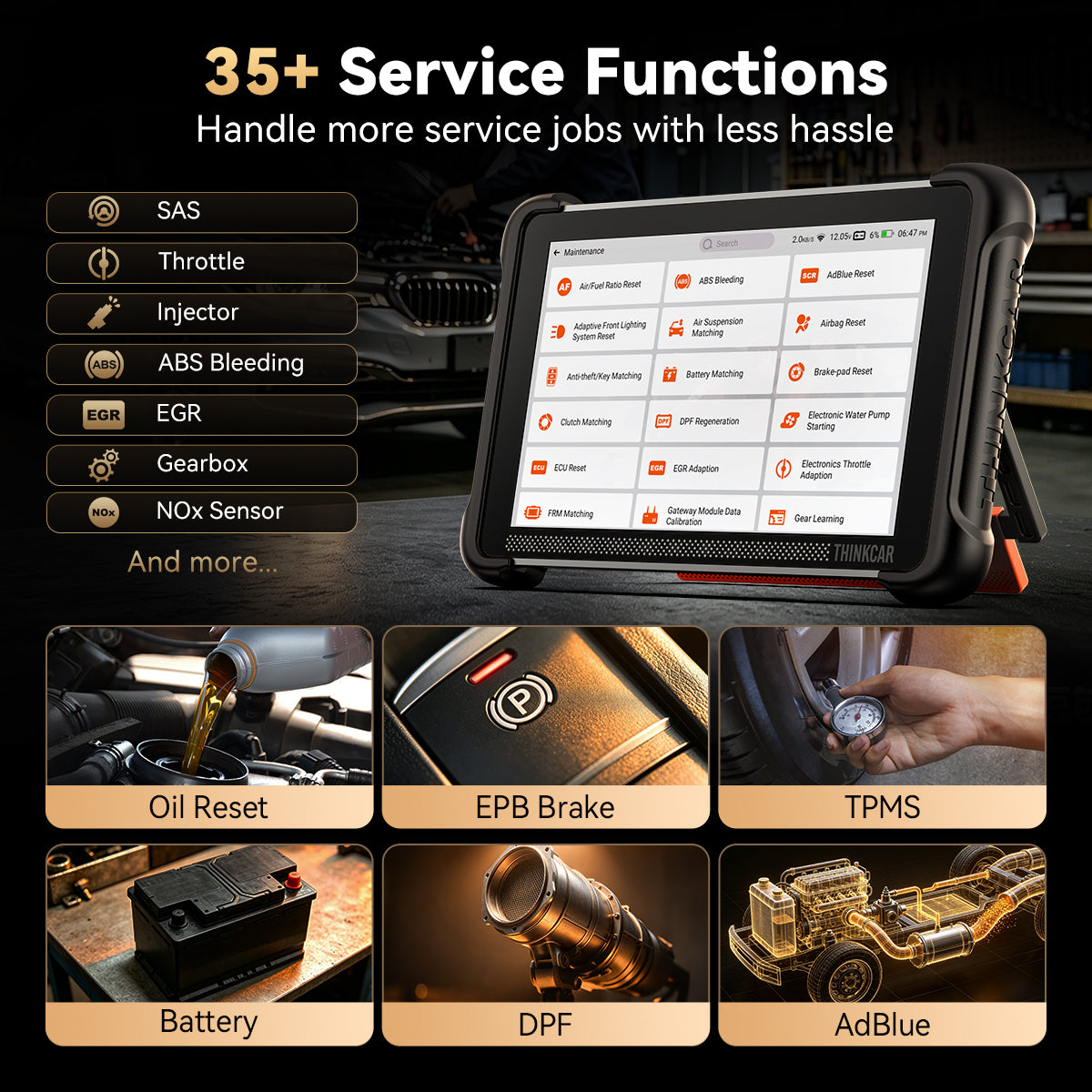
35+ SERVICE FUNCTIONS
Cover More Daily Repairs.
Handle 35+ service functions—from oil, EPB, TPMS, and battery resets to DPF, SAS, throttle adaptations, and more.

100,000+ VEHICLE COVERAGE
Ready For More Vehicles.
Support a wide range of vehicles with advanced protocols including J2534, DoIP, and CAN-FD.

FULL-SYSTEM DIAGNOSTICS
Scan the Whole Vehicle. Not Just the Engine.
Access major vehicle systems, read and clear codes, view live data, and retrieve ECU information—all from one scan.
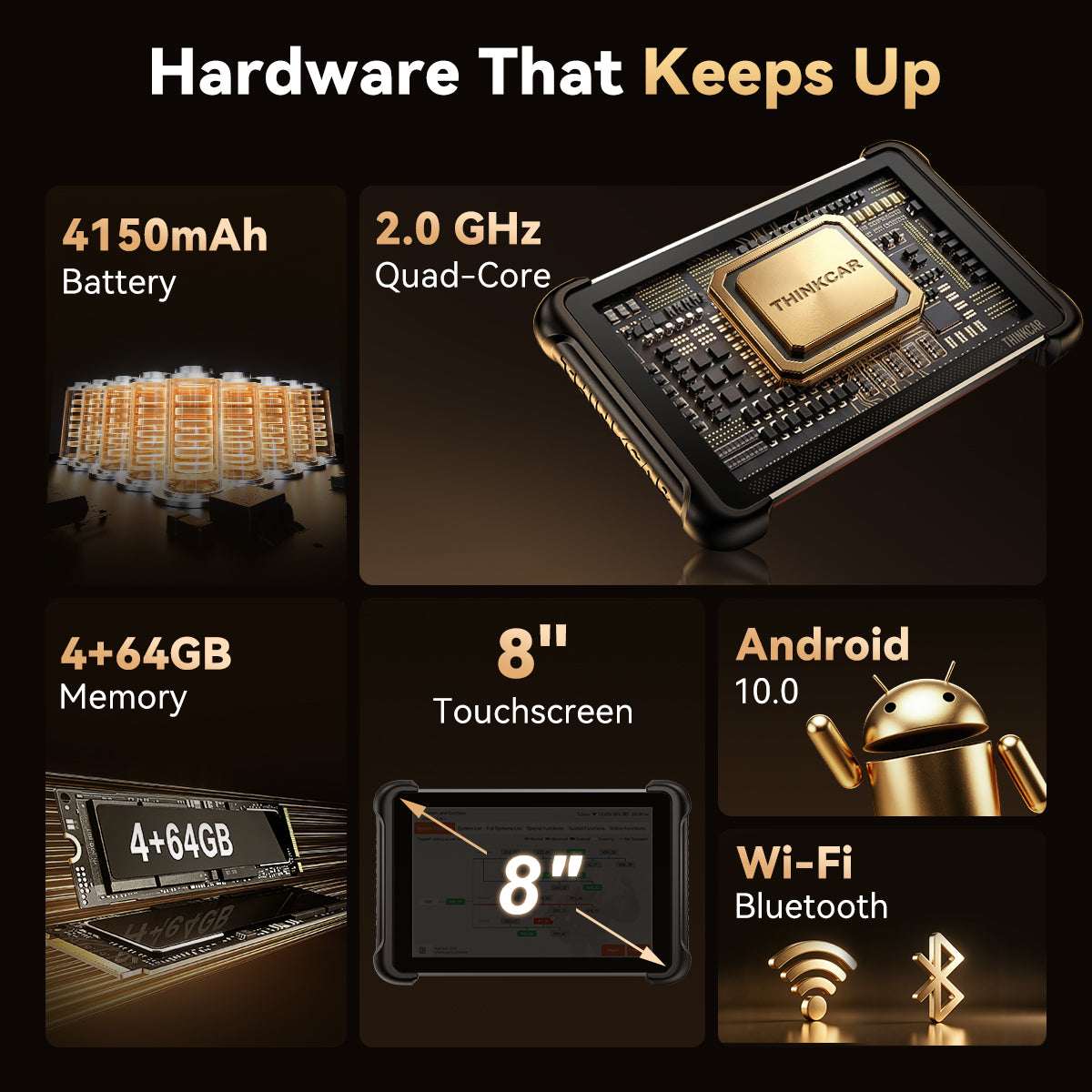
Hardware Configuration
Built to Keep Up With Daily Repairs.
2.0GHz 4-Core CPU
Responsive performance for full-system scans, live data, and everyday diagnostic work.
8" Touchscreen
A clear 1280 × 800 display for viewing topology maps, fault codes, live data, and service menus.
4GB RAM
Smooth multitasking when switching between diagnostics, reports, and repair functions.
64GB Storage
Store reports, screenshots, and vehicle records with plenty of room for daily use.
Magnetic Connector Design
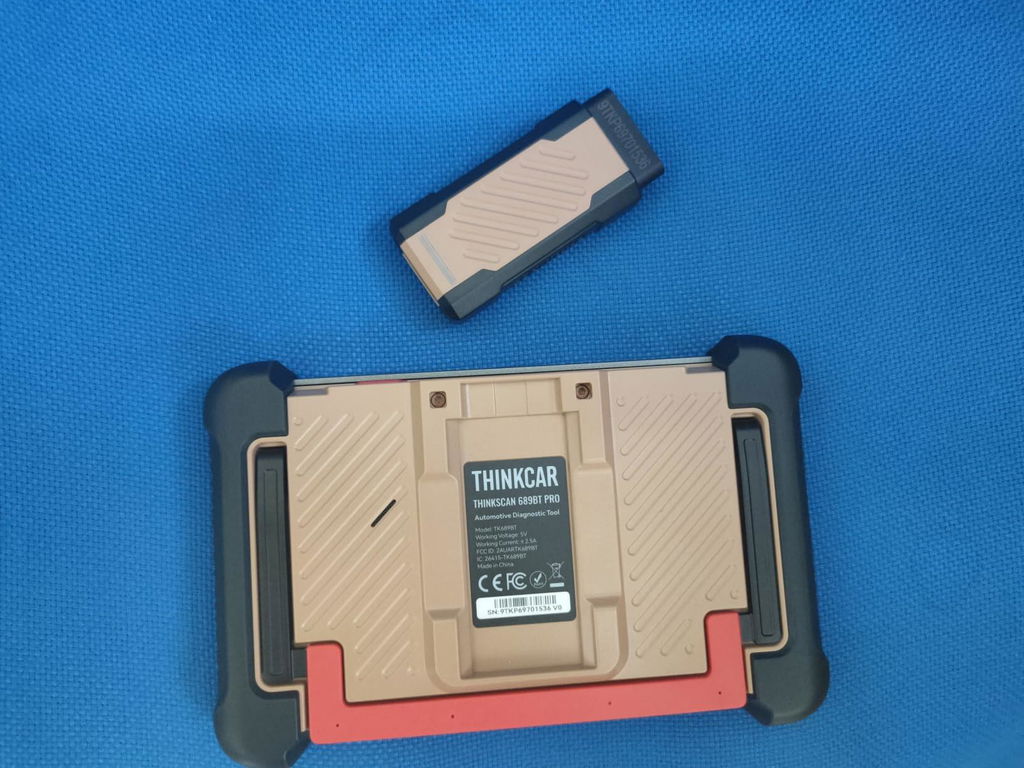
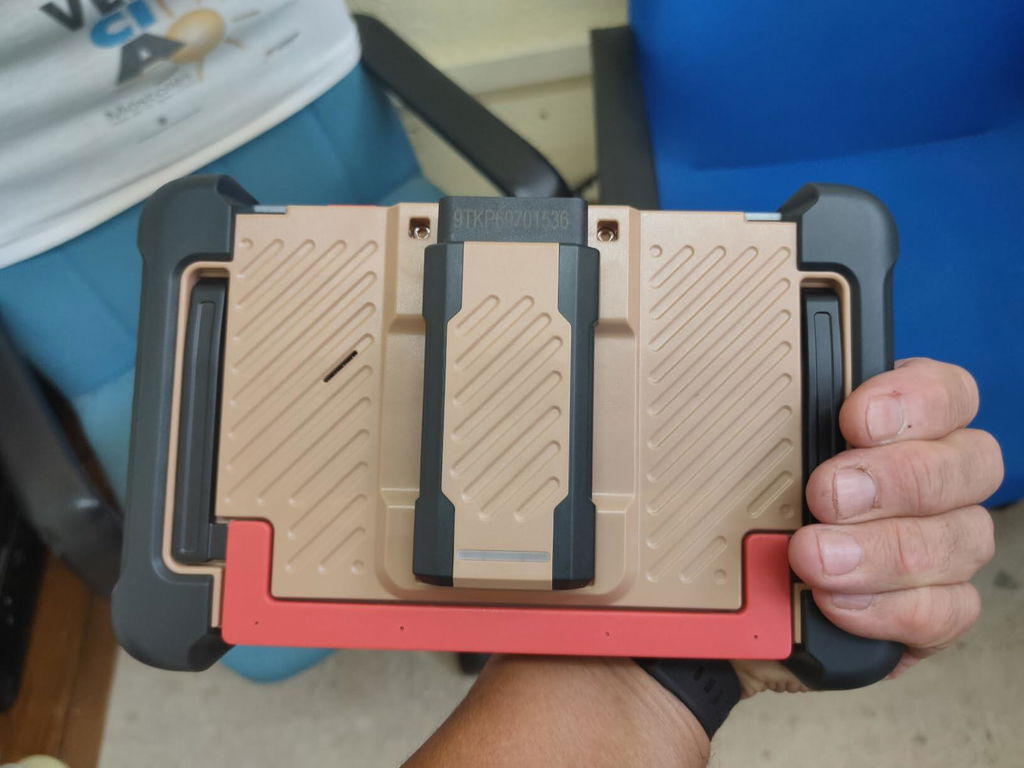
Keeps the VCI securely in place and helps reduce cable clutter during diagnostics.
4150mAh Battery
Reliable power for inspections, service functions, and mobile diagnostic jobs.
Bluetooth 5.0
Wireless VCI communication gives you more freedom to move around the vehicle while testing.
Android 10
A familiar tablet-style interface with stable operation for everyday shop use.
WHO IT'S BUILT FOR
Built for People Who Fix More.
Advanced diagnostic and repair capability for serious DIYers, mobile mechanics, and independent shops.

Advanced DIYers
Professional-level diagnostics at home.

Mobile Mechanics
Advanced diagnostics wherever the job takes you.

Independent Repair Shops
More capability for everyday repair work.
COMPARE
689BT or 689BT PRO: Which Is Right for You?
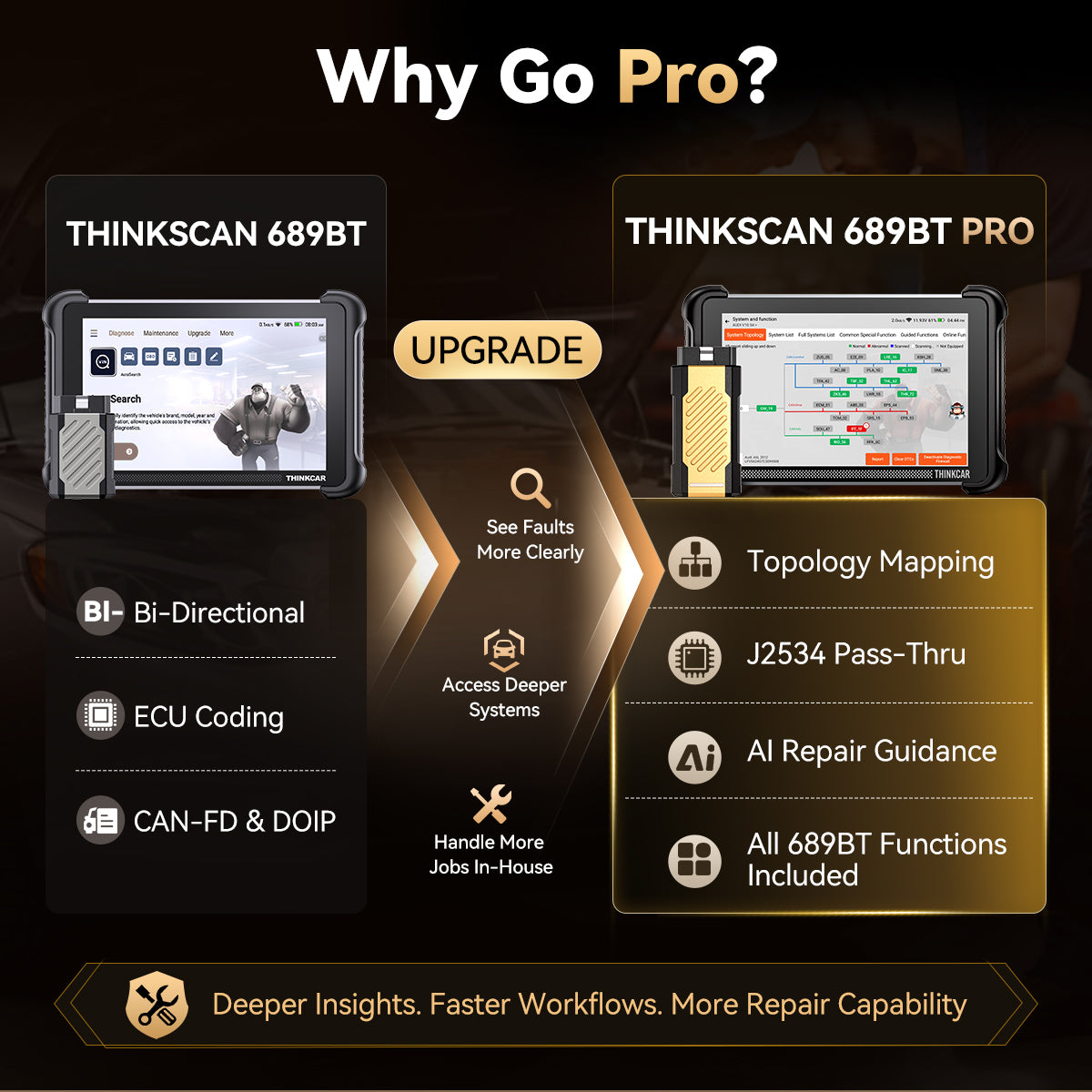
Step up to 689BT PRO for Topology Mapping, AI Repair Guidance, and J2534 Pass-Thru.
| Feature | 689BT | 689BT PRO |
|---|---|---|
| Topology Map | × | ✓ PRO ONLY |
| J2534 Pass-Thru | × | ✓ PRO ONLY |
| AI Repair Guidance | ✓ | ✓ |
| ECU Coding & Bi-Directional Control | ✓ | ✓ |
| 35+ Reset Services | ✓ | ✓ |
Topology Map
689BT
×
689BT PRO
✓
PRO ONLY
J2534 Pass-Thru
689BT
×
689BT PRO
✓
PRO ONLY
AI Repair Guidance
689BT
✓
689BT PRO
✓
ECU Coding & Bi-Directional Control
689BT
✓
689BT PRO
✓
35+ Reset Services
689BT
✓
689BT PRO
✓
Real experiences.
Helpful support.
4.8/ 5
TrustScore · 835 store reviews
“the problem was resolved—great!”
“Fast delivery, quick response,...”
“think car refunded my money promptly.”
Swipe for more selected reviews →
FAQ
Questions before you upgrade?
What does the 689BT PRO add over the 689BT?
Choose the 689BT PRO if you need Topology Mapping, AI Repair Guidance, or J2534 Pass-Thru for more advanced diagnostic and OEM-level workflows. If you mainly need full-system diagnostics, ECU coding, active tests, and service functions, the 689BT may already cover your needs.
See the Full Comparison →
How does Topology Mapping make diagnosis easier?
It gives you a visual view of vehicle systems and highlights affected modules, helping you see where to focus instead of checking systems one by one.
Does J2534 Pass-Thru mean I can program every vehicle?
No. J2534 functions depend on the vehicle, OEM software, required licenses or subscriptions, and the procedure being performed. Supported OEM software must be obtained separately when required.
Which OEM platforms has J2534 been tested with?
Tested platforms include Toyota Techstream, Honda HDS, Volvo VIDA, ODIS, BMW ISTA, Ford IDS/FDRS, Subaru SSM4, GM GDS2, wiTECH 2.0, Mercedes-Benz XENTRY, and Jaguar Land Rover SDD.
OEM software, accounts, licenses, and subscriptions are not included and must be obtained separately. Vehicle and function support may vary.
What does AI Repair Guidance actually do?
It helps interpret fault information, identify possible causes, and suggest the next diagnostic steps so you can approach repairs with clearer direction.
What languages does the THINKSCAN 689BT PRO support?
The THINKSCAN 689BT PRO supports 30 languages, including English, German, Spanish, French, Italian, Portuguese, Japanese, Russian, Polish, Turkish, Dutch, Hungarian, Traditional Chinese, Korean, Greek, Slovak, Romanian, Arabic, Croatian, Slovenian, Finnish, Czech, Swedish, Danish, Persian, Serbian, Vietnamese, Bulgarian, Ukrainian, and Indonesian.
C
Muy buen escanner cumple todo lo q dice.he podido arreglar 2 autos q no podía sin el antes por los datos en vivo y las pruebas del evap

O
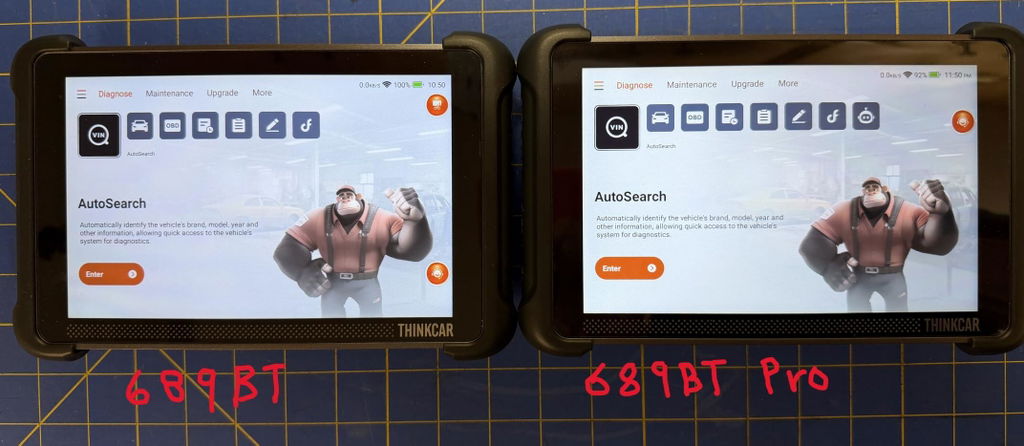
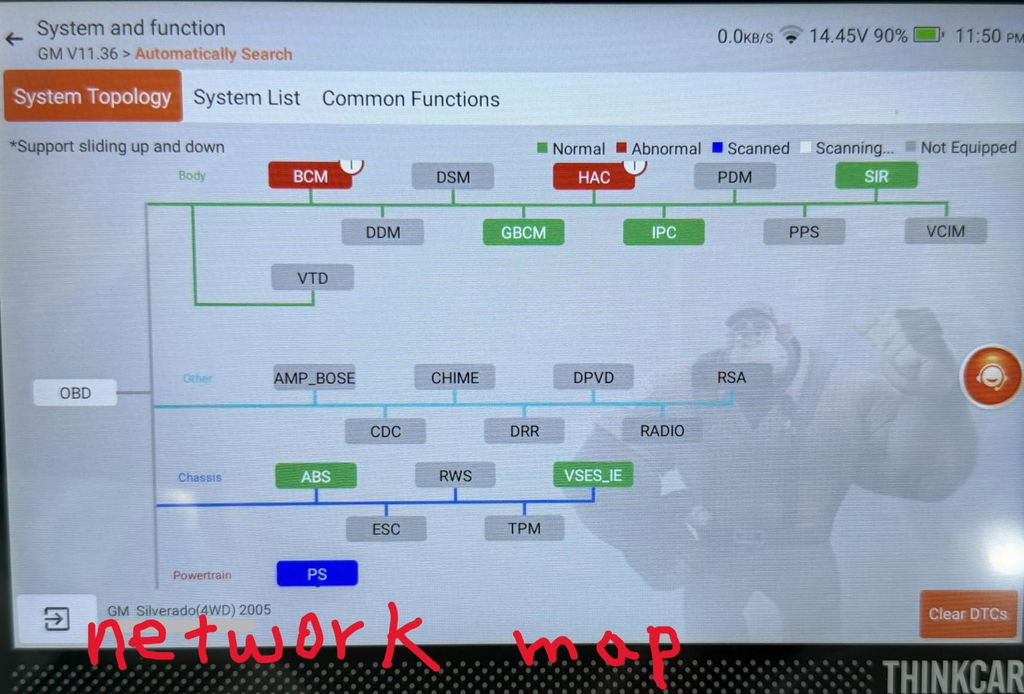
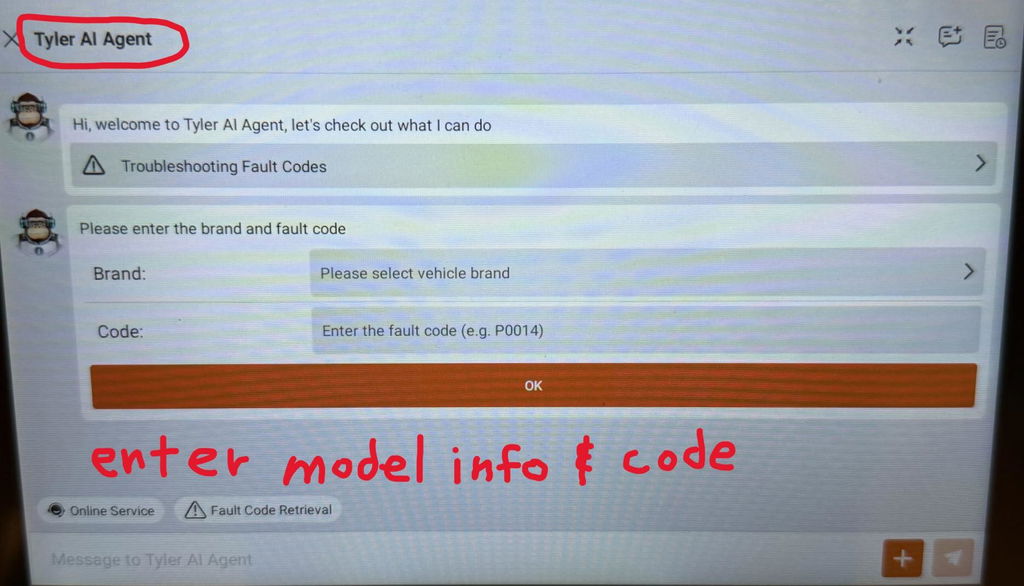
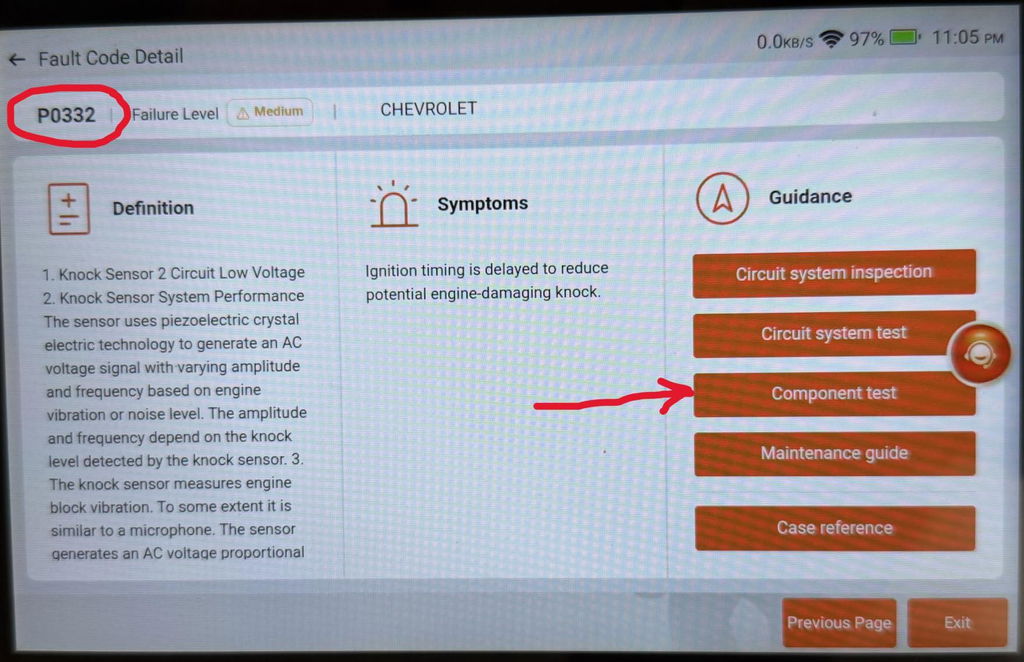
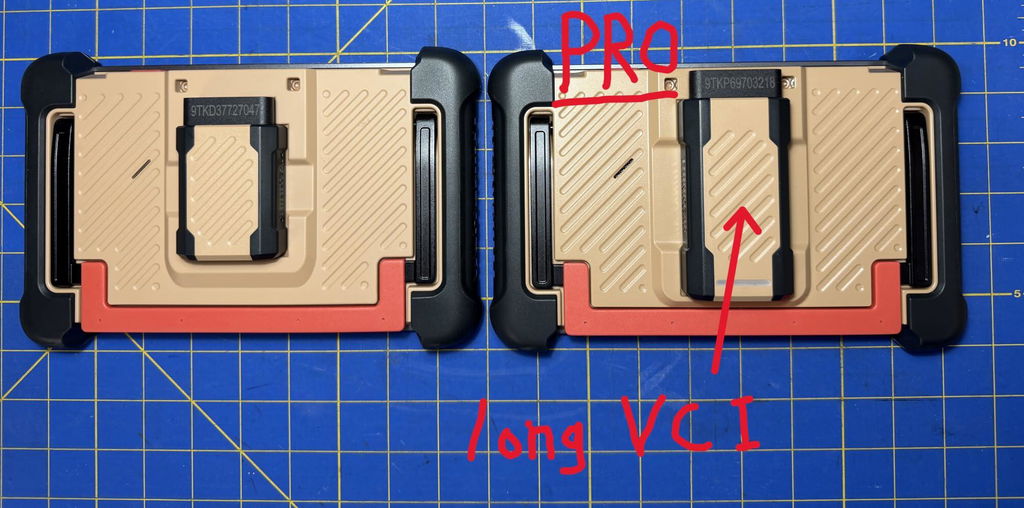
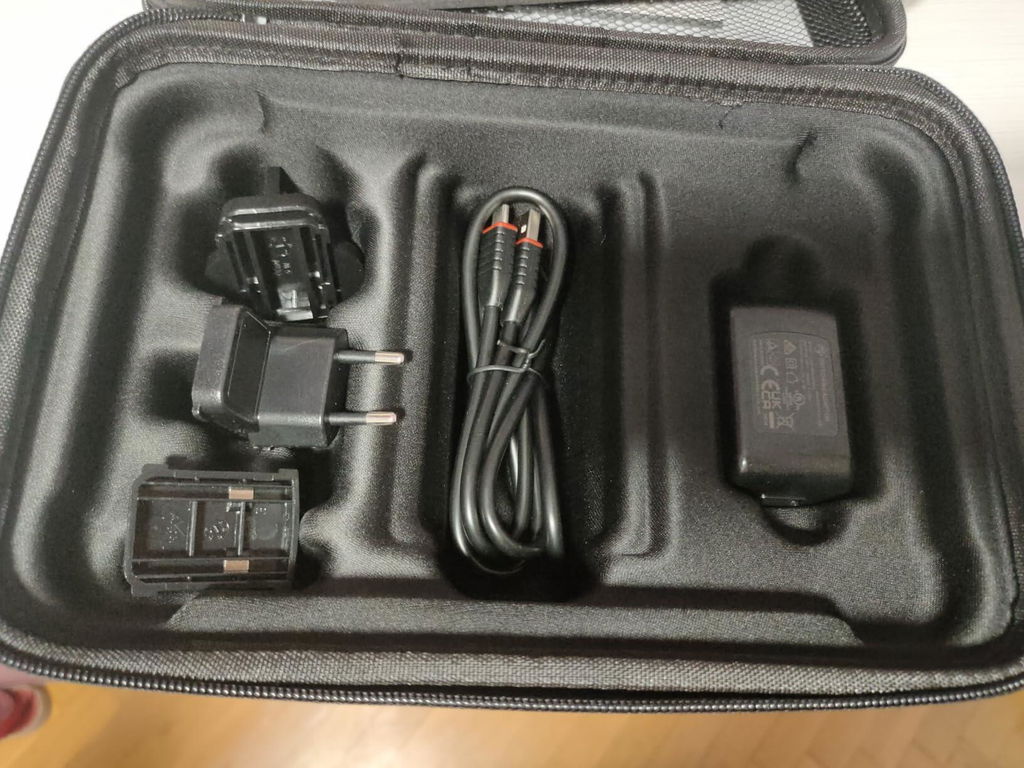
I've been using the Thinkcar 689BT for a few months now so when the Thinkcar 689BT PRO became available I didn't hesitate in pulling the trigger on it and here's the main reason why; network mapping also referred to as topology mapping. This one feature alone is a huge step up since it allows the user with a quick glance at the screen to see which modules are available on the network, which ones are communicating, which are not communicating and if any modules have any fault codes. This visual is especially helpful because the user can physically see if any failed modules appear on the same network branch which can indicate a failed common bus, wiring, and power or ground issues. And, from the same screen the user can access any of the modules simply by tapping on its icon. This one feature alone is a huge time saver but the 689BT PRO adds two more features that are very useful additions. The first of these is what Thinkcar refers to as Tyler AI agent. There are several ways to utilize the AI agent and the following example is just one method. For instance if a module on the network map has any stored codes, simply tap on the module icon and the user is taken to a page where the AI agent can be utilized to help diagnose the problem. In this case the PCM showed one fault and tapping the PCM icon allows access to the 'fault code detail' (see photo) for a P0332 (knock sensor 2 circuit low voltage) code. This page describes how the knock sensor works and gives the user several tabs for further guidance. Selecting 'Component test' takes the user to a detailed description of the pertinent test procedures. The AI agent can also be accessed from the home screen diagnose menu and selecting the Tyler AI Agent icon (last icon on the page) and entering the vehicle info and a fault code to view detailed info related to the code. Initially I wasn’t sure about the AI agents' utility but after using it I realize this helpful tool will definitely speed up productivity. The last of the 3 features on the PRO model is the VCI (vehicle communication interface) with J2534 pass-thru. This upgraded VCI acts as an interface for communicating between the vehicles modules and OEM software using a compatible Windows based PC. In other words it will allow the user to program a new module with the OEM software required so that it will communicate with the vehicle. The VCI pass thru is connected to the PC by a USB-C to USB-A cable that is included. I haven’t had the chance to use this feature yet but it is a great addition that makes the PRO model a great investment. The new PRO version is not a replacement for my 689BT but instead is an awesome addition to my tool arsenal that will greatly reduce diagnosing time and increase my capability to perform repairs.
H
THINKCAR THINKSCAN 689BT PRO
Ich hatte bereits die normale Version ohne Pro und war damit schon zufrieden, aber die Pro-Version legt noch einmal eine ordentliche Schippe drauf.
Besonders gut gefällt mir die topologische Ansicht, mit der man sich einen guten Überblick über die Steuergeräte und deren Vernetzung im Fahrzeug verschaffen kann. Bei den Fahrzeugen, an denen ich das Gerät bisher ausprobiert habe, konnte ich auf jedes Steuergerät zugreifen. Das ist für die Fehlersuche natürlich eine große Hilfe.
Die KI-Funktion mit ihren Antworten und Hilfestellungen ist dagegen noch ausbaufähig. Da hätte ich mir teilweise etwas mehr Präzision gewünscht. Trotzdem ist das Gesamtpaket wirklich gelungen.
Auch der Support macht einen guten Eindruck. Wenn man ein Problem hat und sich damit an den Support wendet, bekommt man relativ schnell eine Rückmeldung und entsprechende Hilfe.
Für Hobbyschrauber und kleine Werkstätten ist das Gerät meiner Meinung nach genau das Richtige. Man bekommt viele Möglichkeiten zur Fahrzeugdiagnose und ein hilfreiches Werkzeug für die tägliche Fehlersuche.
E
He probado esta máquina de diagnosis OBD2 y mi impresión general es buena. No soy mecánico ni tengo conocimientos avanzados de automoción, por lo que no he podido probar a fondo todas las funciones que incorpora.
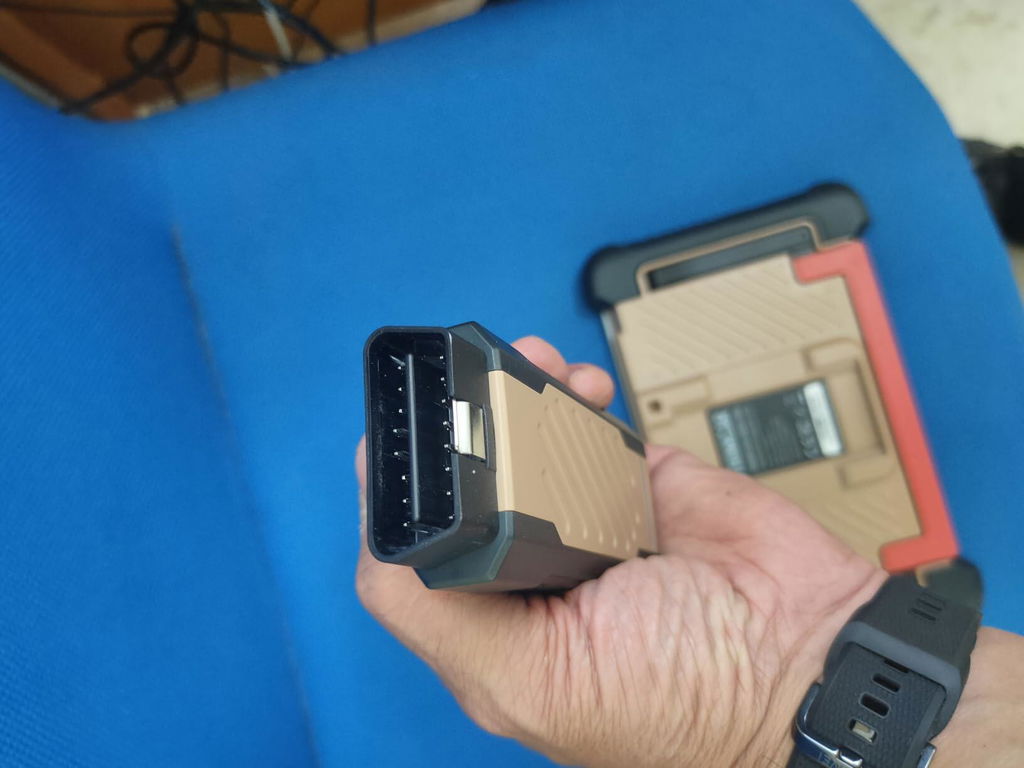
El dispositivo tiene un aspecto bastante profesional y se conecta al vehículo mediante el adaptador OBD, con comunicación inalámbrica, algo que resulta cómodo durante su utilización.
Dispone de muchas opciones, como lectura de diferentes sistemas del vehículo, datos en tiempo real, funciones de mantenimiento, pruebas y otras herramientas más avanzadas. La cantidad de menús es bastante amplia, por lo que al principio puede resultar algo abrumadora para un usuario particular.
En mi caso, lo que más utilidad le encuentro es poder consultar los posibles errores del vehículo cuando aparece algún testigo y obtener información adicional sobre ellos. También cuenta con funciones de inteligencia artificial que ayudan a interpretar los códigos y orientar sobre posibles causas.
Hay que tener en cuenta que las funciones disponibles pueden variar según el vehículo y que algunas de las opciones avanzadas requieren conocimientos de mecánica para utilizarlas correctamente.
En definitiva, me parece una herramienta bastante completa. Para un usuario particular puede resultar útil para conocer mejor el estado del vehículo y consultar posibles errores, aunque para aprovechar todas sus funciones es necesario tener ciertos conocimientos. En mi caso, he podido utilizar solo una parte de todo lo que ofrece.

J
As a long time Snap On Tools scanner owner and currently a Snap On Modis scanner owner I definitely have to give this THINKCAR THINKSCAN 689BT PRO two thumbs up. Let me start off with the cost of this very capable scanning tool. The last time I uploaded my Modis scanner was about a year ago and it cost me just over sixteen hundred dollars so double of what this 689 BT PRO cost and this scanner includes Free or included Lifetime Updates. What! Another huge plus is that if you need the capability of unlocking the Security Gateway Module (SGW) and don't want to mess around with a bypass cable which can definitely be a pain this unit is compatible with Auto Auth. This service cost at the time of this review $60.00 per year. With the THINKSCAN as long as I pay my annual fee everything works as it should but with the Snap On Modis I have to keep my scanner updated even though I own it or else Snap On will not allow Auto Auth to work. What!
These guys are out of control and something needs to be done about it. I totally understand that having a Security Gateway Module (SGW) is supposedly protection against someone gaining unauthorized access to my vehicle but I should have access it my vehicle. Many vehicle now need a scan tool so that you are able to replace the rear brake pads among other things so access isn't an option it's a necessity.
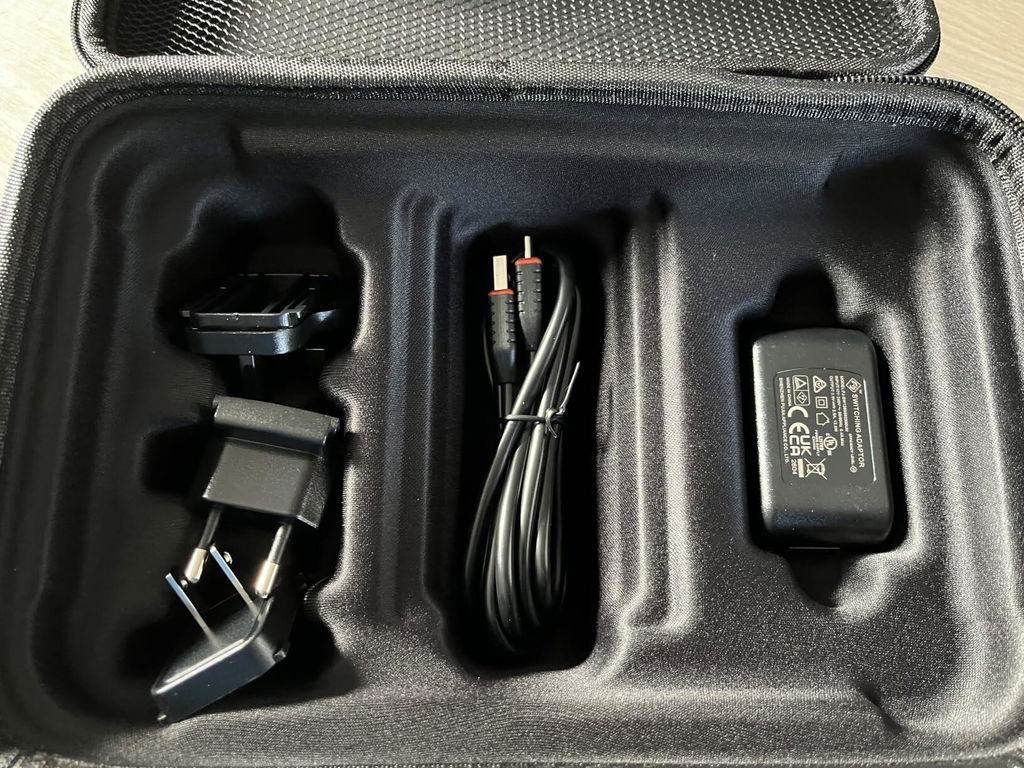
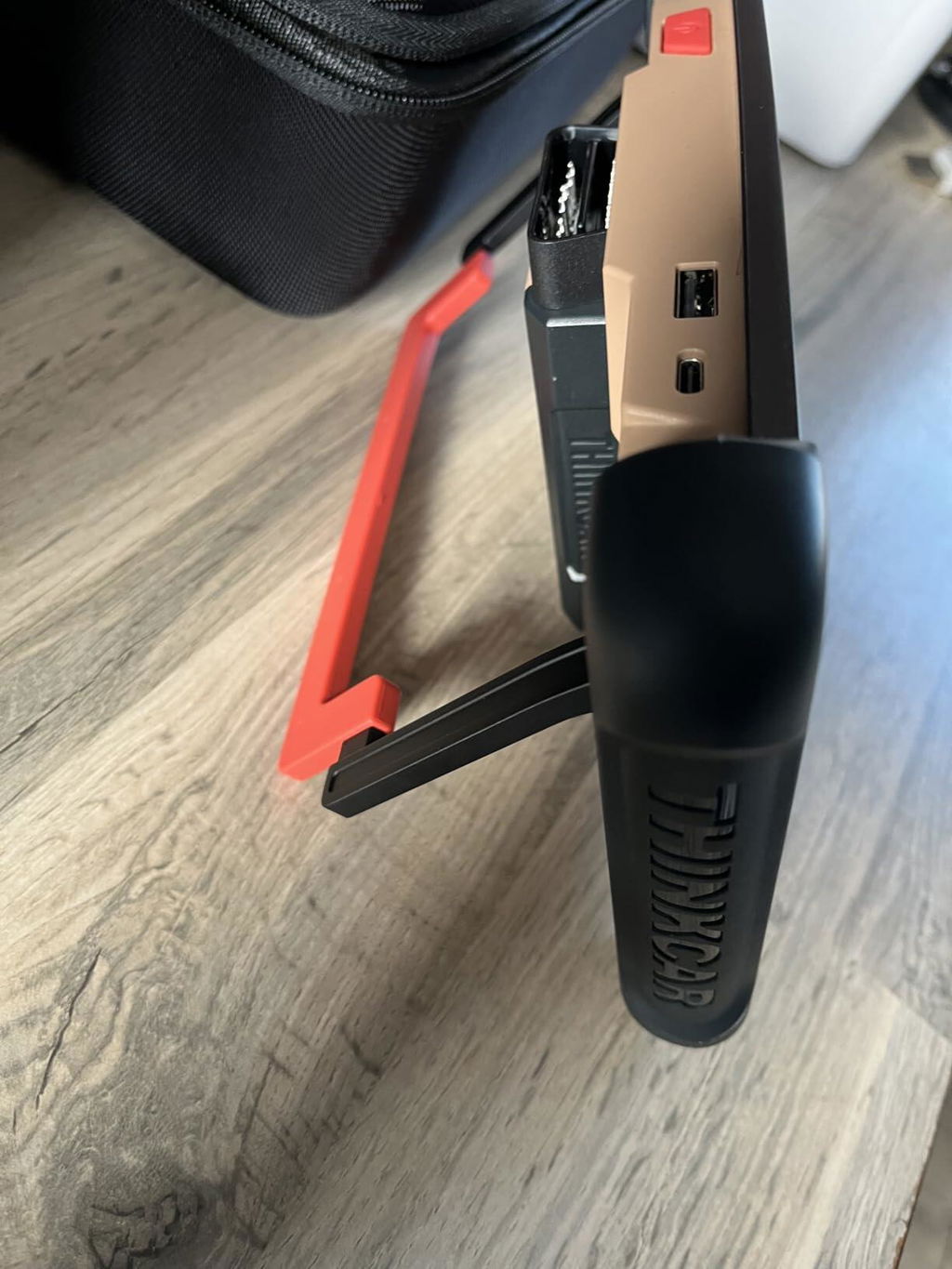
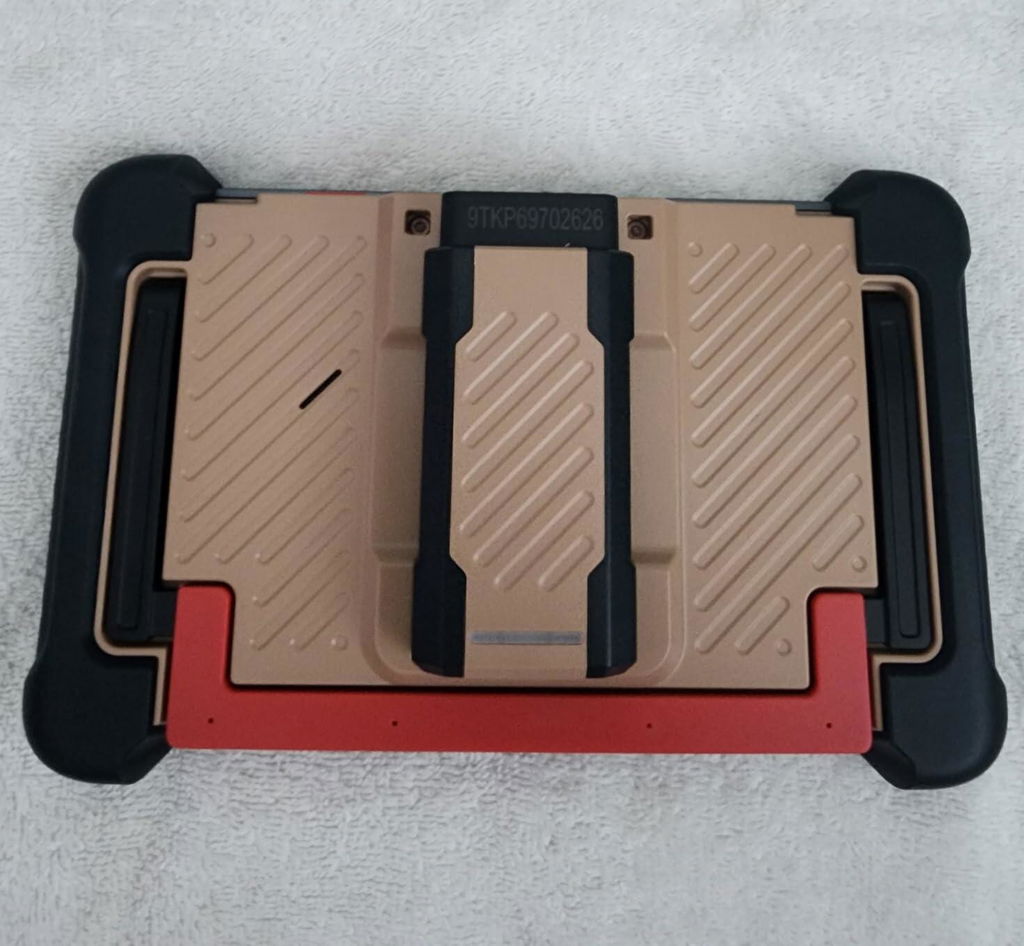
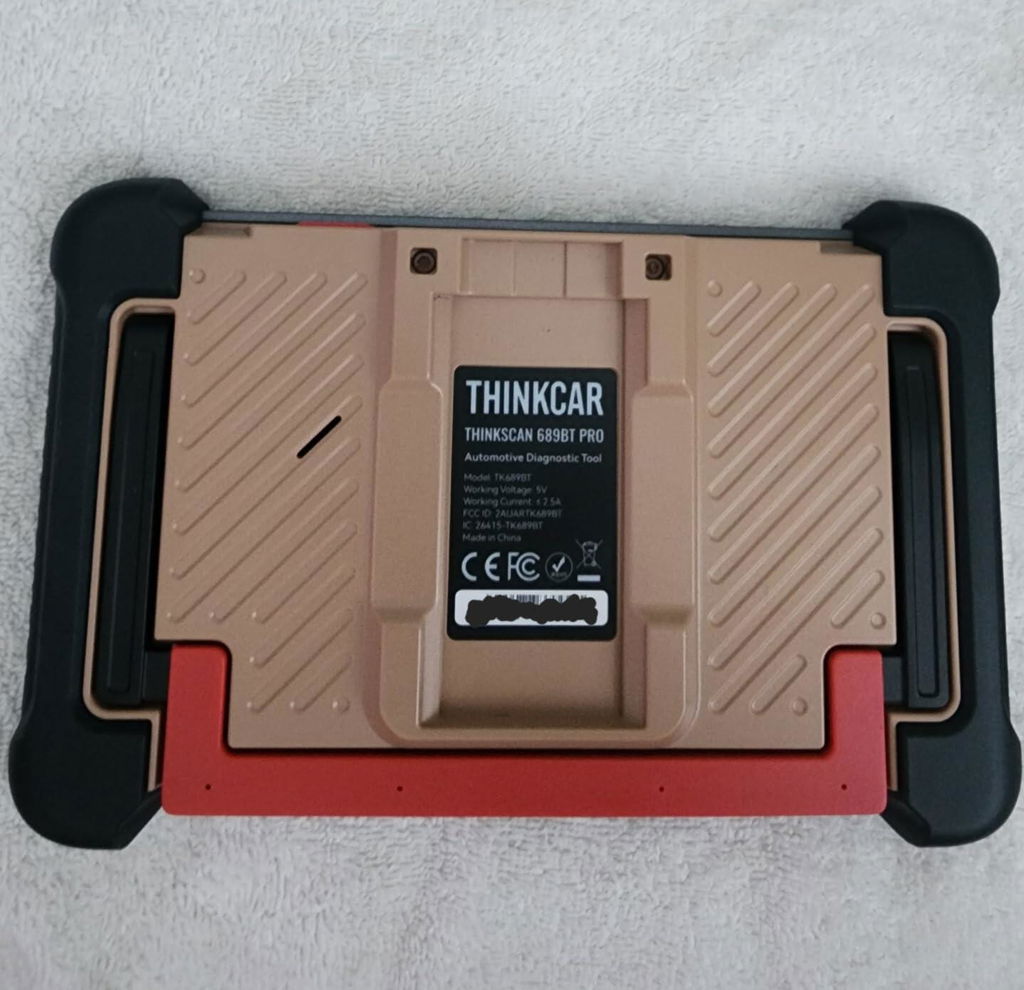
Getting back to the scanner I like the screen size,the overall feel and the speed that you get. The touchscreen is very responsive and works smoothly. The kickstand is also a nice feature that some don't include. Now the biggest thing that I absolutely love is this scanner is totally wireless! Nothing connecting the scanner to the car except for the VCI or a Dongle type unit. This makes everything so much easier and gives the freedom to move around without fighting a cable and some cables are very short. Now I can be outside of a vehicle without being tethered allowing me to walk around the vehicle if I choose.
Ok how does this unit compare to my Modis? Being that I'm more familiar with the Modis I found this product a little more difficult to find things but after playing around with it using the demo mode and watching videos it's getting easier. As far eventually finding all of the needed information that is required this unit hasn't disappointed. For most this 689BT PRO will be more than enough but for the cost, more is better and why not you might learn something and that's not a bad thing.
I have nothing negative to say about this product and have no problem recommending it to others.

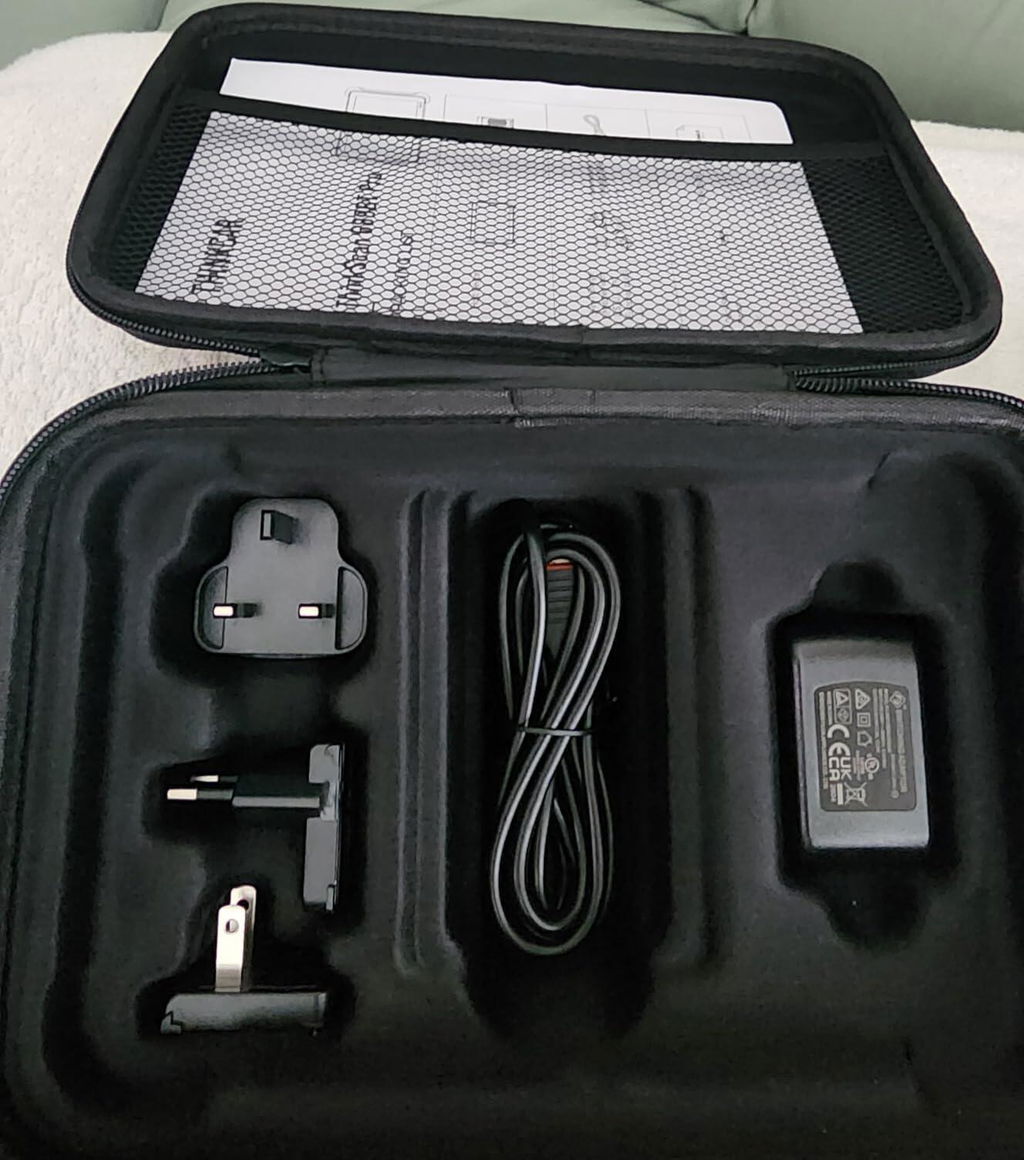
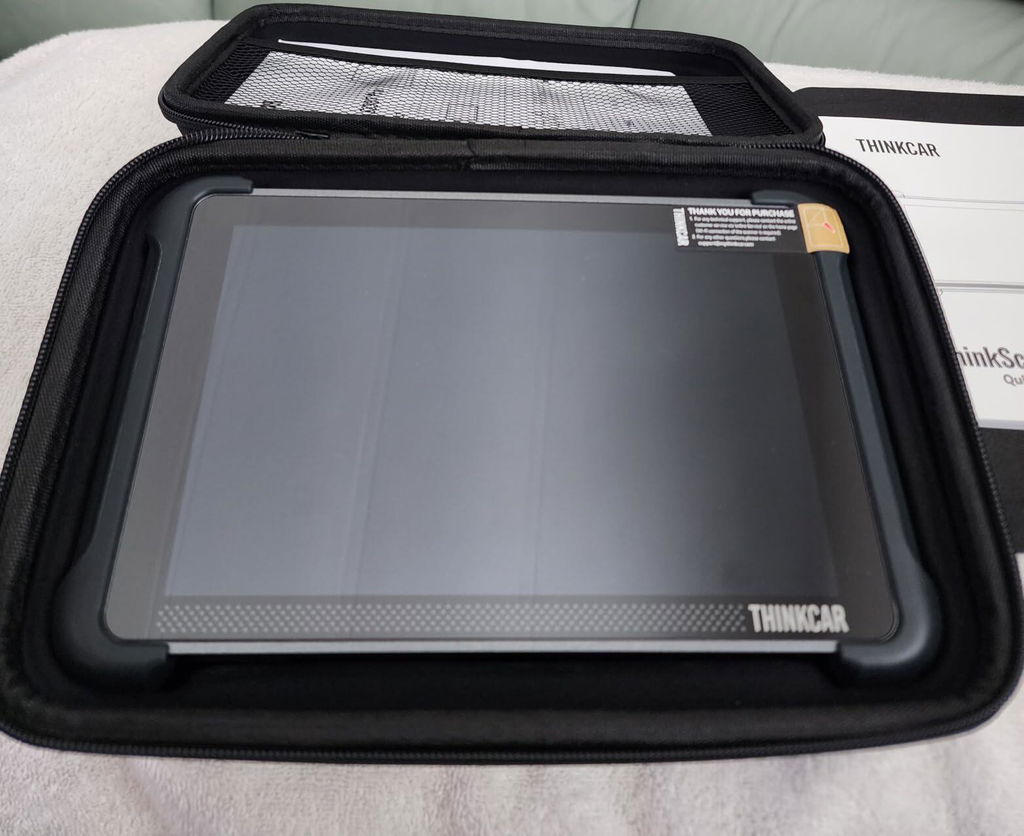
j
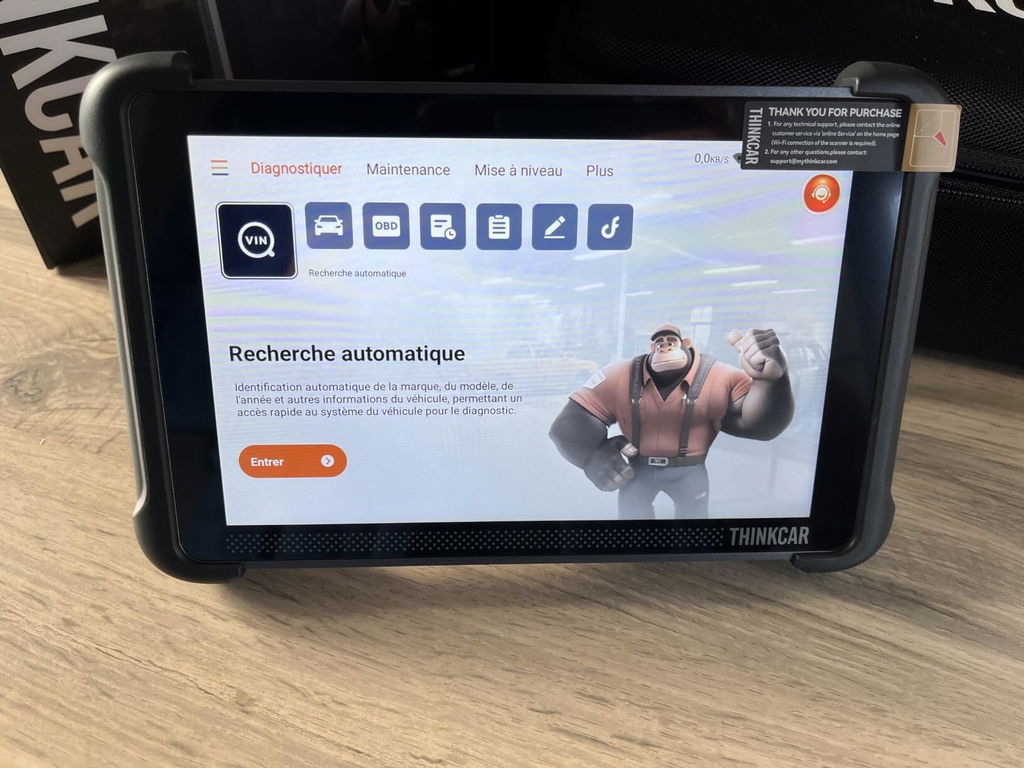
Es incluso muy fácil de manejar: nada más encender nos ofrece identificar automáticamente el modelo exacto del vehículo leyendo el código de bastidor. En nuestro caso lo hizo al primer intento, y muy rápido.
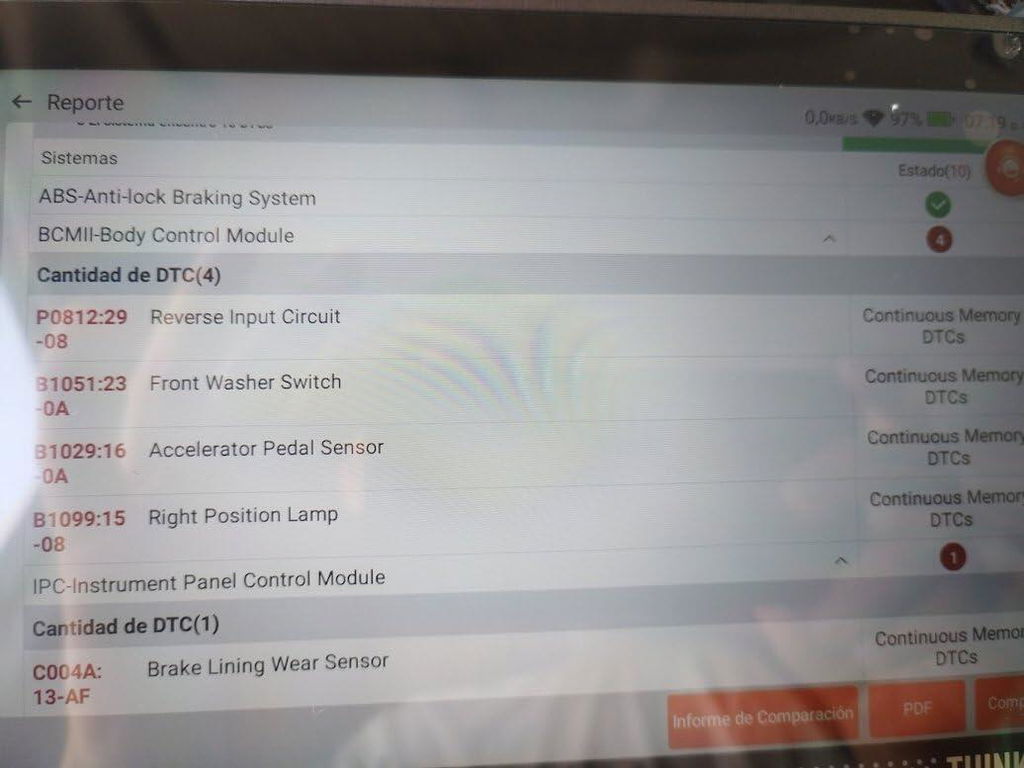
A continuación nos aparece en pantalla un gráfico con los diferentes diagnósticos, agrupados por categorías.
Tan sólo necesitaremos pulsar en "realizar test" (en modo rápido o en modo detallado) y, como puede verse en el vídeo, en cuestión de segundos estará pintando de rojo las zonas donde encuentre fallos.
Tan sólo necesitaremos pulsar para averiguar con todo detalle a qué se debe cada fallo que encuentre.
En nuestro caso teníamos desde hace algún tiempo fallas del motor en el salpicadero, lo habíamos llevado a un taller y no supieron encontrar el fallo concreto, a pesar de que habían empleado una máquina de diagnósticos profesional: sin duda esta es mucho mejor que la que tienen en muchos talleres.
Algunos detalles a tener en consideración, más allá de la increíble rapidez y eficacia en el diagnóstico (que es lo más importante) serían los siguientes:
Nos ofrece la opción de borrar los fallos detectados, y lo hace perfectamente. Los fallos realmente graves volverán a aparecer de inmediato, y otros puede ser que al cabo de algún tiempo. En nuestro caso teníamos diez fallos, inicialmente, y ahora sólo cinco.
Para conseguir el mejor rendimiento se hace necesario conectarlo vía wifi, porque así conseguiremos informes detallados de cada fallo, explicando de qué se trata y explicando cuales serían las diferentes soluciones, además de que nos informará de las consecuencias en caso de que no realicemos una reparación lo antes posible.
Un detalle a mejorar es que ese informe sólo lo podemos leer en pantalla (en el vídeo pueden verse dos informes de fallas en nuestro vehículo). Esta máquina también genera un informe con los fallos detectados, que pueden enviarse por correo electrónico, pero únicamente aparecen los códigos de error, sin las explicaciones. Sería realmente útil que ese informe detallado también se pudiese enviar por correo electrónico. Es más, sería interesante que no necesitemos conectar a internet para acceder a los informes detallados: la memoria de esta máquina (que tiene un dispositivo android, similar al de muchos teléfonos moviles) tiene capacidad de almacenamiento más que suficiente como para guardar internamente los informes detallados de cada código de error.
La conexión se realiza por bluetooth. Conectaremos un dispositivo que emite señal inalámbrica desde el puerto de acceso a la computadora de nuestro vehículo y, de inmediato, vamos a poder comprobar que se enciende una luz verde. A continuación, accionamos la llave de contacto a la posición anterior a la de arranque del vehículo (la que nos permite escuchar la radio, pero no arrancarlo), y encendemos la máquina (pulsando durante tres segundos).
Una ventaja de usar conector inalámbrico es que a veces resulta un engorro andar con el cable, y que ese cable nos limita poder manejar la pantalla a nuestro antojo. Viene con una pestaña que facilita poder situar la pantalla sobre el volante (como puede verse en una de las fotografías), o donde nos sea más cómodo.
La máquina tiene una batería interna de larga duración, que deberemos recargar cada cierto tiempo, incluso aunque no la usemos. También podemos conectar el cable de carga USB al dispositivo emisor de bluetooth, y entonces la máquina podrá realizar otro tipo de diagnósticos (siempre que el ordenador de a bordo de nuestro vehículo los tenga habilitados).
Como norma general, casi todos los vehículos con menos de veinte años vienen con un ordenador al que esta máquina podrá acceder.
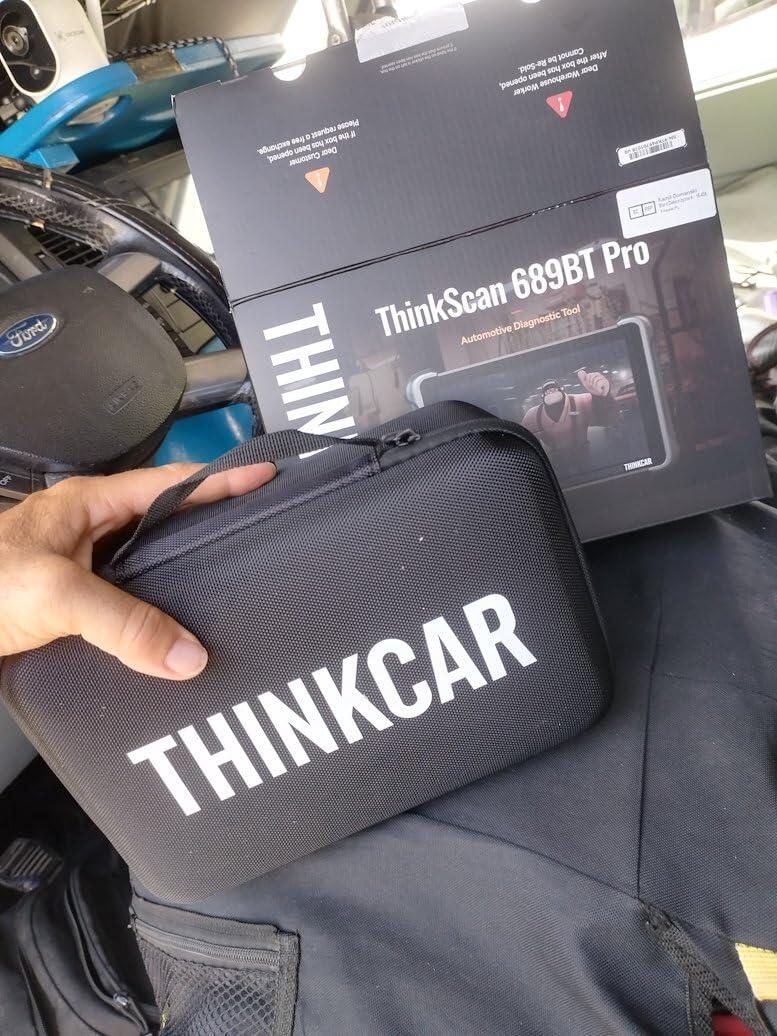
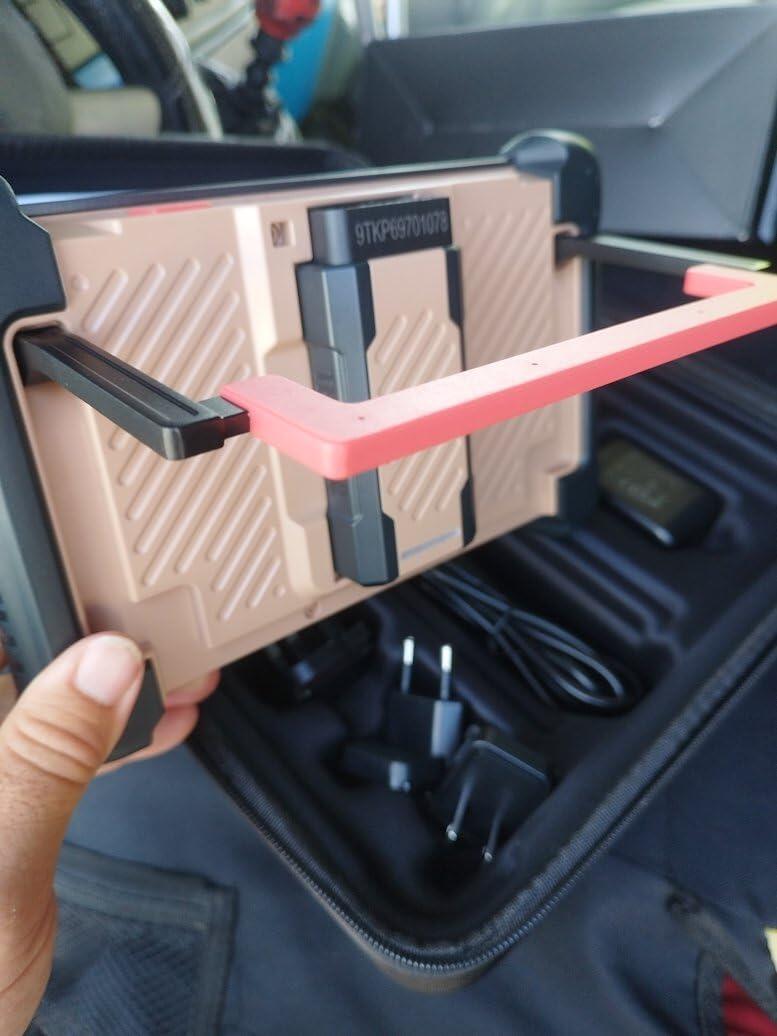
L
Very good car scanner. This is a proper bidirectional tablet tool with topology mapping so you can see the modules on the car instead of scrolling through endless menus. J2534 pass-through, 4000+ active tests, ECU coding and a big list of service resets, so it’s not just a cheap code reader that clears an engine light and gives up.
You plug in the VCI, it talks over Bluetooth and you can run tests, look at live data and ask the built-in helper when you’re stuck. One device covering a lot of makes is the useful part if you work on more than one car and don’t want a separate OEM laptop for every badge.
Lifetime software updates on this model is a big plus compared with tools that lock you into a yearly fee. Feels like workshop kit rather than a toy. I’d use it again.
Would I buy? Yes
Rating: 5/5
Durability: Excellent
Assembly: Easy
Quality: Excellent
Value for money: Good
D
Avis : 5 étoiles ⭐️⭐️⭐️⭐️⭐️ … J’ai trouvé ici une vraie centrale de diagnostic automobile, bien plus ambitieuse qu’un simple lecteur de défauts 💪🏽 lecture complète des calculateurs, cartographie des réseaux, tests bidirectionnels et nombreuses procédures d’entretien. Pour chercher pourquoi un ventilateur ne se déclenche pas, commander une pompe auxiliaire, contrôler un injecteur, régénérer après intervention ou remettre à zéro une maintenance, l’approche est franchement efficace et fait gagner un temps précieux. L’écran de 8“ et la liaison sans fil rendent le travail plus confortable qu’avec une petite valise filaire posée sur le siège. Le potentiel devient presque épique lorsque plusieurs calculateurs sont impliqués 😅 au lieu de naviguer module après module comme dans un labyrinthe, la vue topologique aide à repérer le système en défaut 👌🏽 et à remonter la piste. Les essais actifs, les fonctions de service et le codage peuvent vraiment transformer une recherche de panne en diagnostic structuré. Néanmoins, la compatibilité ne se résume jamais à « toutes les marques ». Selon le véhicule, le millésime, les options et les protections constructeur (frais complémentaires induits), certaines fonctions peuvent être absentes ou limitées. Le codage et le pass-thru demandent aussi méthode, alimentation stabilisée et sauvegarde préalable 😉 ce n’est pas un jouet à brancher pour activer des options au hasard. Je le recommande à celui qui entretient plusieurs véhicules, fait de la mécanique sérieuse ou veut un outil de diagnostic évolué sans passer directement par la solution constructeur. Pour effacer occasionnellement un voyant moteur ou lire deux codes, c’est clairement surdimensionné 😅.
Rapport Diagnostic/tests actifs/cartographie/fonctions atelier/ergonomie/prix (700€) Cela a un coût mais c’est une valise très complète et a valeur ajoutée pour un utilisateur expérimenté, à condition de vérifier précisément la couverture de ses véhicules avant l’acquisition.
★
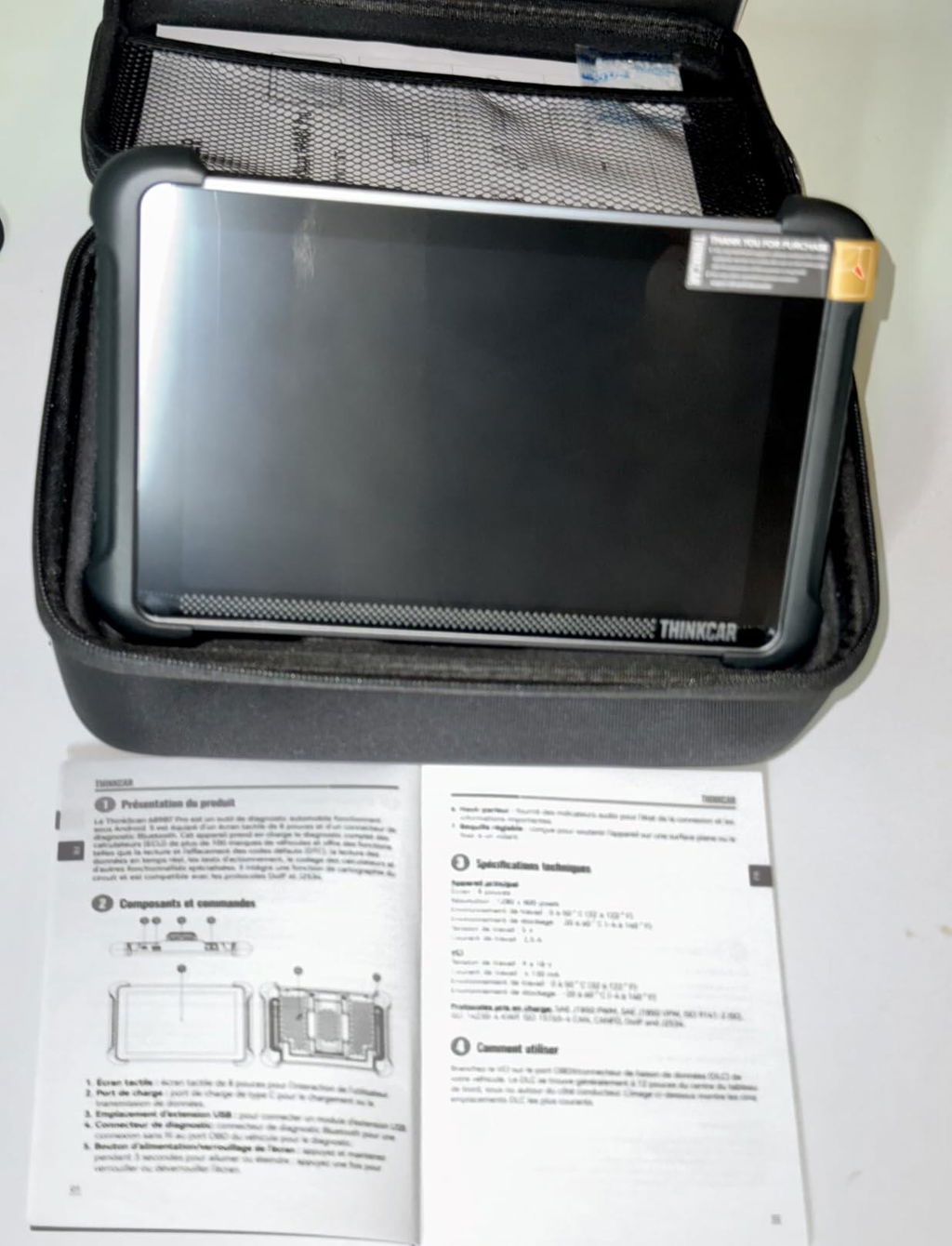
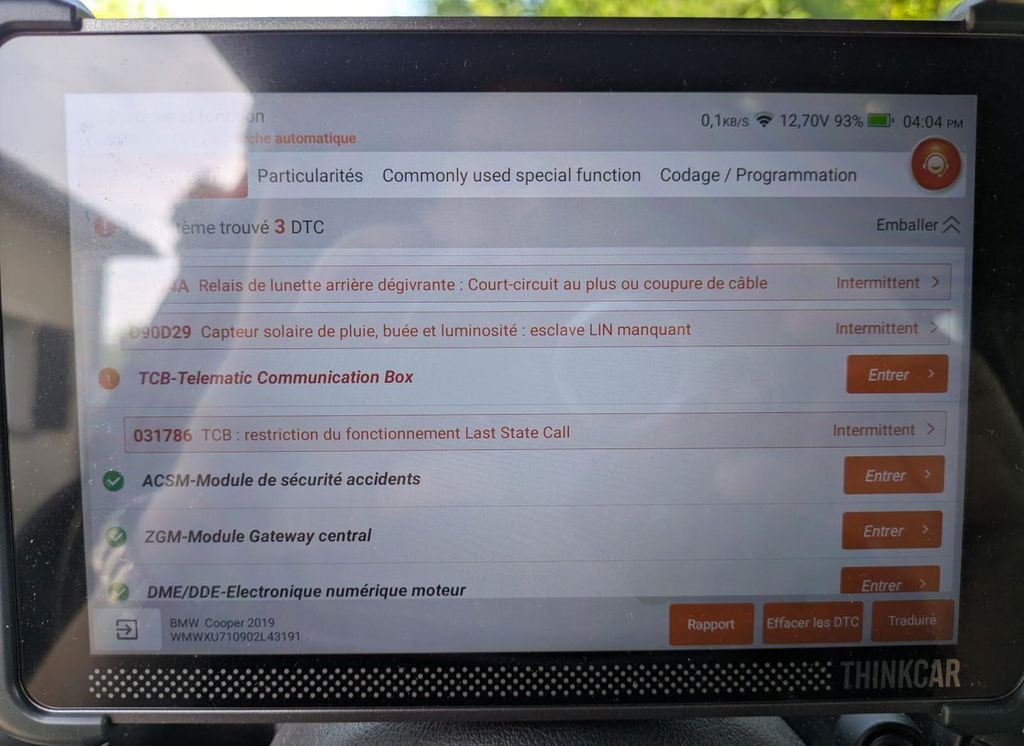
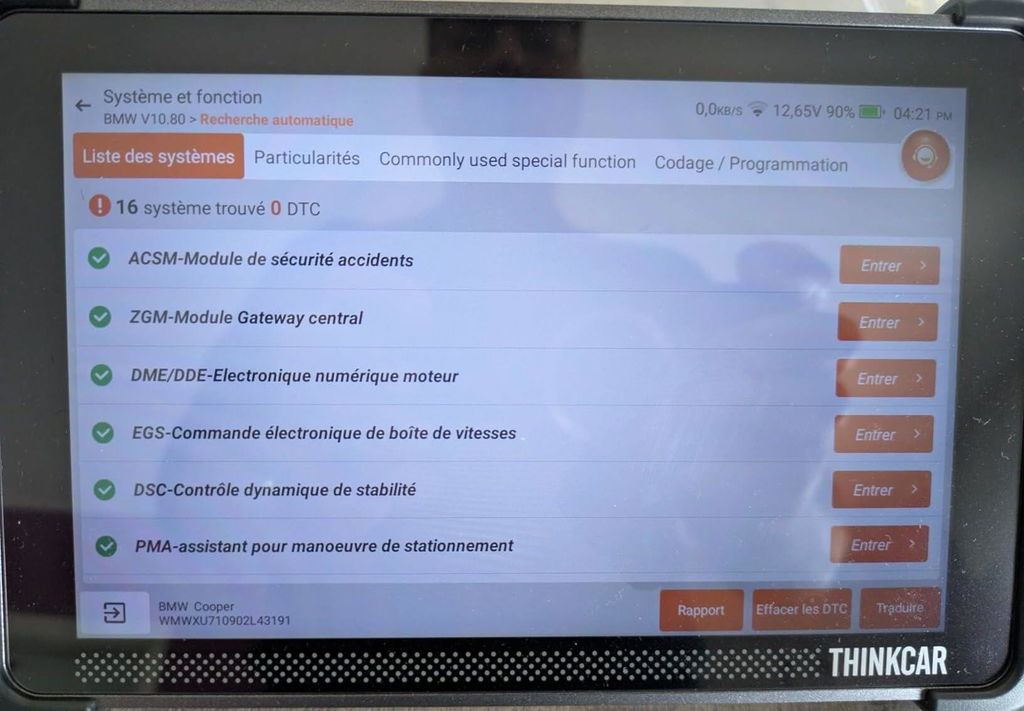
Le Thinkcar 689BT Pro est idéal pour les automobilistes souhaitant comprendre et entretenir leur véhicule sans dépendre systématiquement d’un garage. Compatible multimarque, il analyse moteur, transmission, ABS et airbags et plus encore avec précision.
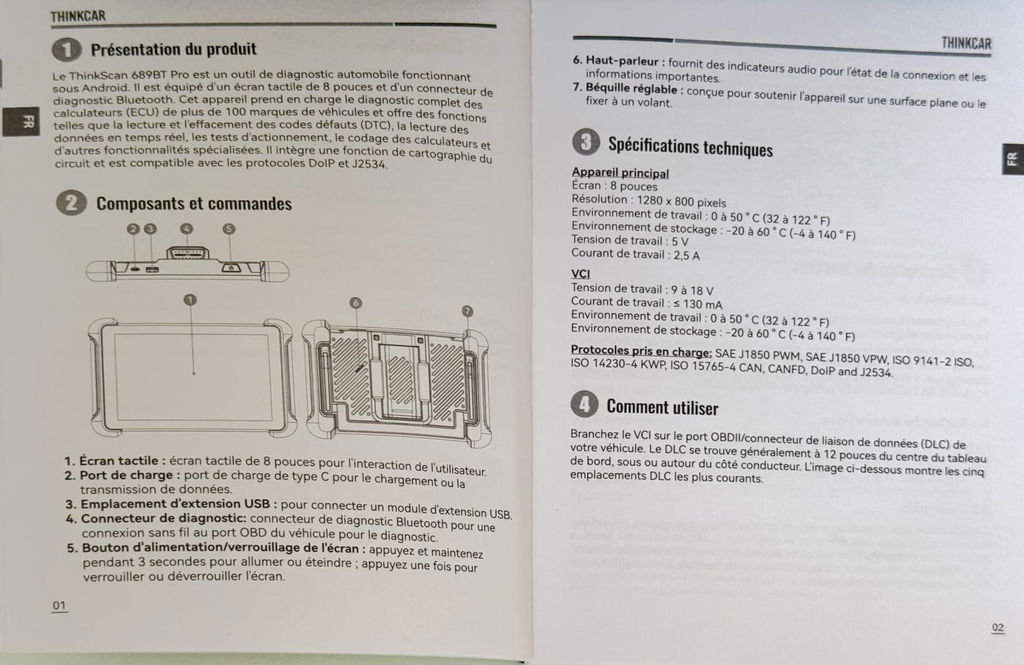
Son écran tactile 8" HD, associé à Android 10, un processeur performant, 4 Go RAM et 64 Go stockage offre une interface fluide et claire.
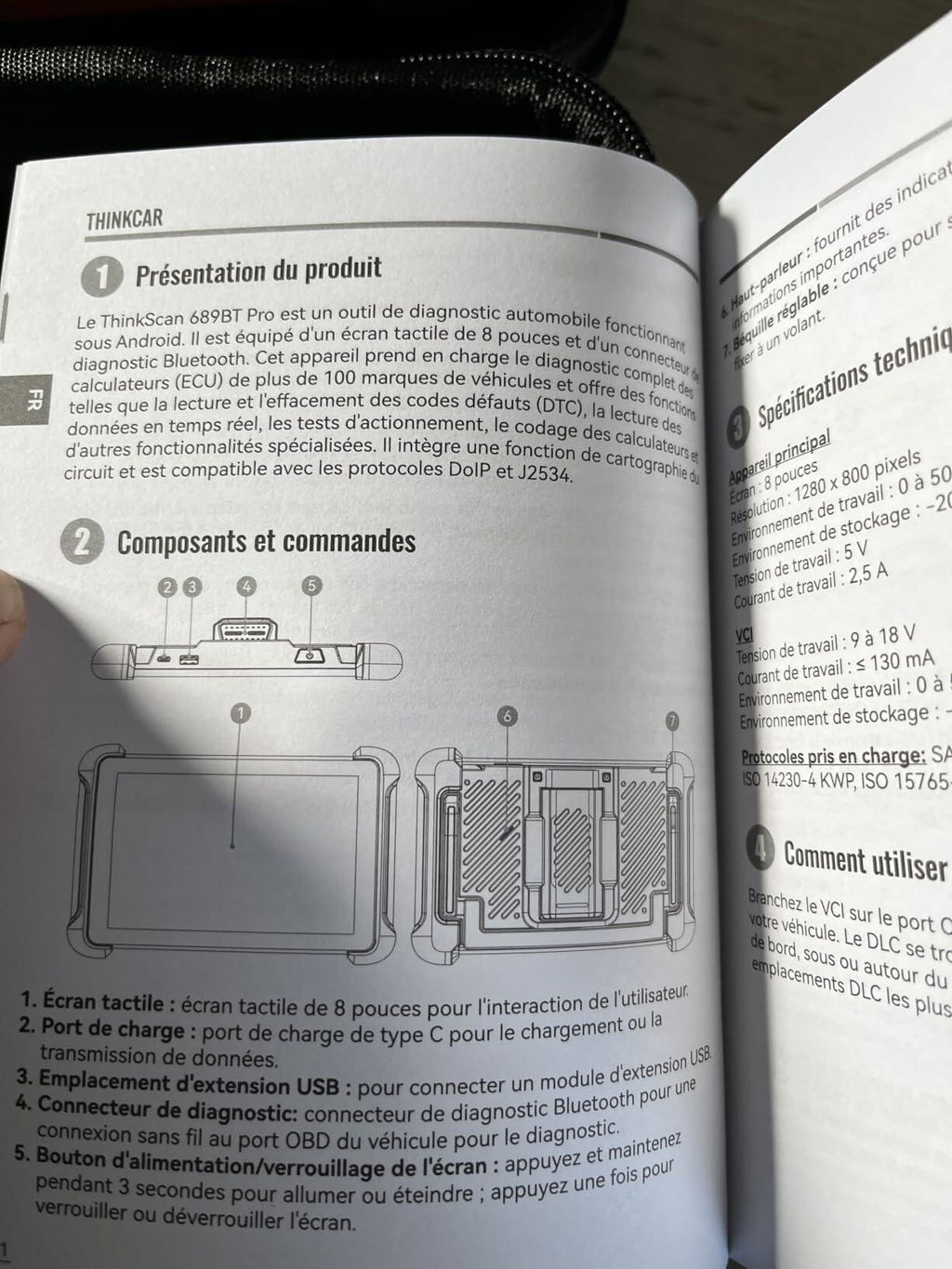
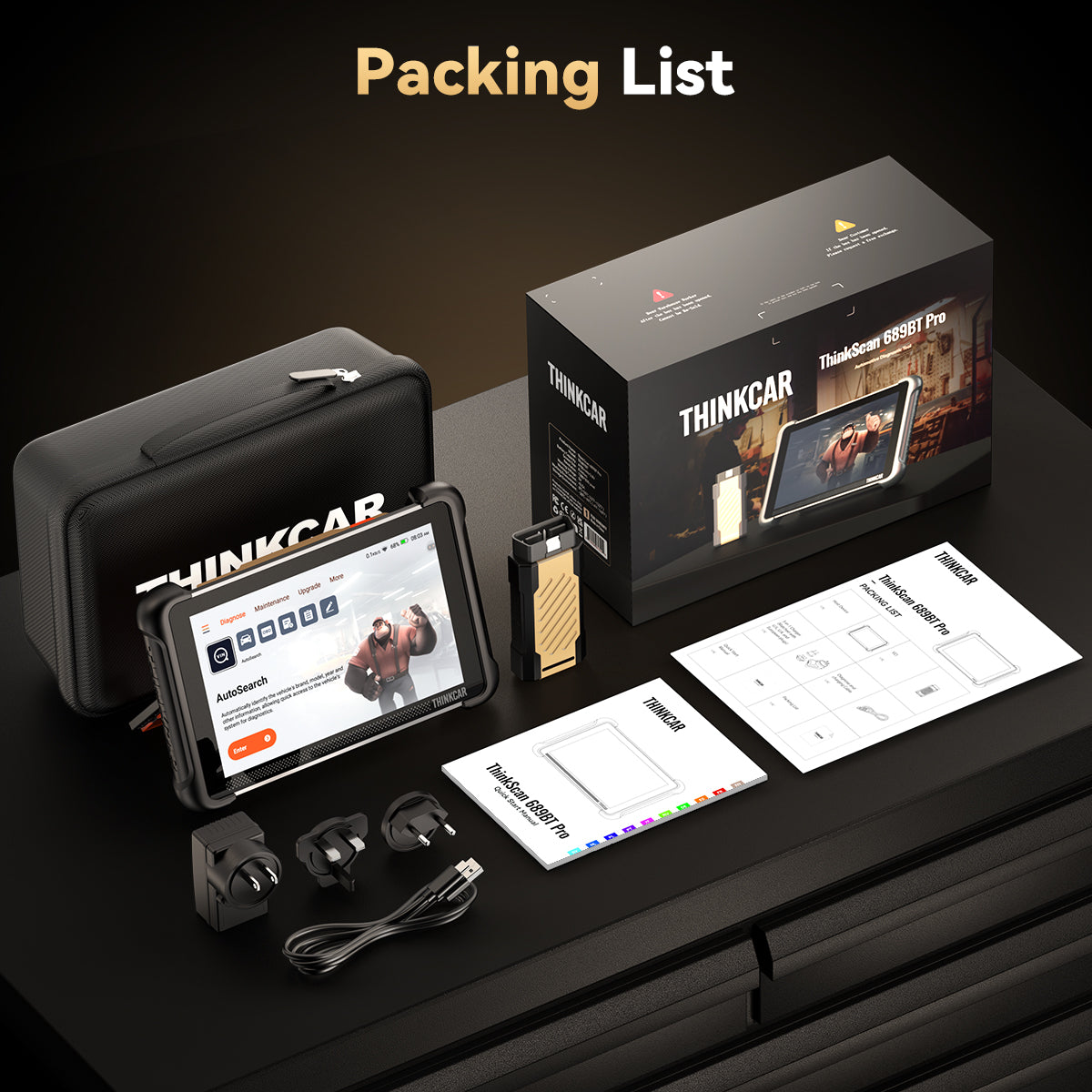
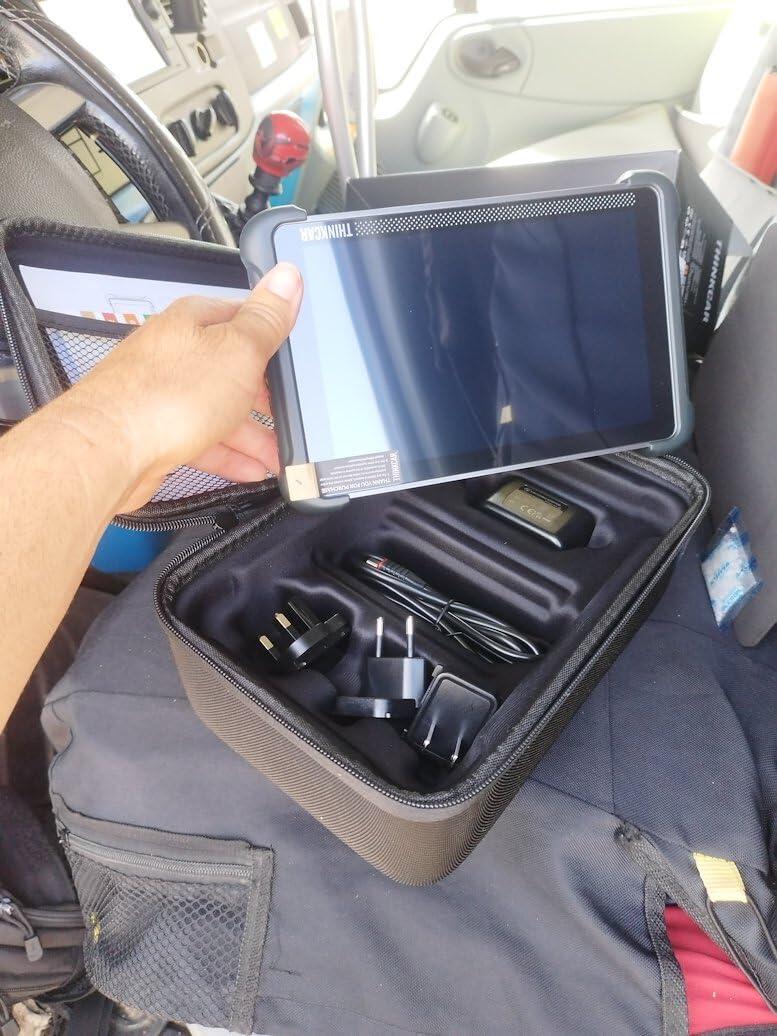
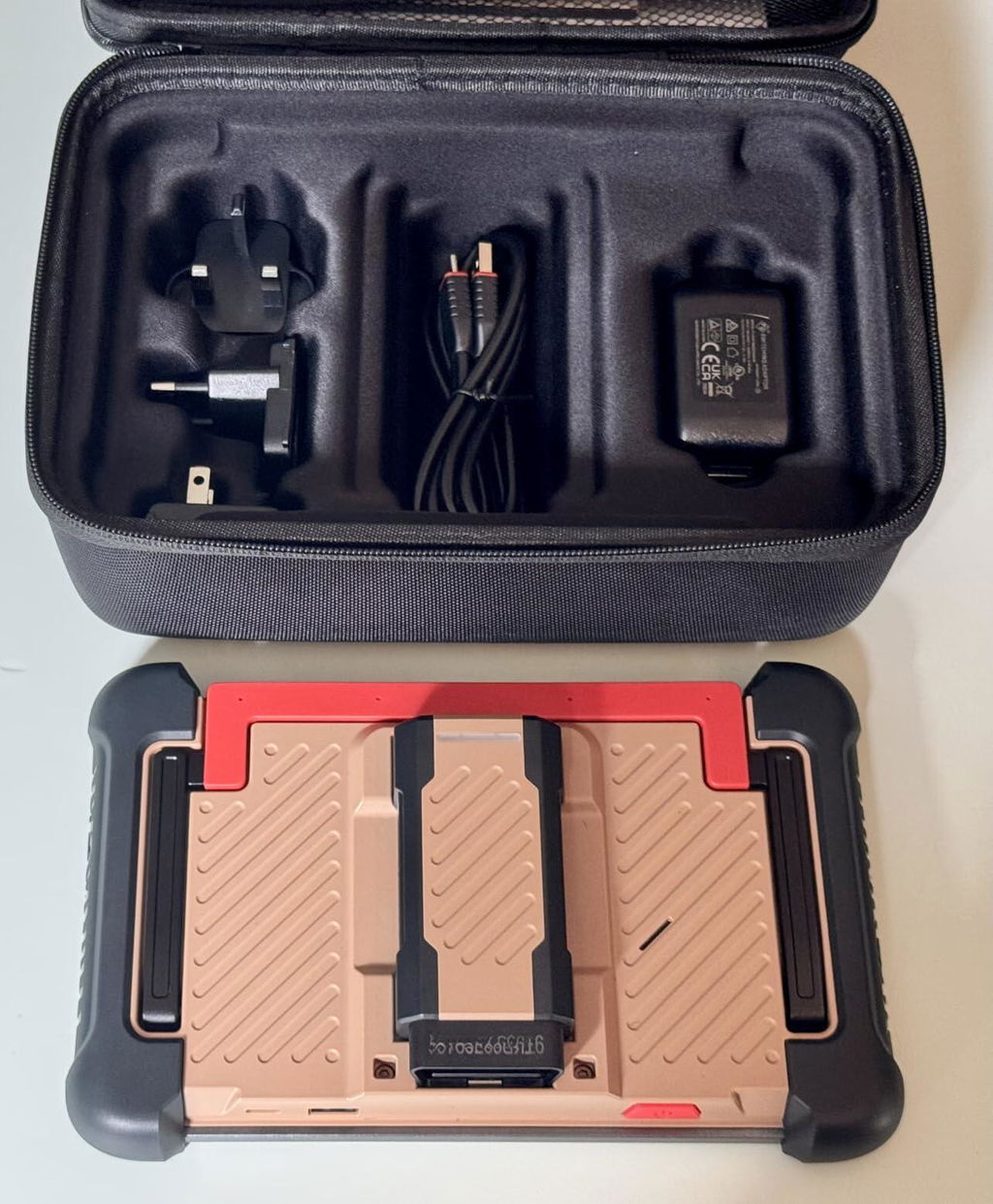
La prise OBD Bluetooth donne à la tablette une vraie liberté de mouvement (la prise OBD s'aimante à l'arrière de la tablette pour le stockage).
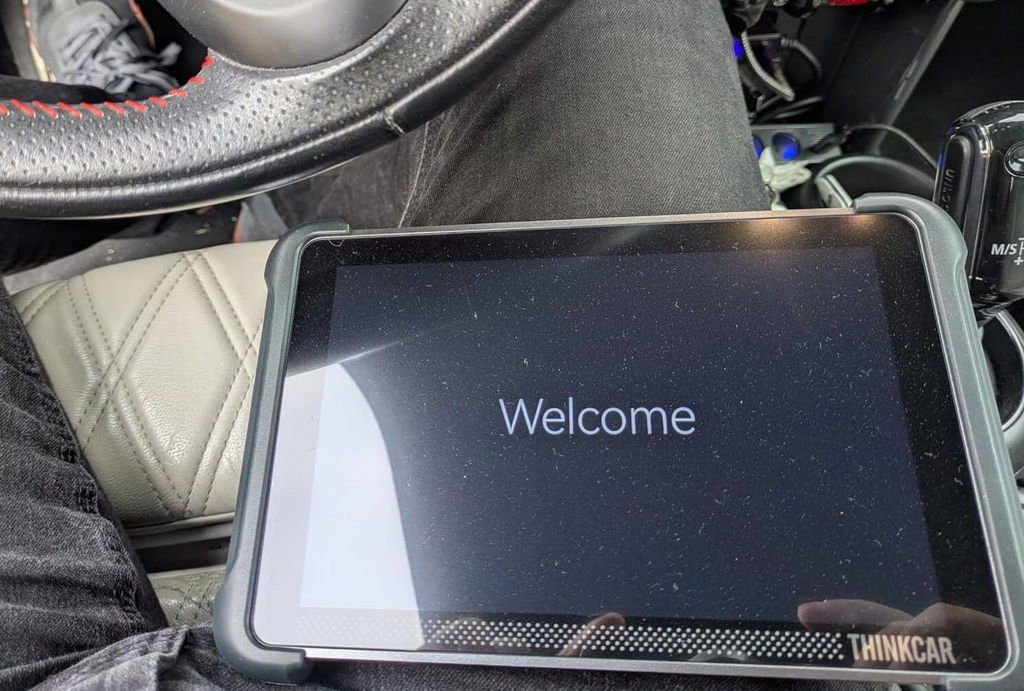
La tablette est prévue pour reposer si on le souhaite sur le volant, offrant un confort rare d'utilisation.
Plus de 35 fonctions de service (réinitialisations, maintenance, etc.), c’est un vrai assistant d’entretien automobile. Les données peuvent être affichées en graphique, sauvegardées, imprimées ou partagées par e-mail, navigation internet, images musiques....
Un outil intelligent, puissant et rentable pour garder le contrôle sur l’entretien de nos voiture modernes.
699,98€ au moment de la commande.
Je recommande 😊
J’espère que mon commentaire sera utile à votre décision 👍🏻
l
J'ai pris ce scanner OBD2 ThinkScan 689 BT Pro pour mon fils, mécanicien de formation qui assure les entretiens des véhicules de la famille donc les miens aussi. Il a été impressionné par les possibilités offertes par cette version pro.
La cartographie topologique est probablement ce qu'il apprécie le plus : on visualise rapidement les différents calculateurs et les défauts présents, ce qui fait gagner du temps.
Les tests actifs sont également très utiles pour commander directement certains équipements et confirmer une panne plutôt que de partir au hasard.
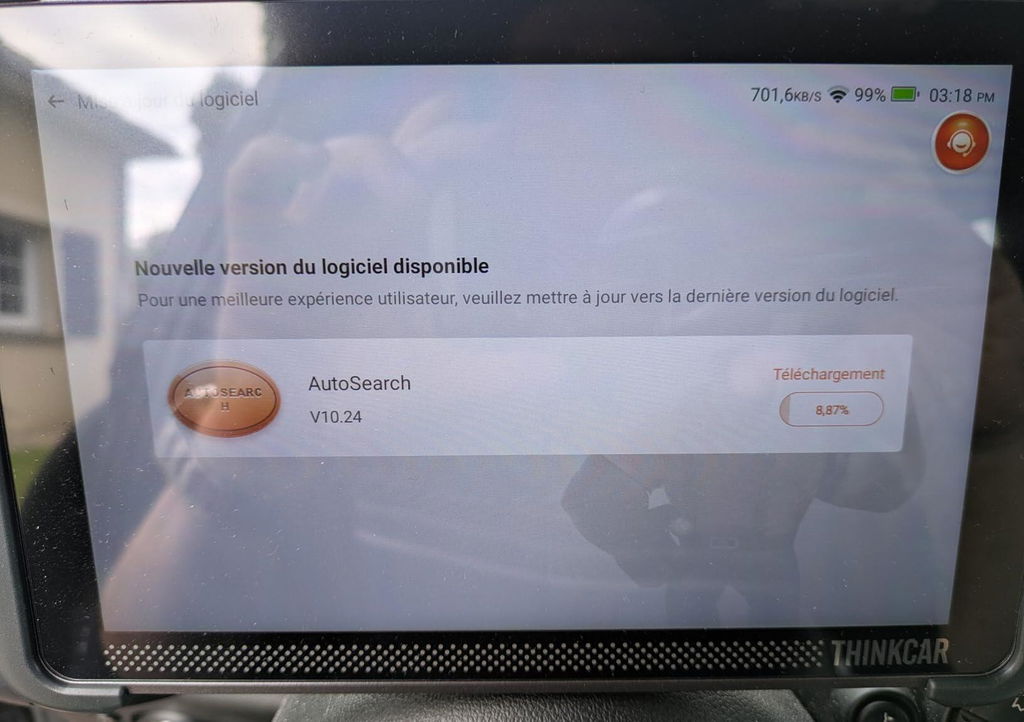
Une grosse mise à jour est proposée à la première connexion et il y a ensuite des mises à jour régulières, ce qui est rassurant quant au suivi.
Les marques couvertes sont très nombreuses.
Cette valise est très complète et les fonctions d'IA qui propose des solutions de réparation intelligentes en fonction des codes d’erreur détectés sont un plus pour aider au diagnostic directement sur la tablette.
Elle offre une excellente expérience d’utilisation, fait gagner du temps dans la recherche de panne et apporte un niveau de diagnostic très intéressant pour son positionnement. A recommander pour les petits garages indépendants et les bricoleurs qui font leur mécanique auto.