
Introduction
Still swapping parts because the car went into limp mode, and your scan tool only shows a generic code? That confusion burns hours, drains customer trust, and can leave you chasing the same fault twice because you never proved the root cause.
This ultimate guide helps you choose a bidirectional scanner based on real repair workflow, not buzzwords. You will learn how to verify a complaint, run active tests, complete resets, capture proof with live data, and plan updates without disrupting jobs. Follow the foundations first, then use the modules to map tool capability to what you actually fix on-bay.
Official Site: THINKCAR
Bidirectional Scanner Fundamentals for Real Repair Workflows
What a Bidirectional scanner really is (and why it changes outcomes)
A Bidirectional scanner is not just a code reader. It can command outputs and actuators (active tests) so you can make the vehicle do something on purpose and watch the response. That turns guessing into a controlled experiment: you request an EVAP purge, an electric cooling fan, a throttle sweep, or an ABS pump run, then confirm whether the system reacts.
When you can command an output, you can split problems faster:
- If the actuator responds, suspect inputs, logic, or intermittent wiring.
- If the actuator does not respond, suspect power, ground, wiring, or the actuator itself.
- If the command is blocked, suspect security gateway access or limited ECU support.
This is the difference between "I saw a DTC" and "I proved the fault path." For entry-level buyers, the goal is not maximum features. The goal is enough bidirectional depth to cover the jobs you see every week.
The workflow stages that a Vehicle Scanner & Diagnostic Tool must support
A Vehicle Scanner & Diagnostic Tool should match how you actually work, not how marketing checklists read. A simple workflow-first mental model is:
- Verify: capture symptom, freeze frame, and baseline data.
- Test: run active tests and targeted checks to isolate the cause.
- Confirm fix: clear codes if appropriate, run post-repair checks, verify readiness, and document.
That final step matters more than most buyers think. In emissions programs, readiness monitors may need to be set for an inspection to pass. California BAR adopted tighter OBD II readiness requirements effective October 1, 2025, which increases the practical value of post-repair monitor checks and documented confirmation. (This is not a recommendation link; it is a regulation summary.) According to the California Bureau of Automotive Repair, those readiness monitor rules changed in late 2025.
Real Repair Workflow: Scan to Confirm
A consistent scan-to-confirm routine prevents two common comebacks: "the light came back" and "it still drives weird." Start every job with a pre-scan that captures not only codes, but the context that explains them. Freeze frame data (the snapshot recorded when a DTC sets) tells you whether the fault happened at idle, at cruise, under load, or during a specific temperature range. That context keeps you from fixing the wrong problem.
Then run a post-repair confirmation that does not rely on hope. You want to prove that the system is stable under the same conditions that originally triggered the complaint. If the job is emissions-related, do not stop at "no codes." Check I/M readiness and confirm the monitors are moving toward ready rather than stuck.
A simple checklist that works on-bay:
- Pre-scan all available systems.
- Save freeze frame for relevant DTCs.
- Record baseline live data at idle and at 2,500 rpm.
- After repair, clear codes only if appropriate.
- Re-scan, confirm no immediate returns, then verify readiness trend.
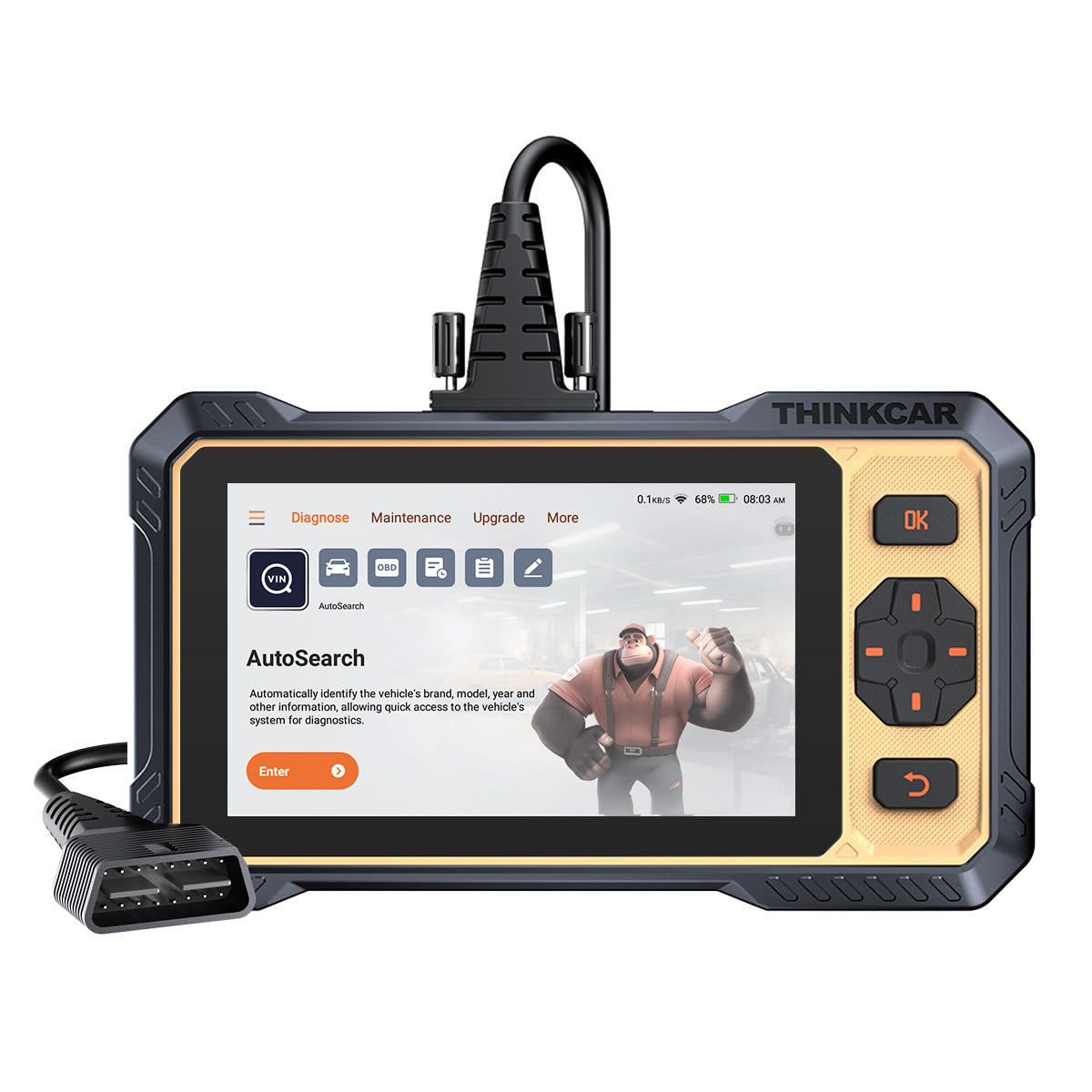
For an entry-level workflow tool, THINKCAR positions the THINKSCAN 662 as a plug-and-play Bidirectional scanner with active tests, Auto VIN diagnostics, and coverage across core systems (ECM, TCM, ABS, SRS) for 140+ brands, plus a 6.2-inch anti-glare touchscreen and lifetime free updates. Use it as your consistent intake and delivery tool: capture the before state quickly, then document the after state with the same screens and routine.
Shop: THINKSCAN 662
Active Tests That Save Diagnostic Time
Active tests are where a Bidirectional scanner stops being a reader and becomes a diagnostic instrument. The principle is simple: if you can command an actuator and see the system respond, you can isolate electrical vs mechanical faults without pulling parts first.
A practical pattern you can use across many jobs:
- Command an output (fan, purge valve, throttle motor).
- Watch the related PID change (RPM, airflow, O2 response, voltage, pressure).
- If the PID changes but the symptom remains, suspect mechanical or downstream issues.
- If the PID does not change, chase power, ground, control, or the component.
When you start using active tests, you also learn quickly what "bidirectional" means in real life: some tools can command certain tests on some vehicles, but not others. That is why you should prioritize active tests that match your frequent repairs, not rare edge cases.
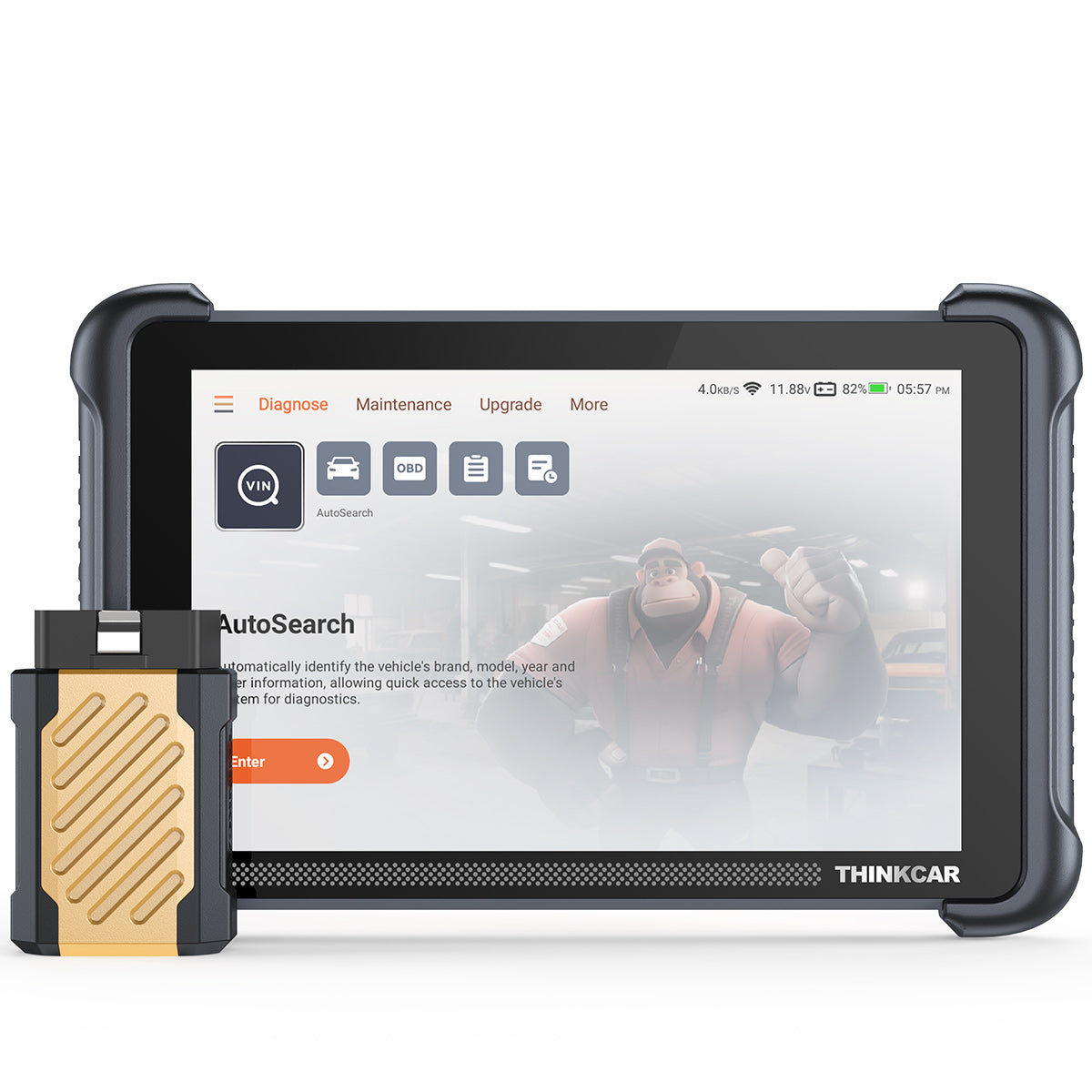
For broader on-bay test capability, the THINKSCAN 689BT is positioned as a higher-capability option within the ThinkScan Series. On the product spec list, it emphasizes all-system diagnosis via a Bluetooth dongle, bidirectional/active test support, ECU coding, and support for protocols like CAN FD and DoIP, plus WiFi updating and larger memory (4G RAM, 64G ROM). If you routinely need deeper tests across more modules or you want a tablet-style interface, that form factor can reduce friction because you can graph, compare, and save data while moving around the bay.
Shop: THINKSCAN 689BT
Data You Actually Need On-Bay
Live data is only useful if it is fast, scannable, and comparable. In the bay, you typically need three things: (1) quick access to the right PIDs, (2) graphing or snapshots so you can see trends, and (3) the ability to capture before-and-after proof.
Build your own "on-bay PID list" by symptom type:
- Misfire/rough idle: misfire counters, STFT/LTFT, MAP/MAF, RPM stability.
- Overheat/fan issues: ECT, fan command, fan feedback, voltage.
- EVAP and fuel: purge command, tank pressure, fuel trims.
- Transmission complaints: commanded gear, slip, ATF temp.
Mode $06 is another underused feature for real diagnostics. It exposes on-board monitoring test results for certain non-continuous monitors, which can help you judge how close a system is to failing before it sets a DTC. SAE standards describe Mode $06 as a way to request on-board monitoring test results, which is why some tools surface it under advanced OBD2 functions.
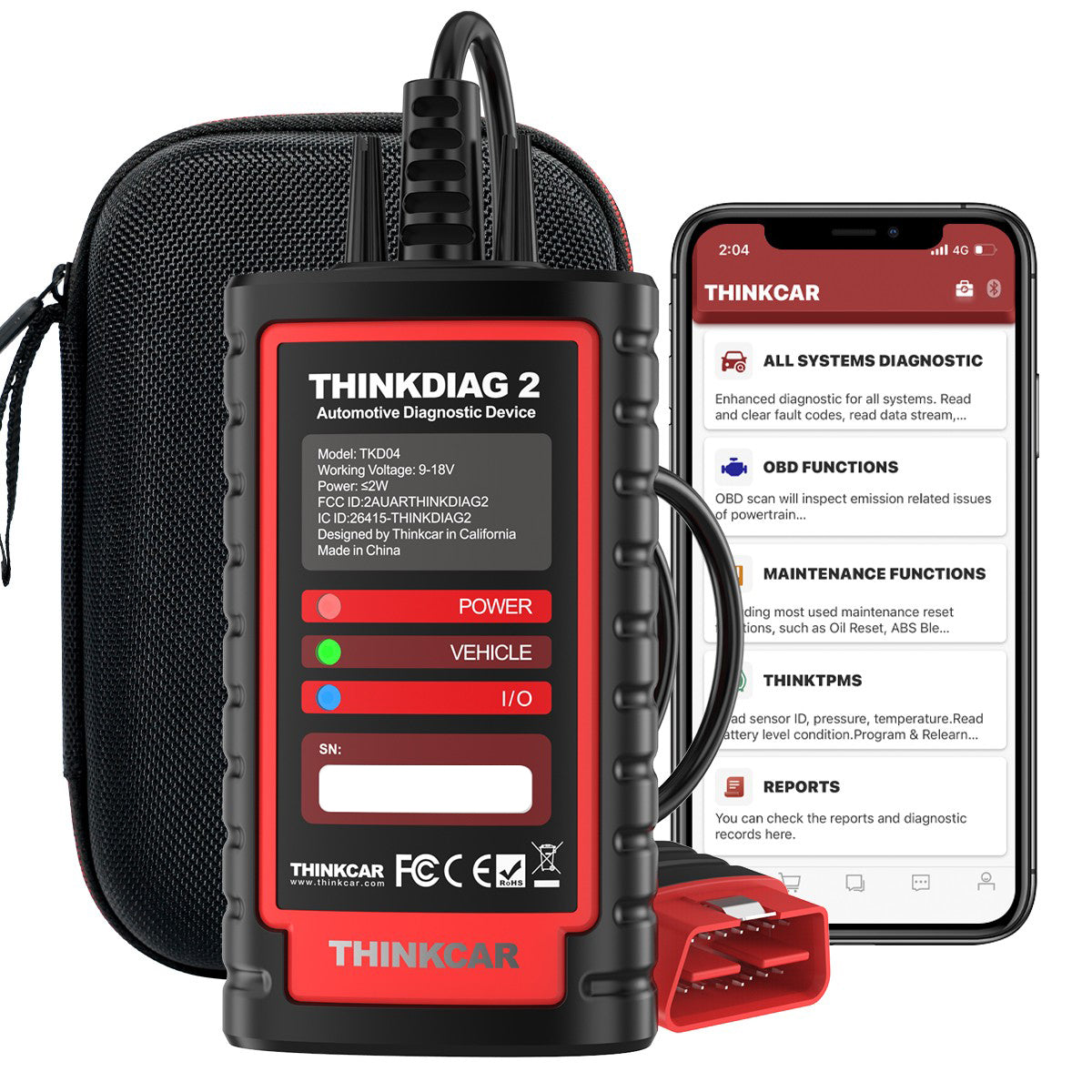
If you prefer a phone-centered workflow, an OBD2 Scanner Bluetooth setup can reduce setup time for quick checks, roadside triage, or small-shop overflow. THINKDIAG 2 is positioned as a Bluetooth diagnostic scanner that supports full system scan, ECU coding, bidirectional control, and CAN FD support. For many users, that combination matters because you can keep the interface portable while still reaching beyond generic OBD2.
Shop: THINKDIAG 2
How to Choose a Bidirectional Scanner: A Decision Framework
Vehicle coverage: brands, years, and systems you actually touch
Start by defining your actual fleet mix. A scanner that is great on one brand but weak on another can still be the right choice if you know your lane. Coverage decisions should be made at the system level:
- The engine and transmission are common priorities.
- ABS and SRS matter because they create safety-critical lights.
- BCM access matters for body electrical issues.
If you do state inspection-related work, add readiness monitor verification as a required feature because clearing codes resets readiness, and some programs require monitors to be set to pass. According to the New York DMV, vehicles can fail inspection when readiness monitors are not ready, and the guidance emphasizes completing drive cycles after clearing codes.
Update policy: lifetime versus subscription, and what "included" means
Treat update policy like a cost-of-ownership and planning issue. The question is not only "how long." It is also "what happens when I skip?" Some ecosystems tie gateway access or certain functions to being up to date.
Make it concrete:
- How often are updates released?
- Is the update method WiFi, app, or PC?
- Are all brands included, or only selected brands?
- Does the tool require a Software Subscription for major expansions?
| Workflow need | Best form factor | Why it fits | Trade-off |
|---|---|---|---|
| Intake and exit scans | Handheld | Fast boot, one-hand use | Smaller graphs |
| Deep diagnosis sessions | Tablet | Graphing, notes, reports | More to carry |
| Mobile or roadside triage | Bluetooth OBDII | Pocketable, app-based | Phone dependency |
| Multi-bay shared tool | Tablet/handheld | Easier handoff | User profiles vary |
Conclusion
Buy for workflow, not for feature lists. If your daily work needs active tests and consistent confirmation, prioritize a true Bidirectional scanner that supports the ECUs you touch most often. Then choose the form factor that matches how you move in the bay: handheld for speed, tablet for depth, or OBD2 Scanner Bluetooth for mobility.
Start with one solid tool and a repeatable scan-to-confirm checklist. Once your team uses it consistently, you can scale into deeper functions like ECU coding, TPMS service, or expanded modules without re-learning the basics.
Official Site: THINKCAR
FAQ
How do I check whether a scanner will work on my exact car?
You should verify compatibility at three levels: vehicle identification, system access, and function depth. First, confirm the tool covers your make, model, and year range and supports Auto VIN or manual selection for accurate decoding. Next, confirm which systems are included, such as engine, transmission, ABS, and SRS, because some entry-level tools focus on only a few modules. Then confirm the exact functions you need, such as active tests, oil reset, EPB service mode, or BMS registration, because those vary the most. If you can, validate with a VIN-based compatibility check or a supported-function list for your vehicle.
Is a Bluetooth OBD2 scanner enough for real repair workflows?
A Bluetooth OBD2 scanner can be enough for basic workflows like reading and clearing emissions-related codes and viewing a limited set of live data. It becomes insufficient when the job requires all-system diagnostics, bidirectional active tests, or service functions like EPB, SAS, or BMS routines. If your workflow includes diagnosing body electrical issues, airbag lights, or transmission concerns, you usually need deeper module access than generic OBD2 provides. Bluetooth can still work for real repairs if the device and app support full-system access and the active tests you rely on.
Why do service resets matter if I can clear codes?
Service resets matter because many maintenance items are not DTC-based and cannot be completed by code clearing. Oil life, EPB service mode, steering angle resets, and battery registration often require ECU-specific routines that write a value or trigger a relearn. If you skip the proper reset, the vehicle may keep a warning message, apply incorrect control logic, or refuse to complete the service procedure.
How should I evaluate update and subscription claims?
You should evaluate update claims by reading the exact duration, the scope of what is included, and what happens when the period ends. Some tools offer free lifetime software updates, while others require a software renewal or a software subscription to keep adding coverage or maintaining advanced functions. You should also confirm the update method, such as WiFi update, app-based download, or PC-based update, because it affects downtime.
How do I avoid turning a scan tool update into a day-long problem?
You avoid update pain by separating updates from active repair deadlines and by controlling power and connectivity. Update only when the vehicle is not in a time-critical diagnostic session and when you have stable WiFi or a known-good connection method. Keep the tool charged, or keep it on stable power, because a shutdown mid-update can corrupt software.

Share:
5 Steps to Choose Best Wireless Scan Tools for Mobile Mechanics Without a Shop
5 Steps to Choose Best Wireless Scan Tools for Mobile Mechanics Without a Shop