
Introduction
You have a comeback car sitting on your lot, the customer is calling every two hours, and your bay is blocked because your current scanner will not run the one active test you need. You end up guessing, swapping a part, and hoping the light stays off. That single miss does not just cost parts and time; it drains your schedule and your credibility.
This guide helps you match the right diagnostic tool tier to the jobs you actually see, so you can move from quick code checks to full Vehicle Scanner & Diagnostic Tool workflows without paying for features you will not bill. You will follow a step-by-step plan: list your weekly jobs, set a realistic price tier, pick the right scanner form factor (including OBD2 Scanner Bluetooth options), confirm modern protocols, decide on Bidirectional scanner needs, and lock in updates and support.
Official Site: THINKCAR Official Shop
How-To Steps
Step 1: List your weekly diagnostic jobs
Start by writing down what you diagnose in a normal week, not what you wish you diagnosed. Pull the last 25 to 50 repair orders and tag each one as either a quick check (read/clear codes, basic live data), a guided maintenance job (reset after service), or a deep diagnostic (pinpoint a fault with active tests). This keeps you from buying a tool that looks impressive but sits in a drawer.
Use a simple split, so your team can agree fast:
- Quick checks: MIL, freeze frame, readiness
- Maintenance: oil/service, EPB, SAS, battery registration
- Deep diag: misfire, EVAP, ABS, airbag, network faults
- High-friction cases: intermittent no-start, parasitic draw, actuator faults
If your list is mostly quick checks plus maintenance, prioritize Code Readers or a light all-system unit first, then upgrade when deep diag volume justifies it.
Step 2: Set a realistic price tier (without buying by price)
Decide what "affordable" means for your shop by tying tool spend to billed diagnostic hours, not sticker shock. First, set an internal target: for example, "This tool must pay back in 20 to 40 billed diagnostic hours." Next, decide which capabilities you must have on day one, and which you can add later via a second device or an upgrade.
To avoid surprises, list ownership items you will ask about before you buy:
- Software Renewal or Software Subscription Terms
- Frequency of updates and what counts as an "update."
- Whether functions are locked behind T-code or TCODE add-ons
- Warranty length and what a 1 Year Extended Warranty covers
Finally, write one sentence that defines success for your workflow, such as: "We need stable all-system access, modern protocol coverage, and a practical Bidirectional Control Scanners set for common actuator tests." That sentence will keep you from overbuying.
Step 3: Choose your base scanner type (tablet vs OBD2 Scanner Bluetooth)
Pick the form factor that fits your bay flow. A tablet-style Vehicle Scanner & Diagnostic Tool is usually faster for techs who do full workflows (AutoVIN, guided menus, graphing). An OBD2 Scanner Bluetooth setup can be perfect for mobile techs, quick intake checks, and shared tools, as long as pairing is stable and the app is consistent.
Use this decision rule in your shop:
- Choose a tablet if: you do full-system scans daily, you need a dedicated screen, or you want fewer phone variables.
- Choose OBD2 Scanner Bluetooth if: you need portability, you already standardize on shop phones/tablets, or you want a small footprint at intake.
For many small shops, a two-layer setup works best: a ThinkScan Series tablet as the baseline tool, and a compact Bluetooth dongle for fast checks when the main unit is tied up.
Step 4: Confirm core coverage and protocols (CAN FD and DOIP)
Lock this step first; otherwise, everything after it becomes rework. Even the best bidirectional features do not help if your tool cannot talk to the vehicle. When you evaluate any Advanced Scanner, confirm three items in writing: coverage (makes/models/years), module depth (which systems you can access), and protocol support for newer platforms.
In practical terms, make sure your shortlist supports:
- CAN FDis can be used for many newer vehicles that moved to faster CAN networks
- DOIP for platforms using Ethernet-based diagnostics
- AutoVIN and fast vehicle identification to reduce setup time
THINKSCAN 662 specifically calls out CAN FD and Auto VIN diagnostics, plus 4-system coverage (ECM, TCM, ABS, SRS) across 140+ brands, which is a workable baseline when your weekly jobs concentrate on drivability and safety modules.
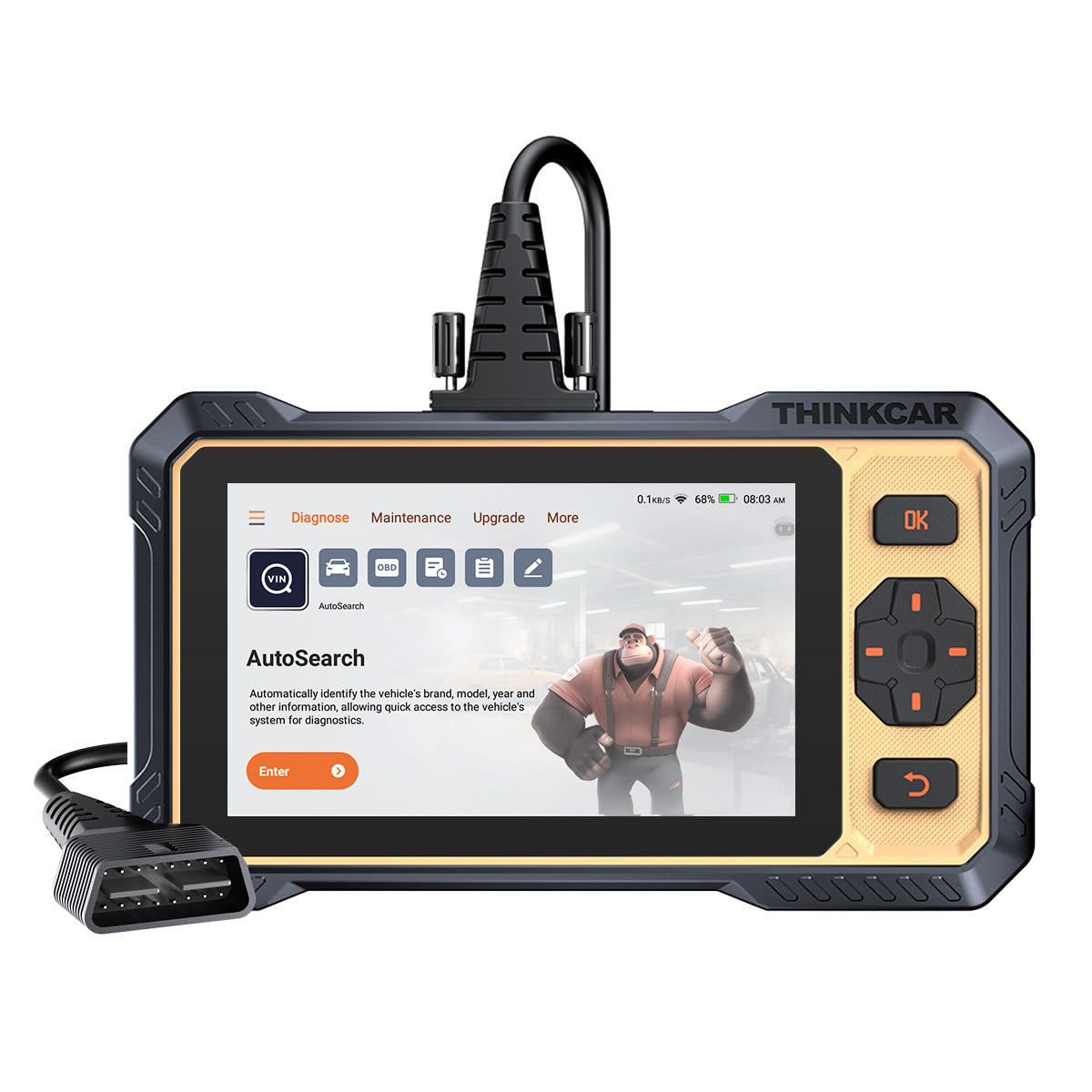
Shop: THINKSCAN 662
Step 5: Decide on bidirectional needs (active tests vs read-only)
If you regularly diagnose actuator or sensor response, you want bidirectional control. Bidirectional scanner capability means you can command components (fans, pumps, solenoids, relays) and watch the vehicle react, which cuts the "parts cannon" problem. Read-only tools can show codes and data, but they often leave you guessing whether a component can move.
Make the call using your job list from Step 1:
- If you mostly do: code checks, readiness, basic resets -> bidirectional is helpful, not mandatory.
- If you often do: no-starts, misfires, evaporative leaks, HVAC actuator issues -> bidirectional quickly pays for itself.
THINKSCAN 662 highlights Bi-Directional Control and Active Tests, and it also includes common service resets like oil reset, injector coding, SAS reset, IMMO, ABS bleeding, battery matching, EPB brake-pad reset, DPF regeneration, throttle adaptation, gearbox learning, TPMS reset, and airbag reset. Use this as your "pinpoint" layer: run the active test first, then confirm the data change you expect.
Shop: THINKSCAN 662
Step 6: Compare update model and support (Free Lifetime Software Updates, terms matter)
Treat updates as part of your diagnostic workflow, not an afterthought. The tool you buy today needs to keep up with new model years, new modules, and new test routines. Before you standardize a device, decide who owns updates in your shop (service writer, lead tech, or manager) and how often you will update.
A practical update checklist:
- Update cadence: monthly vs quarterly, and how long installs take
- Update method: WiFi (2.4G/5G), PC-based, or OTA-style
- Stability: rollback options if an update breaks a function
- Documentation: Software Update Notice clarity and change logs
THINKSCAN 689BT emphasizes monthly upgrades and 2.4G/5G WiFi updating, plus expanded features support. That matters because fast, predictable updates keep your tool ready for the next vehicle in line rather than turning into a "works on older cars" device.
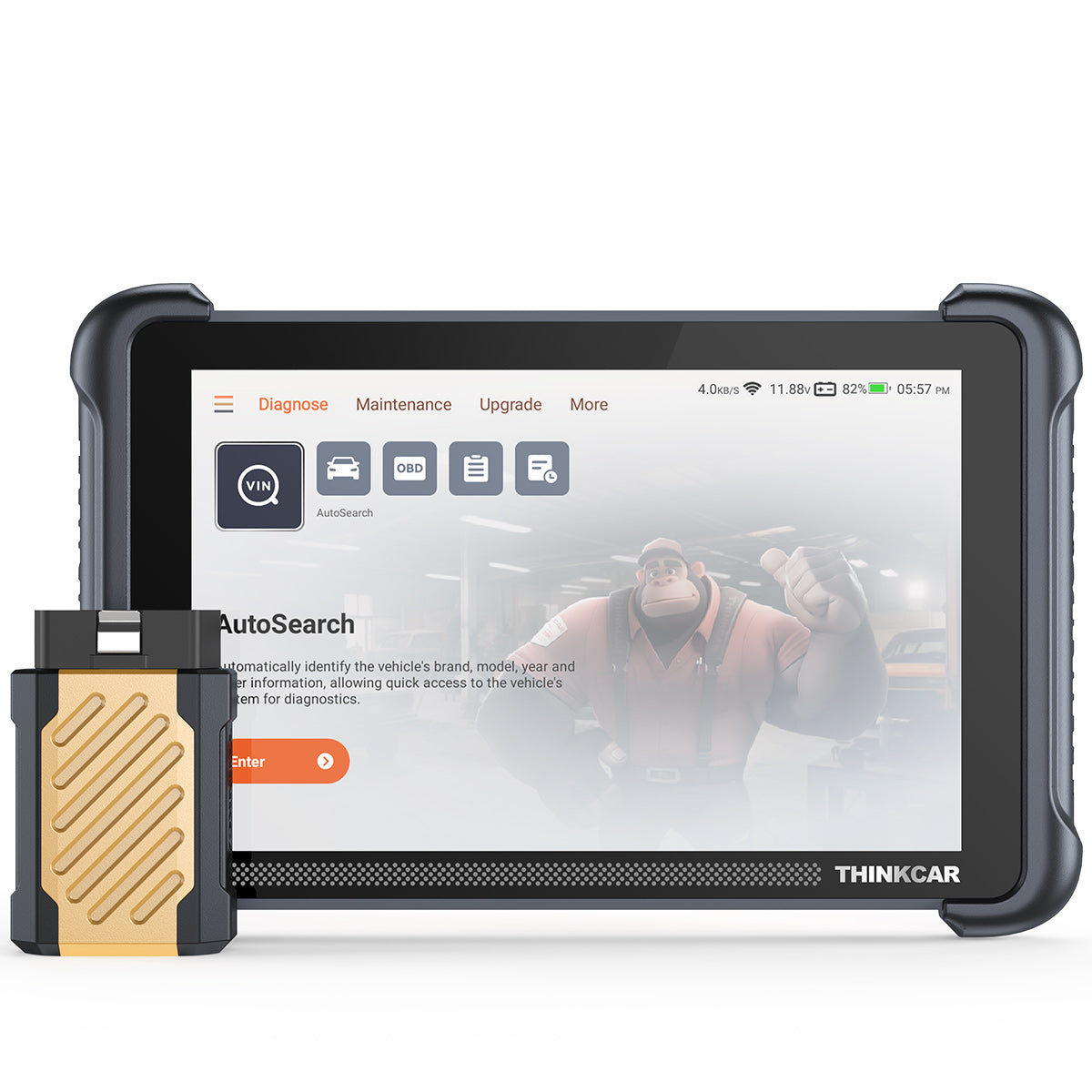
Shop: THINKSCAN 689BT
Step 7: Map tools to a shop purchase plan (ThinkScan Series first, then TPMS Service)
Now turn decisions into a simple 90-day plan, so you actually adopt the tool. Start with one baseline unit that covers your highest-volume jobs, train your team on a consistent process, then add specialized tools only when demand proves it. This avoids buying three devices that overlap while still missing the one function you need weekly.
Use a staged plan that matches typical growth:
- Phase 1 (weeks 1-2): baseline ThinkScan Series unit, standard scan sheet, and a shared workflow
- Phase 2 (weeks 3-6): add bidirectional-heavy workflows (active tests, actuator checks, ABS bleeding)
- Phase 3 (weeks 7-12): expand into TPMS Service and TPMS & Sensor work if you sell tires or seasonal maintenance
For example, THINKSCAN 689BT is positioned as a higher-capability step with all-system diagnostics (via Bluetooth dongle), CAN-FD and DOIP, ECU coding, active tests, and 35+ maintenance functions. Use it when you need deeper module access and more advanced workflows, while keeping a simpler unit for intake and quick confirmations.
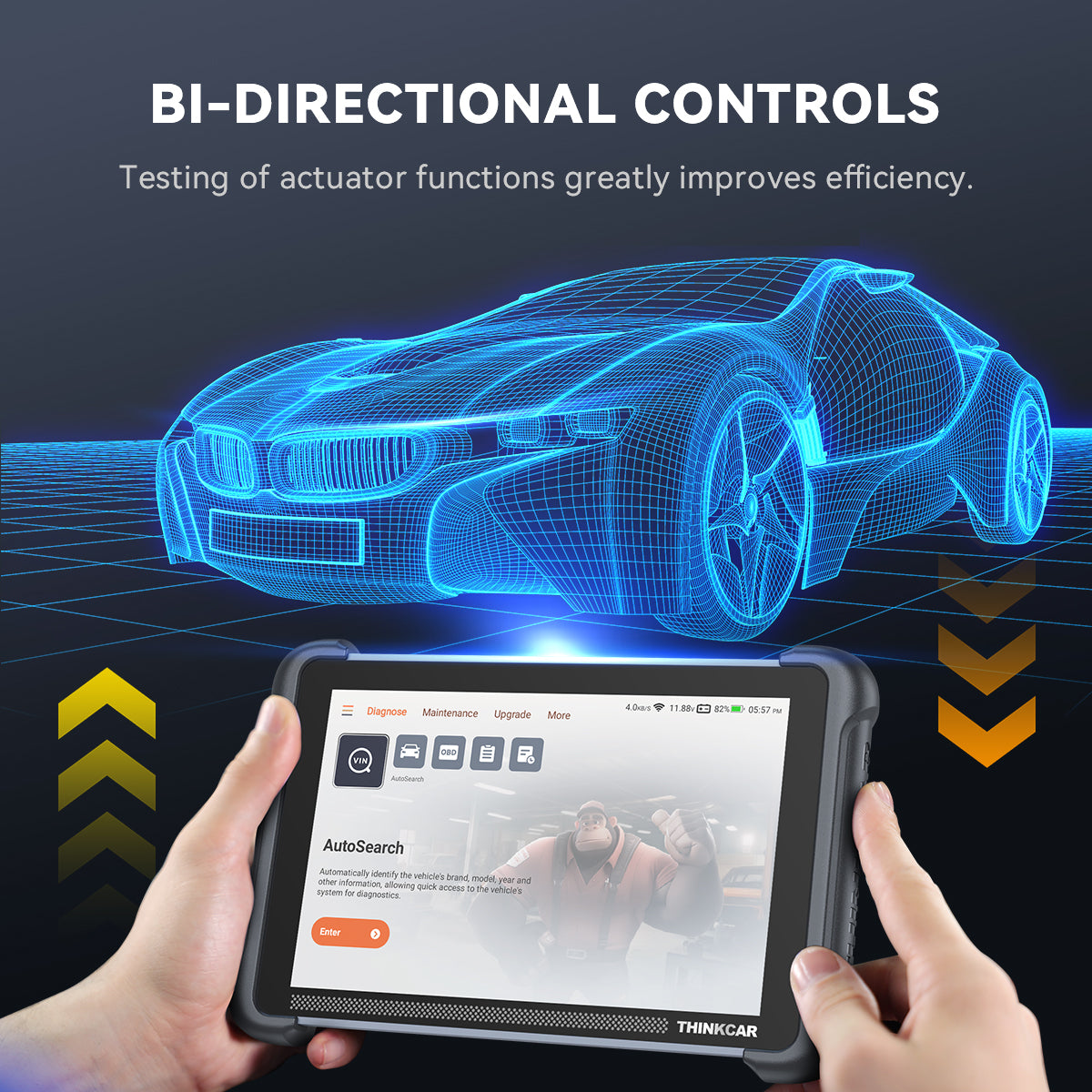
Shop: THINKSCAN 689BT
Scenario Variations
Mobile tech (light kit, fast pairing)
If you work out of a van, prioritize an OBD2 Scanner Bluetooth setup for speed, plus a small tablet unit for the jobs that need graphing and active tests. Standardize one phone/tablet model if possible, because pairing issues often come from inconsistent device settings and battery optimization modes.
Small shop (bidirectional plus resets)
If you run one or two bays, get bidirectional first if your comebacks are actuator-related. Then choose reset depth based on what you sell: brakes and batteries usually justify EPB and battery matching early, while TPMS Service can wait until tire volume proves it.
Used-car lot (quick AutoVIN checks)
For high-throughput recon, focus on fast AutoVIN, quick full scans, and consistent report notes. You want fewer menus and faster "known-good" checks so you can flag ABS/SRS faults early and avoid surprises at sale time.
Euro-heavy or late-model mix (coding and gateway access)
If your mix includes newer platforms that require deeper module work, plan for ECU coding capability and shop processes around gateway access. Tools that support AutoAuth for FCA SGW can reduce dead ends on certain vehicles, but you still need solid battery support and stable updates.
Prerequisites & Safety
Required Tools & Materials
Set your workspace up so the diagnostic session does not fail halfway through.
- Stable vehicle power support (battery maintainer)
- Shop charger for the scan tool
- Shop WiFi for Software Download and updates
- OBD2 port access tools (trim tool, light)
- Common adapters if you service older models
- Work order notes: symptoms, timeline, recent repairs
- VIN and mileage captured before scanning
Safety Considerations
Diagnostics still has real physical risk: fans can kick on, pumps can run, and you may be leaning into engine bays.
- Wear eye protection during under-hood tests because many workplace eye injuries are preventable with proper safety eyewear, according to Prevent Blindness.
- Use eye and face protection when tasks create flying particles or splash risk; OSHA describes requirements and relevant standards for eye and face protection in general industry. According to OSHA, employers must ensure proper eye and face protection when hazards are present.
- Check wheels for any active test that could move components (fans, throttle, EVAP)
- Keep your hands clear of belts and fans during live data checks
- Do not run long sessions on a weak battery; low voltage causes false faults
Trouble shooting
| Problem | Cause | Solution |
|---|---|---|
| No connection | Low vehicle voltage | Connect maintainer, retry |
| Tool reboots mid-scan | Low tool battery | Charge, lower screen brightness |
| Missing functions | Coverage limits | Verify year/make/module support |
| Update fails | WiFi blocks ports | Switch network, reboot router |
| Active test does nothing | Preconditions unmet | Ignition mode, temps, doors |
If an active test fails, do not assume the tool is wrong. First, confirm preconditions: key position, engine state, coolant temperature, and whether the module requires the vehicle to be stationary. Next, re-run the test while watching live data for any change at all, because a partial response can point to wiring or power issues.
Conclusion
Affordable diagnostic tools for repair shops are not about buying the cheapest unit; they are about buying the right capability at the right time. When you start with your weekly job list, confirm protocol coverage, and choose bidirectional only where it removes guesswork, your workflow speeds up, and comebacks drop. Keep updates and support as part of ownership, not an optional extra, and assign one person to maintain the tool.
If you want a clean baseline, start with a ThinkScan Series unit for daily coverage, then step up to a more advanced platform when your billed diagnostics prove the demand.
FAQ
What should a repair shop prioritize first in a diagnostic tool?
Prioritize vehicle coverage, stable connection, and the functions you use weekly. A tool that reliably identifies the vehicle via AutoVIN and accesses key modules will save more time than a long feature list you rarely touch. Next, look for practical service resets you perform often, such as oil reset, EPB, SAS, and battery matching. After that, add bidirectional control if your diagnostics frequently involve actuators, pumps, or solenoids.
How do I decide if I need bidirectional control?
You need bidirectional control if you regularly confirm faults by commanding components on and off. If you often diagnose cooling fans, fuel pumps, EVAP purge, throttle adaptation, or ABS bleed routines, active tests will shorten diagnosis and reduce part swapping. If your shop mostly performs code reading and basic resets, bidirectional may be optional at first. A simple rule is to review your last month of comebacks and see how many would have been solved by a controlled actuator test.
How can I avoid paying unexpected software costs?
Avoid surprises by documenting the update model before you standardize the tool in your shop. Ask whether updates are included, how long they are included, and whether specific functions require separate activation codes or subscriptions. Then assign one person to track renewal dates and keep a screenshot or PDF of what was promised at purchase time. Finally, build a monthly routine where the tool updates during low-traffic hours so you do not delay a diagnosis when a customer is waiting.
What is the difference between code readers and all-system diagnostics?
Code readers typically focus on emissions-related systems and basic fault handling, such as reading and clearing generic and some manufacturer codes. All-system diagnostics expands access to multiple modules, such as ABS, SRS, transmission, and body control, which are where many real drivability and safety problems live. In daily work, that means you can correlate faults across systems instead of chasing one code at a time. If you do more than basic check-engine work, all-system access will usually pay back quickly.
How do I verify that a reset function will work on a specific vehicle?
Verify reset support by checking coverage by year, make, model, and engine, and then cross-checking the exact module involved. Even when a tool lists a function like oil reset or EPB, availability can vary by vehicle configuration and software version. Before you rely on it for a customer job, test the function on an in-house vehicle or a known compatible customer vehicle and record the steps that worked. Also, make sure the vehicle has a stable voltage during the reset, because low voltage can cause the function to fail or be partially completed.
What should I do if a feature works on one car but not another?
Start by confirming the vehicle configuration and module differences, because trims, engine options, and region variants can change module behavior. Next, verify battery voltage and ignition state, since many advanced functions will silently fail if the car is in the wrong key position or the voltage is low. Then update the tool and retry, because newer software can add coverage for specific model years. If the function still fails, run a basic scan and save the module information so you can identify whether the vehicle uses a different protocol or gateway behavior.
Table of Contents
- Introduction
-
How-To Steps
- Step 1: List your weekly diagnostic jobs
- Step 2: Set a realistic price tier (without buying by price)
- Step 3: Choose your base scanner type (tablet vs OBD2 Scanner Bluetooth)
- Step 4: Confirm core coverage and protocols (CAN FD and DOIP)
- Step 5: Decide on bidirectional needs (active tests vs read-only)
- Step 6: Compare update model and support (Free Lifetime Software Updates, terms matter)
- Step 7: Map tools to a shop purchase plan (ThinkScan Series first, then TPMS Service)
- Scenario Variations
- Prerequisites & Safety
- Trouble shooting
- Conclusion
-
FAQ
- What should a repair shop prioritize first in a diagnostic tool?
- How do I decide if I need bidirectional control?
- How can I avoid paying unexpected software costs?
- What is the difference between code readers and all-system diagnostics?
- How do I verify that a reset function will work on a specific vehicle?
- What should I do if a feature works on one car but not another?

Share:
Best Diagnostic Tools for Modern Cars: Bluetooth, AI, and App Support
Top 4 Diagnostic Scanners with Regular Updates for DIY Car Repair: What to Look For