
Need A Tablet Tool Or Bluetooth Flexibility?
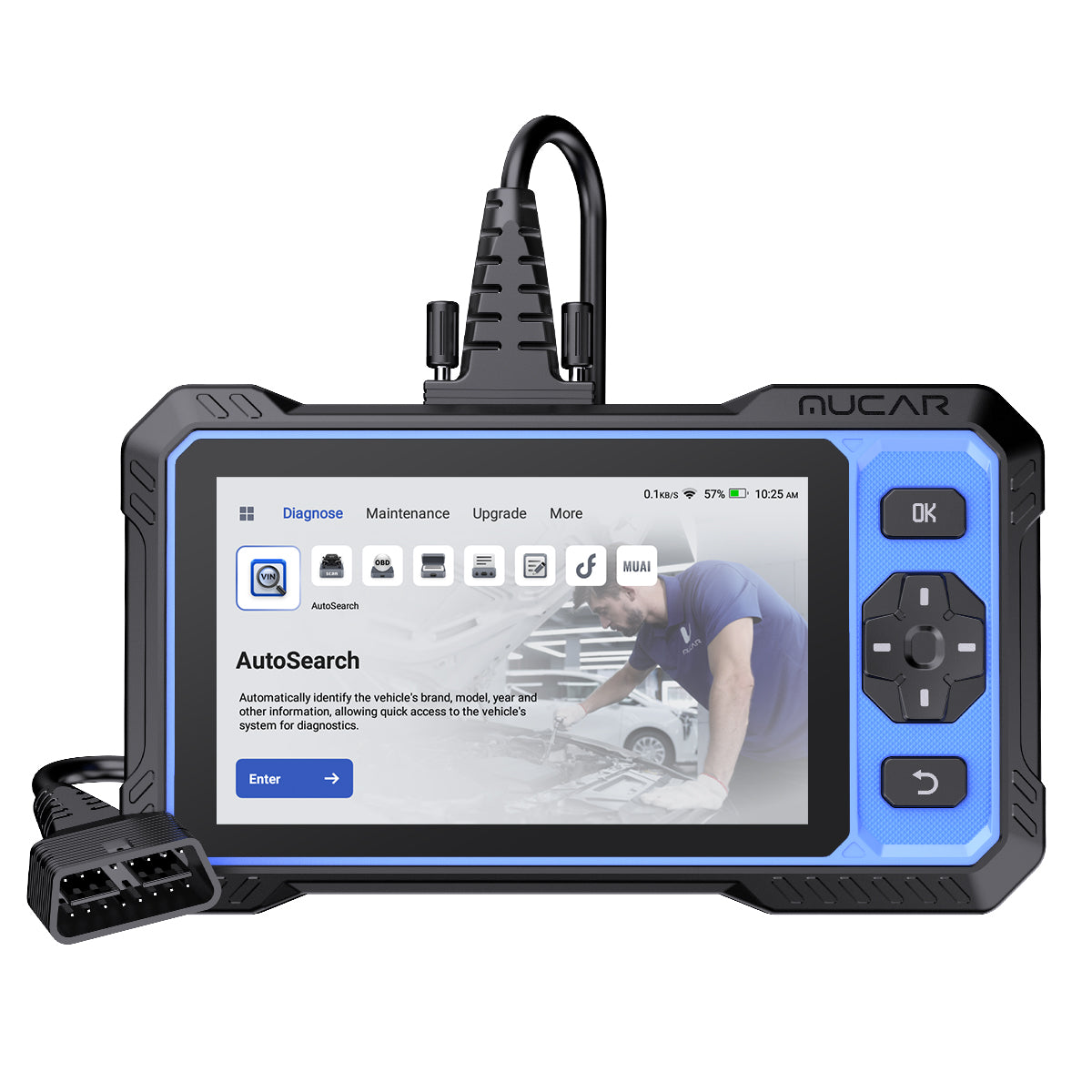
Cheap tools often look the same on a product page, but your daily workflow changes a lot once you start using them in the garage. If you want a Lower-Cost Scan Tool that feels self-contained, the MUCAR 682 is the most tablet-like option in this comparison. It combines full-system diagnostics, bidirectional tests, 20+ reset functions, CAN FD support, FCA AutoAuth, and a 6.2-inch anti-glare touchscreen in one unit. That matters when you are moving around the car, checking live data, and running active tests without balancing your phone on the fender.
By contrast, Bluetooth tools save space and usually feel lighter in daily carry. They rely on your phone for screen size, battery, and app flow, so they suit quick checks and mobile work better than repeated bench-style diagnostics. For context, EPA notes that 1996 and newer passenger vehicles require on-board diagnostic systems, which is why broad protocol and system access matter more than just code reading. If your garage includes newer vehicles, support for modern communication layers also becomes important because CAN FD can carry more data than classic CAN and typically runs at higher bandwidths, according to NI.
Why the hardware style matters before feature lists
Your best Affordable Diagnostic Scanner choice starts with how you like to diagnose, not with marketing bullets. A dedicated tablet-style scanner is easier when you do repeated weekend repairs, need a stable screen, or want fewer connection steps. A Bluetooth dongle makes more sense if you scan several cars casually, keep tools in a small bag, or want to use a screen you already trust.
Here is the short version:
- Choose a tablet tool if you want fewer setup steps.
- Choose Bluetooth if portability matters more than all-in-one convenience.
- Choose a bidirectional model if you test components, not just read codes.
- Choose CAN FD support if you work on newer vehicles.
Is THINKDIAG 2 The Leanest Value Pick?
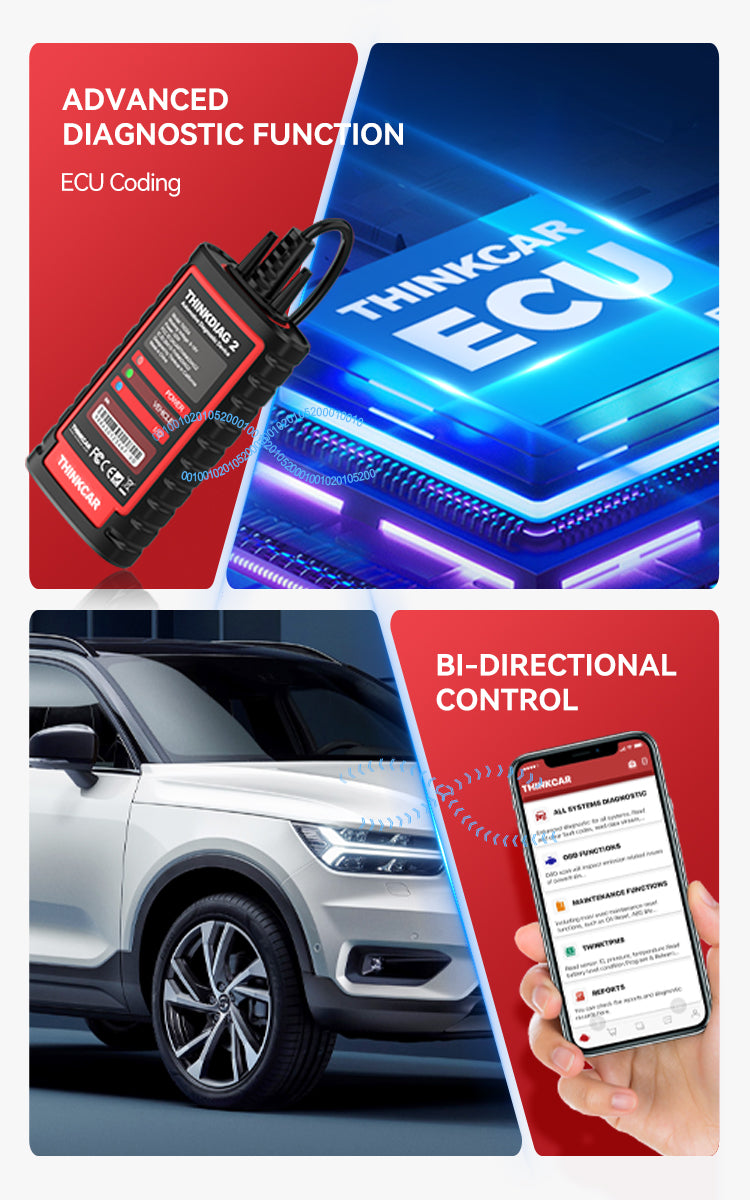
Yes, if your goal is maximum function in the smallest package, THINKDIAG 2 is the leanest value pick in this lineup. The THINKDIAG 2 is a Bluetooth dongle that lists CAN-FD support, ECU coding, bidirectional or active tests, full-system diagnostics, Auto VIN, IMMO key matching, and 15+ maintenance functions. That is a strong spec set for a compact device you can leave in a glove box or toolbox, especially if you want a Best Budget Car Scanner feel without jumping to a dedicated tablet.
Still, there is a tradeoff you should notice early. THINKDIAG 2 depends on an app workflow, so your experience will vary with your phone size, battery life, and connection habits. The product page also references a 1-year software subscription path in the THINKDIAG 2 ecosystem, so long-term value can depend on how you plan to use updates over time. In plain terms, it is a very capable small tool, but it asks you to stay comfortable with a phone-first setup and to pay attention to software terms before you commit.
Where THINKDIAG 2 fits best
This tool is easiest to recommend when your garage needs are real but your repair sessions are not constant. It works well for mobile buyers who want to scan multiple family vehicles, clear faults after repairs, run active tests, and still keep the hardware footprint tiny. It is less ideal if you hate using your phone as a shop screen or want a more appliance-like experience.
A good fit looks like this:
- You want a compact Bidirectional Scan Tool.
- You value ECU coding access at this tier.
- You prefer using your own phone or tablet.
- You care more about portability than a built-in display.
Shop: THINKDIAG 2
MUCAR BT200 MAX Brings Portable Convenience
If THINKDIAG 2 is the lean value play, the MUCAR BT200 MAX is the easy-carry option for everyday troubleshooting. It is another Bluetooth scanner, but its pitch is more convenience-focused: AI-powered diagnostics, bidirectional control, 15+ maintenance resets, and free lifetime updates. The page also claims 3000+ bidirectional commands and highlights common actuation tests such as windows, mirrors, wipers, headlights, EVAP, injectors, A/C clutches, ABS pumps, and cooling fans.
That makes BT200 MAX appealing if you want a modern Affordable Diagnostic Scanner for home use without stepping up to tablet bulk. You plug in the dongle, use your phone, and get broad enough depth for common diagnosis and maintenance routines. The limit is obvious, though: all of that convenience still depends on your phone. If you spend long sessions graphing data, comparing modules, or moving between service menus, the smaller-screen workflow can slow you down compared with a dedicated device.
Why BT200 MAX feels different from THINKDIAG 2
The overlap is real, but the user experience is not identical. BT200 MAX leans harder into guided help and low-friction ownership with free lifetime updates listed on the page. THINKDIAG 2 leans more toward coding-focused value and broader “power in a dongle” appeal. So if you want a more everyday, home-garage style Full System OBD2 Scanner, BT200 MAX may feel simpler even if both tools cover similar core jobs.
Shop: MUCAR BT200 MAX
Which One Delivers More Diagnostic Depth?
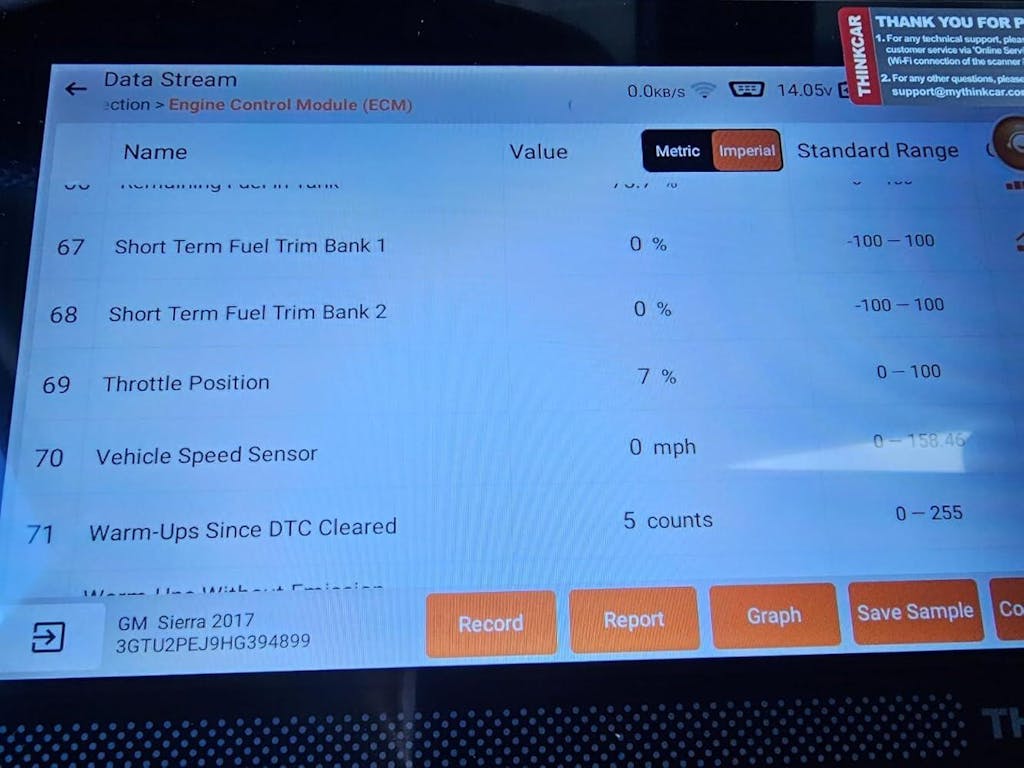
The short answer is that all three tools go beyond basic code reading, but they do not feel equally deep in real use. MUCAR 682 gives you the most complete hardware-and-feature package. THINKDIAG 2 gives you the broadest feature density in the smallest form. MUCAR BT200 MAX sits in the middle as a convenient Bluetooth model that still covers active testing and resets well.
| Dimension | MUCAR 682 | THINKDIAG 2 | MUCAR BT200 MAX |
|---|---|---|---|
| Form factor | Dedicated tablet | Bluetooth dongle | Bluetooth dongle |
| Display | 6.2-inch touchscreen | Phone-dependent | Phone-dependent |
| Full-system diagnostics | Yes | Yes | Yes |
| Bidirectional tests | Yes | Yes | Yes |
| Reset functions | 20+ | 15+ | 15+ |
| ECU coding | Not emphasized here | Yes | Not emphasized here |
| CAN FD support | Yes | Yes | Not stated here |
| FCA access | Yes | Not stated here | Not stated here |
| Update model | Lifetime free updates | Check software terms | Lifetime free updates |
| Best fit | Frequent repairs | Lowest entry path | Portable home use |
| Limitations | Bulkier than dongles | App and subscription caveat | Phone-dependent workflow |
Full-System Coverage Matters Most
If you are comparing lower-cost tools seriously, full-system access matters more than the color of the case or the wording on the box. A Scan Tool Comparison should start with whether the device can reach more than engine codes. MUCAR 682 explicitly lists full systems diagnostics and full OBD2 functions, backed by a 125+ brand diagnostic database on its product page. THINKDIAG 2 also lists full-system diagnostic coverage, while BT200 MAX positions itself as more than a simple code reader by pairing full maintenance support with advanced actuation capability.
In practice, full-system coverage means you can move beyond powertrain faults and inspect modules such as ABS, airbag, body, steering, and other vehicle systems when the car supports them. That does not mean every make, model, and year gets identical depth, so coverage checking is still part of the buying process. Yet as a category decision, all three are closer to a real Full System OBD2 Scanner than to an entry code reader.
Can You Run Active Tests Easily?
This is where the workflow gap gets clearer. MUCAR 682 pairs bidirectional testing with a built-in 6.2-inch anti-glare touchscreen, so active testing is more direct when you are jumping between commands and results. On newer cars, that matters because diagnostics are increasingly tied to broader electronic networks, and NI notes that high-speed CAN is required in model year 2008 and later OBD-II vehicles sold in the United States.
The Bluetooth models still offer real active-test value. THINKDIAG 2 lists bidirectional or active test support plus ECU coding, while BT200 MAX lists 3000+ bidirectional commands across common components. So the question is less “can they do it?” and more “how often do you want to do it on a phone?” If you run active tests often, MUCAR 682 is easier. If you run them occasionally, either Bluetooth model can still do the job well.
Reset Functions Or Coding Access?
This is one of the clearest split points in the article brief, and it is worth following closely. THINKDIAG 2 highlights ECU coding plus 15+ maintenance functions, including ABS bleeding, battery matching, gearbox relearn, brake reset, EGR adaptation, electric throttle relearn, injector coding, oil reset, steering angle reset, TPMS reset, and more. That makes it the stronger pick if coding-related flexibility matters more to you than a built-in screen.
MUCAR 682 goes in a different direction by emphasizing 20+ reset functions alongside bidirectional testing and a self-contained interface. BT200 MAX lists 15+ critical maintenance resets and pairs those with AI-guided support. So the Best Fit depends on your repair style: THINKDIAG 2 for coding-heavy value, MUCAR 682 for broader all-in-one service work, and BT200 MAX for routine home troubleshooting with guided convenience.
Newer Vehicle Protocol Support
For many buyers, this is the feature that quietly decides whether a tool still feels useful two years later. MUCAR 682 explicitly lists CAN FD and FCA AutoAuth support. THINKDIAG 2 explicitly lists CAN-FD support as well. That matters because newer vehicles can demand newer transport layers, larger data payloads, and secure access workflows. According to NI, CAN FD typically raises payload size from 8 bytes to as much as 64 bytes per frame and commonly runs at 2 or 5 Mbit/s, which helps modern diagnostic and update traffic.
BT200 MAX is still capable on daily DIY work, but the product page details surfaced here emphasize AI help, lifetime updates, resets, and bidirectional functions more than protocol callouts. If your garage includes late-model vehicles or you plan to keep the tool for a long time, the safer route is to put CAN FD support near the top of your checklist rather than assuming every Bluetooth scanner handles it the same way.
What Do You Really Get For The Price?
You do not need the cheapest box. You need the tool that avoids a second purchase six months later. That is the real lesson in any Lower-Cost Scan Tools comparison. A lower entry cost can still be expensive if the workflow annoys you, the updates become unclear, or the vehicle support falls short once you move to a newer car.
Hardware Experience Changes Daily Use
MUCAR 682 gives you the most direct hardware advantage with its 6.2-inch touchscreen, 1024×600 resolution, 4150 mAh battery, and 9 to 18 V working voltage range. In daily use, that means no need to pair a phone, no incoming-call interruptions, and less setup friction. If you diagnose often, that convenience becomes a practical value, not a luxury.
Bluetooth tools flip that equation. THINKDIAG 2 and BT200 MAX save space and stay easy to carry, but their comfort depends on your phone mount, battery, and screen size. That is fine for quick scans, driveway checks, and one-car households. It becomes less comfortable when you are doing repeated module tests over a long afternoon.
Update Costs Can Shift Value
This is where two tools in this group stand out. MUCAR 682 lists lifetime free updates with monthly software and vehicle coverage expansions, and BT200 MAX also lists free lifetime updates with monthly additions. That is an important ownership detail because a budget tool can age fast if the software does not keep up with new vehicle coverage.
THINKDIAG 2 remains attractive, but its ecosystem language makes update policy a bigger thing to verify before buying. In other words, you should not compare these tools only by first impression. You should compare how stable the total ownership experience feels over two or three years of use.
Entry Cost Versus Ongoing Cost
The best way to think about value is simple:
- THINKDIAG 2 gives you the smallest-hardware path to advanced functions.
- MUCAR 682 gives you the strongest all-in-one ownership package.
- MUCAR BT200 MAX gives you portable convenience with lighter long-term update anxiety.
So if you are shopping for a Best Budget Car Scanner, do not treat “budget” as “lowest first spend.” Treat it as “fewest compromises for your actual workflow.” That mindset usually leads to a better choice.
Best Fit By Garage Scenario
A good Scan Tool Comparison should end with a decision you can actually use. Instead of picking one model for everyone, match each tool to the way you repair.
One Tool For Frequent Weekend Repairs
Best Fit: MUCAR 682. You get the dedicated screen, full-system diagnostics, bidirectional tests, 20+ resets, CAN FD support, FCA AutoAuth, and lifetime free updates in one box. If your garage time is regular and you want fewer setup steps, this is the easiest tool to live with week after week.
Shop: MUCAR 682
Lowest Entry Price With Strong Features
Best Fit: THINKDIAG 2. It is the leanest way to get CAN-FD support, ECU coding, active tests, full-system diagnostics, and 15+ maintenance functions in a very portable form. Choose it if you are comfortable with an app-first workflow and you want strong function density in a tiny package.
Shop: THINKDIAG 2
Portable Diagnostics Without Tablet Bulk
Best Fit: MUCAR BT200 MAX. It keeps the Bluetooth convenience, adds AI-guided help, includes 15+ maintenance resets, and lists free lifetime updates. If your priority is everyday home troubleshooting with minimal hardware bulk, it is the easiest tool in this comparison to carry and keep ready.
Shop: MUCAR BT200 MAX
Conclusion
Match form factor first, then compare depth. That is the clearest takeaway from this internal Scan Tool Comparison. MUCAR 682 is the best fit if you want a self-contained tablet-style Bidirectional Scan Tool for frequent repairs. THINKDIAG 2 is the best fit if you want the leanest value and do not mind a phone-based workflow. MUCAR BT200 MAX is the best fit if you want portable diagnostics without tablet bulk and with simpler long-term update value.
Before you buy, compare your vehicle years, confirm whether CAN FD matters for your garage, and decide how often you actually run active tests. If you want the most complete one-tool setup, start with MUCAR 682. If portability matters more, compare THINKDIAG 2 and MUCAR BT200 MAX side by side.
FAQ
What Features Matter Most In A Lower-Cost Scan Tool?
The most important features are vehicle coverage, full-system access, bidirectional testing, maintenance resets, and update policy. A tool that only reads engine codes may feel cheap at first, but it quickly becomes limiting when ABS, airbag, battery, or body modules need attention. If you own newer vehicles, check for CAN FD support and any gateway-access features before buying. Also compare whether the tool uses a built-in screen or your phone, because that changes daily usability more than many buyers expect.
Is A Bluetooth Scan Tool Less Capable Than A Tablet Scanner?
No, a Bluetooth scan tool is not automatically less capable than a tablet scanner. Capability depends on software access, protocol support, module depth, and whether the tool includes features like active tests, coding, and resets. In this group, Bluetooth models still offer full-system diagnostics and bidirectional control. The biggest difference is workflow: a tablet is usually easier for repeated, longer diagnostic sessions, while Bluetooth wins on portability.
When Do Bidirectional Tests Actually Matter?
Bidirectional tests matter when you need to command parts directly instead of only reading fault codes. For example, you may want to switch on a cooling fan, trigger an EVAP purge valve, cycle an ABS pump, or command windows and wipers to confirm whether the component responds. That shortens troubleshooting because you can separate wiring, control, and hardware faults more quickly. If you only check emissions codes once in a while, bidirectional functions may be helpful but not essential.
How Important Are Free Updates For Budget Buyers?
Free updates are very important because they affect long-term ownership cost and future vehicle compatibility. A scanner can feel powerful today but lose value later if new vehicle support or service functions stop improving. Monthly or regular update expansion is especially useful if your household includes mixed vehicle ages or if you plan to keep the tool for several years. When comparing tools, always check whether updates are lifetime, time-limited, or tied to software subscriptions.
Do Full-System Diagnostics Mean The Same Thing On Every Tool?
No, full-system diagnostics do not mean exactly the same thing on every tool. Two scanners may both claim all-system access, but one can have deeper module communication, more special functions, or better support on certain makes and model years. That is why checking coverage by your exact vehicles is still necessary. As a rule, headline claims get you into the right category, but coverage details decide how useful the tool will be in your garage.
How Should I Choose Between Multiple Tools From One Brand?
Start with repair frequency, preferred workflow, and the age mix of your vehicles. If you diagnose often and want fewer setup steps, a dedicated tablet-style tool is usually the easiest to live with. If you value portability and lower hardware bulk, a Bluetooth model may fit better. After that, compare reset count, coding access, update terms, and protocol support against the jobs you actually do most often.
Table of Contents
- Need A Tablet Tool Or Bluetooth Flexibility?
- Is THINKDIAG 2 The Leanest Value Pick?
- MUCAR BT200 MAX Brings Portable Convenience
- Which One Delivers More Diagnostic Depth?
- What Do You Really Get For The Price?
- Best Fit By Garage Scenario
- Conclusion
-
FAQ
- What Features Matter Most In A Lower-Cost Scan Tool?
- Is A Bluetooth Scan Tool Less Capable Than A Tablet Scanner?
- When Do Bidirectional Tests Actually Matter?
- How Important Are Free Updates For Budget Buyers?
- Do Full-System Diagnostics Mean The Same Thing On Every Tool?
- How Should I Choose Between Multiple Tools From One Brand?

Share:
The Ultimate Guide to Smartphone Scan Tools for Serious DIY and AI-Guided Diagnostics
Selecting Diagnostic Tools for Mobile Repair: What to Look for in Bidirectional Control, Report Sharing, and Software Updates